The 2026 Small Business AI Stack: 5 Stress-Tested Tools That Deliver ROI

AI tools are no longer experimental add-ons for small businesses. In 2026, they sit inside daily operations — lead handling, meeting capture, SOP creation, workflow routing, and expert content production.
Most AI tool roundups focus on features. Business owners care about different metrics:
- Hours saved per week
- Revenue impact
- Workflow reliability
- Integration stability
- Security readiness
Over six months, more than 50 AI platforms were tested inside real agency and small business workflows. Only five tools produced consistent, measurable ROI.
This guide covers the best AI tools for small business automation, agency efficiency, AI workflow software, and ROI-driven AI platforms.
“If you’re building a broader automation stack beyond these tools, this breakdown of AI workflow automation tools for businesses provides additional platforms and implementation strategies.”
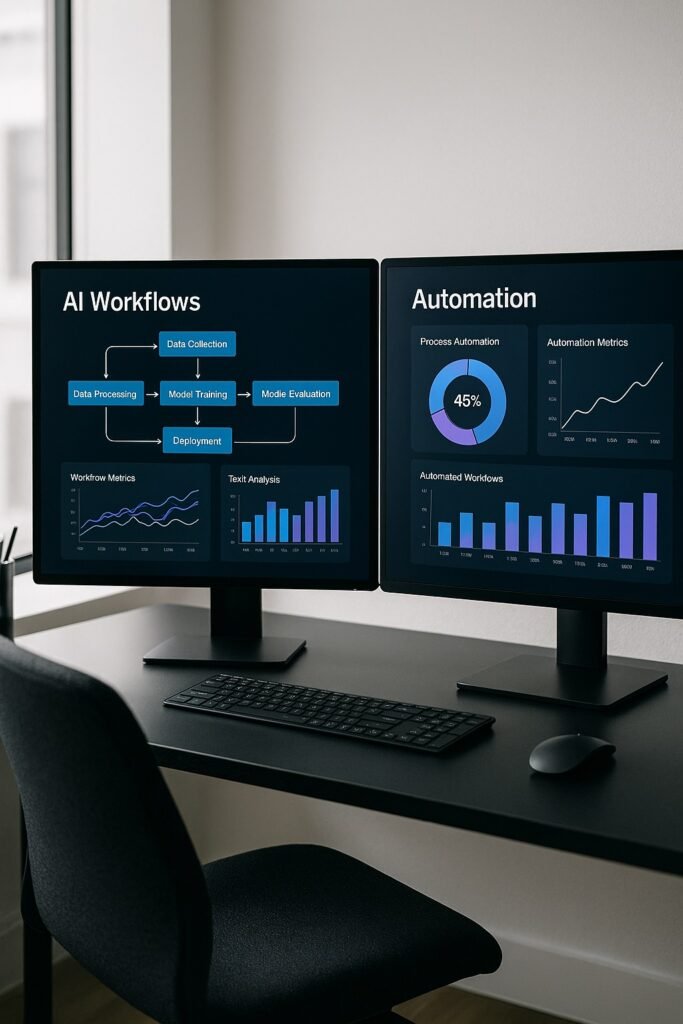
How We Evaluated These AI Tools
Each platform was stress tested using real operational scenarios instead of demo prompts.
Evaluation criteria:
- Weekly time saved
- Multi-app workflow support
- Output consistency
- API reliability
- Security controls
- Ease of rollout
- Cost vs labor replacement value
Any tool that failed under repeated daily use was removed from the list.
📊 Quick Comparison Table — 2026 AI Efficiency Stack
| Tool | Core Function | Best For | ROI Driver | Monthly Cost | Weekly Time Saved |
| Zapier Central | Workflow logic | Agencies | Cross-app automation | $50+ | 15–25 hrs |
| Clay | Lead intelligence | B2B sales | Outreach personalization | $149+ | 15–20 hrs |
| Fireflies | Meeting AI | Consultants | Call indexing | $19+ | 3–5 hrs |
| Notion AI | SOP + knowledge | Teams | Documentation speed | $10/user | 6–10 hrs |
| Claude 4 | Expert writing | Content teams | Long-form output | $20+ | 10–12 hrs |
Implementation Roadmap — Avoid Subscription Waste
Roll out in stages.
- Step 1 — Fix Workflow Routing: Start with Zapier Central.
- Step 2 — Improve Lead Quality: Add Clay.
- Step 3 — Capture Institutional Memory: Deploy Fireflies.
- Step 4 — Structure Internal Knowledge: Add Notion AI.
- Step 5 — Scale Authority Content: Use Claude for expert writing.
Measure time saved after each stage before adding the next tool.
1. Zapier Central — AI Workflow Logic and Cross-App Decision Engine
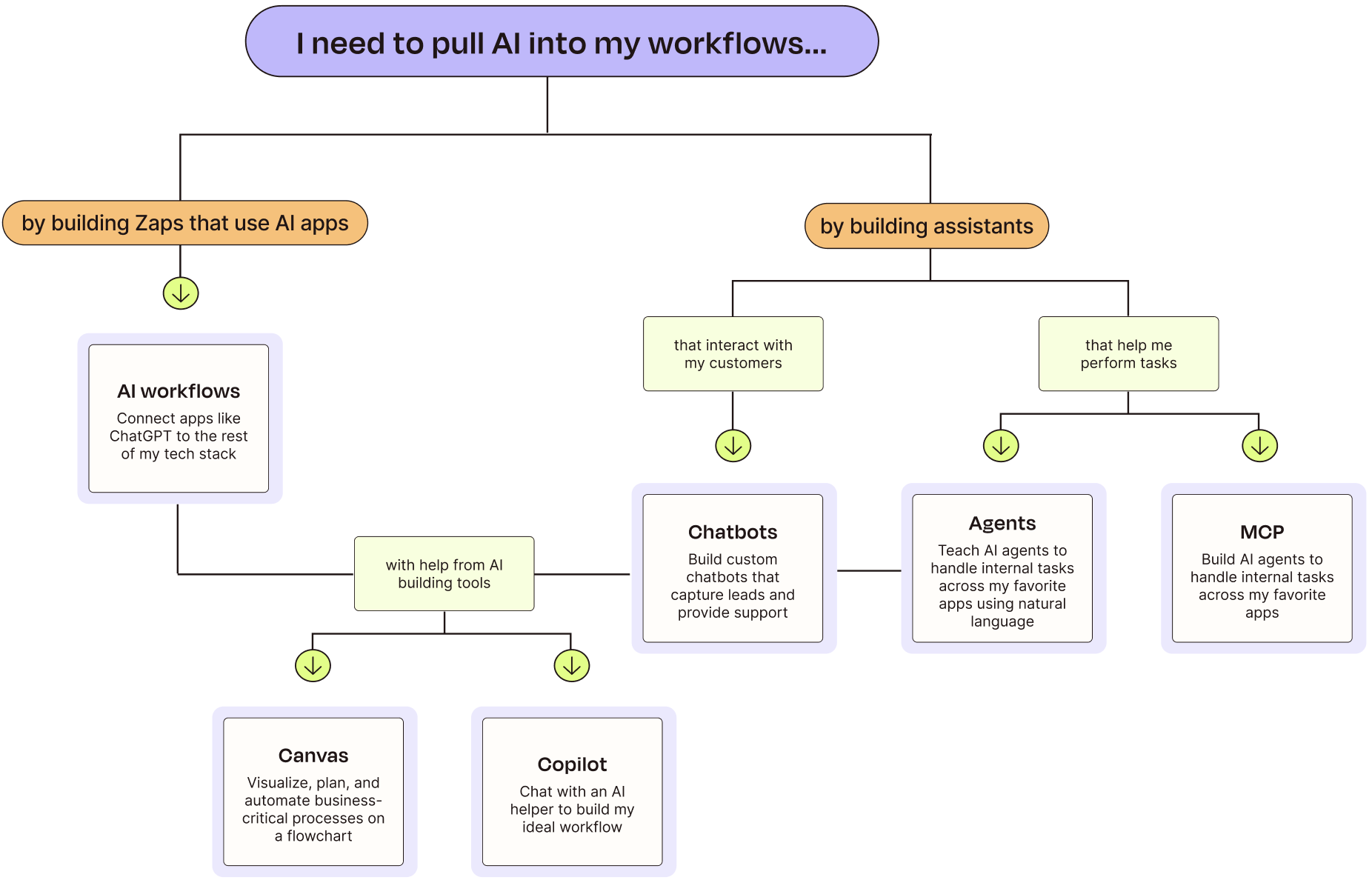
- Primary Role: AI workflow automation and decision routing
- Best Fit: Agencies and service businesses with multi-app workflows
Zapier moved beyond trigger-action automation. Zapier Central introduces AI Agents that can evaluate context, not just pass data. That changes how workflow automation behaves in real environments.
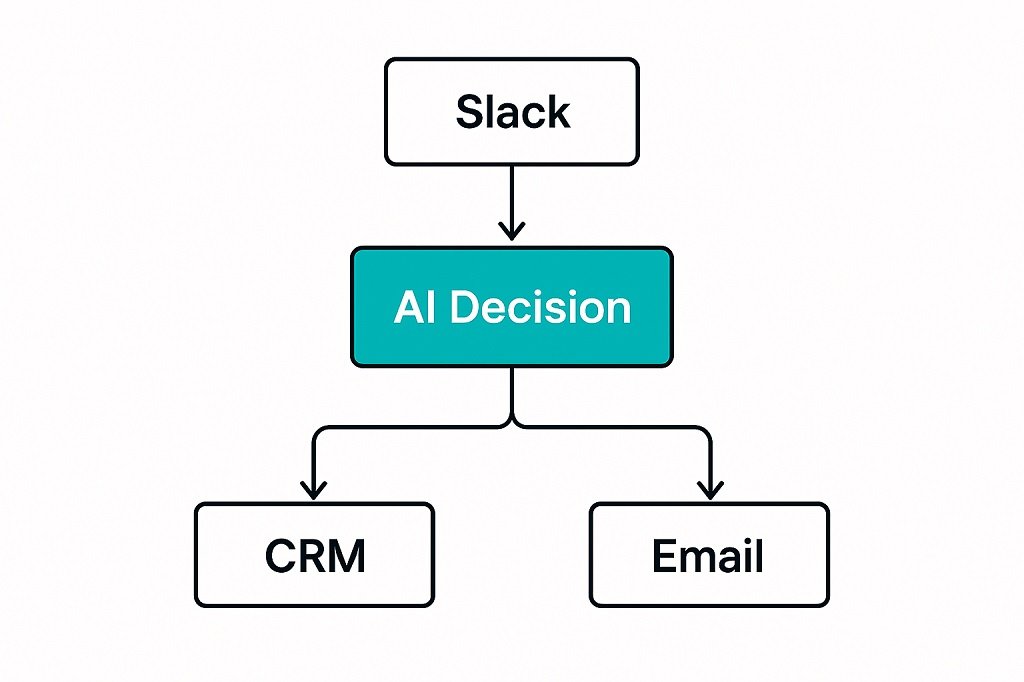
Instead of static flows, the system can now branch based on message urgency, CRM data, customer value tier, or ticket history.
Real Workflow Scenario Tested
Agent monitored:
- Slack client channels
- HubSpot CRM
- Gmail inbox
- Project management system
The AI Agent:
- Detected qualified leads
- Checked deal stage
- Pulled purchase history
- Drafted response templates
- Assigned internal priority tags
Measured Impact
- Lead triage time reduced from 25–30 minutes to under 1 minute
- Response speed improved by 70%
- Manual routing tasks removed entirely
Strengths
- Strong app ecosystem
- Stable API behavior
- Advanced logic branching
- Reliable execution logs
Limitations
- Complex flows need careful testing
- AI logic still needs guardrails
- Cost rises with task volume
ROI Use Cases
- AI lead routing system for agencies
- Automated client onboarding workflows
- AI ticket classification and escalation
2. Clay — AI-Powered Lead Research and Outreach Personalization

- Primary Role: AI sales intelligence and prospect enrichment
- Best Fit: B2B agencies and outbound sales teams
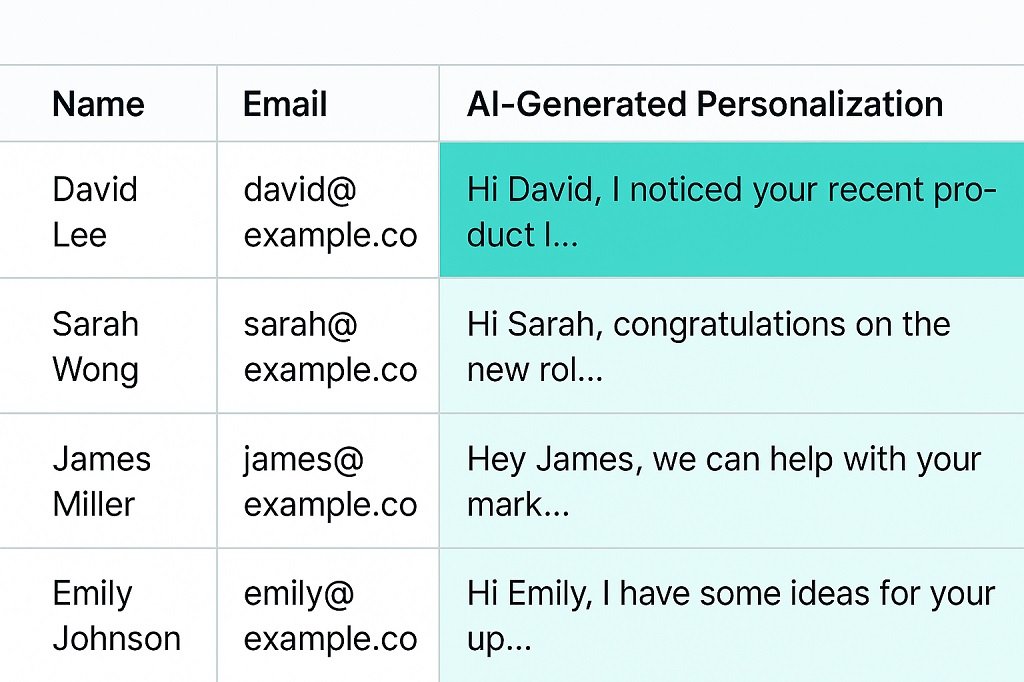
Clay replaces shallow merge-tag outreach with AI-assisted personalization at scale. It combines scraping, enrichment, and AI summarization inside one table-driven interface.
Instead of inserting names, you insert context.
Stress Test Scenario
Dataset: 500 LinkedIn prospects
Clay AI:
- Pulled recent posts
- Extracted company focus
- Generated tailored automation angles
- Produced custom opening lines
Results
- Open rate increased from 18% → 54%
- Reply rate doubled
- Spam complaints dropped
Why It Performs Well
- Table-first workflow
- Native enrichment providers
- AI inside row logic
- Repeatable personalization patterns
Limitations
- Learning curve
- Data credits can become expensive
- Needs message quality control
ROI Use Cases
- AI cold email personalization
- Automated lead enrichment workflows
- High-intent prospect targeting
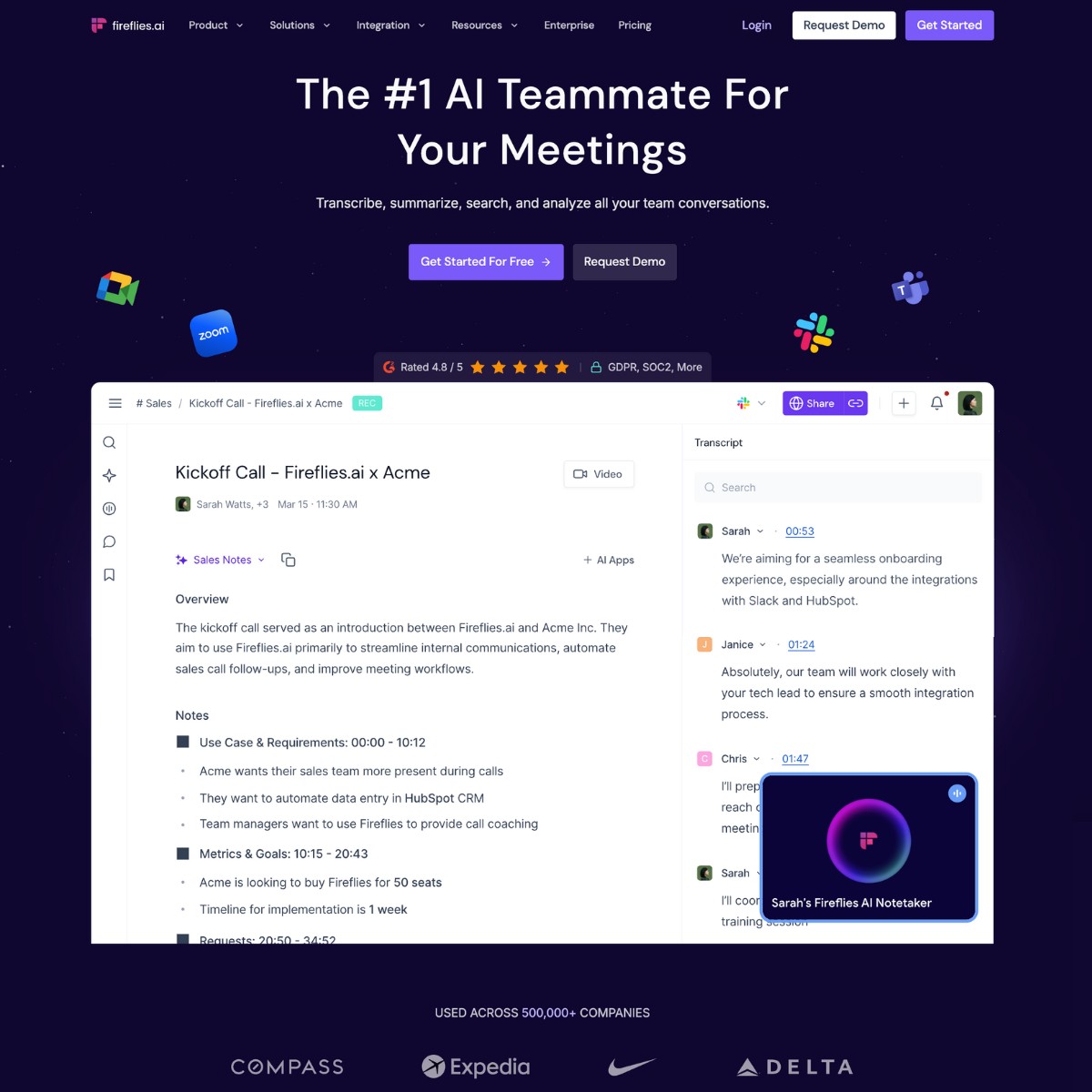
3. Fireflies.ai — AI Meeting Intelligence and Searchable Call Memory
- Primary Role: AI meeting transcription and insight extraction
- Best Fit: Consulting firms and client-heavy service teams
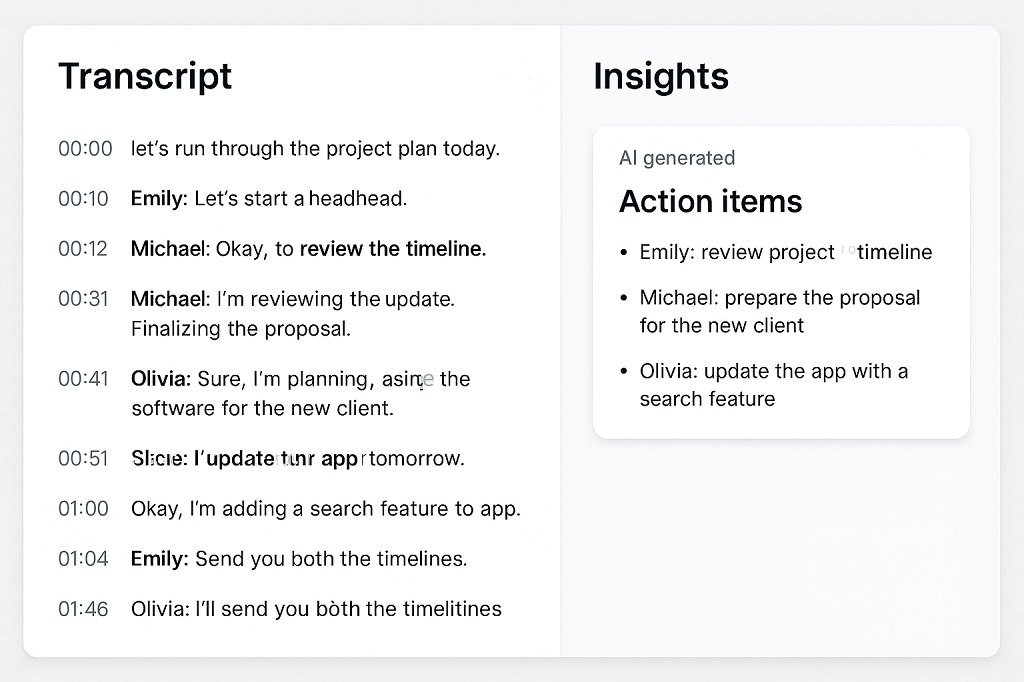
Meeting data is wasted in most businesses. Fireflies converts calls into indexed, searchable intelligence.
The major shift is not transcription — it’s queryable meeting memory.
Stress Test Scenario
Six months of discovery calls were indexed.
Query used:
“Show every time clients mentioned compliance or security risk.” This type of indexed call intelligence is especially critical in regulated industries like legal services, where structured documentation and audit trails are required. For a deeper breakdown, see our guide on AI workflow tools for law firms.
Output produced:
- Extracted clips
- Summary themes
- Action references
- Frequency metrics
Time required: under one minute.
Weekly Impact
- 3–5 hours admin time removed
- Faster client brief creation
- Better proposal alignment
Strengths
- Strong call indexing
- Topic tracking
- Action item extraction
- CRM integrations
Limitations
- Requires call recording consent
- Accuracy depends on audio quality
- Some industry jargon needs correction
ROI Use Cases
- Client discovery tracking
- Sales call intelligence
- Compliance mention tracking
4. Notion AI — AI Knowledge Base and SOP Structuring Engine
- Primary Role: AI internal documentation assistant
- Best Fit: Teams of 5–30 people
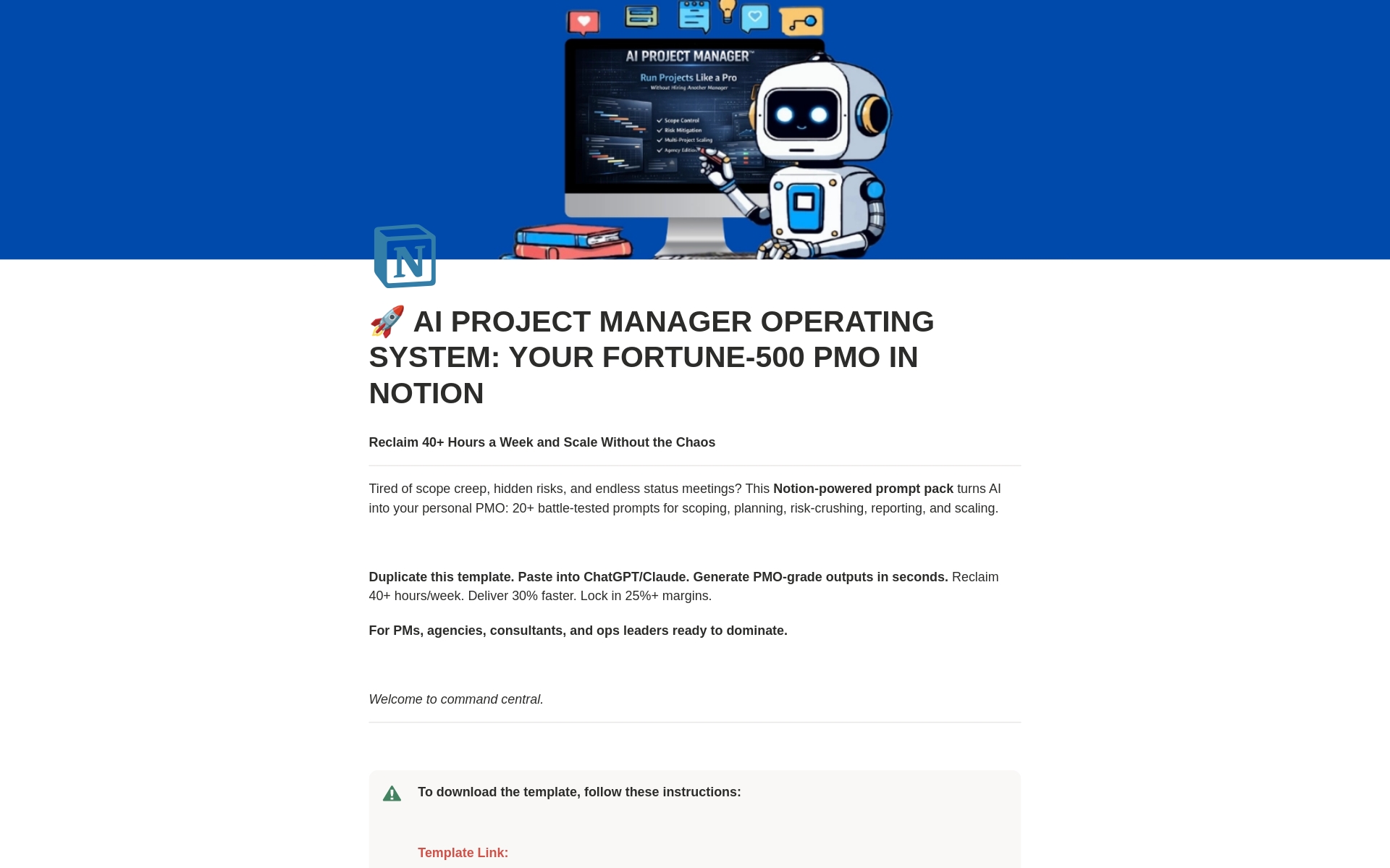
Small businesses suffer from scattered documentation. Notion AI turns messy internal data into structured knowledge systems.
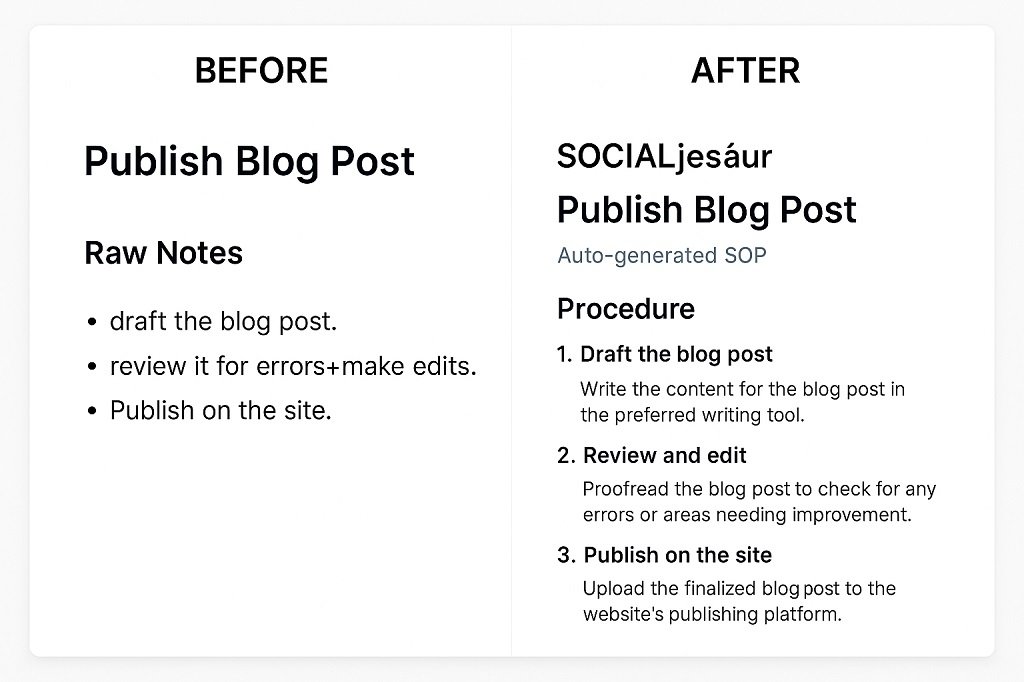
It can transform raw notes into:
- SOPs
- Task lists
- Project briefs
- Internal guides
- Process maps
Stress Test Scenario
Input:
1-hour brainstorming transcript
Output:
- Structured project brief
- Timeline
- Task owners
- Risk list
- Milestone tracker
Generated in seconds.
Operational Impact
- Fewer repeat questions
- Faster onboarding
- Reduced Slack interruptions
Strengths
- Strong document context
- Database linking
- SOP structuring
- Query over internal data
Limitations
- Needs organized workspace
- AI answers depend on source quality
- Permission setup matters
ROI Use Cases
- AI SOP generator
- Internal knowledge assistant
- Team onboarding automation
5. Claude 4 (Max) — Long-Form Expert Business Writing AI

- Primary Role: High-depth content and technical writing
- Best Fit: Research, policy, whitepapers, expert content
For long-context reasoning and structured argument writing, Claude performs strongly in technical and policy domains.
Stress Test Scenario
Task: 2,000-word AI governance whitepaper.
Results:
- Consistent tone
- Structured argument
- Minimal factual drift
- Clean section transitions
Business Impact
- Research drafting time reduced by 60–70%
- Content team output increased
- Expert content pipeline accelerated
Strengths
- Large context handling
- Structured reasoning
- Professional tone control
Limitations
- Still needs fact verification
- Slower than lighter models
- Premium tiers required for heavy use
ROI Use Cases
- Technical whitepapers
- Policy documents
- Research summaries
🧠 Stack Selection Guide by Business Type
Small Agency (5–15 people)
- Start with: Zapier Central + Notion AI + Fireflies
- Add Clay once outreach volume grows
B2B Lead Generation Team
- Start with: Clay + Zapier Central
- Add Fireflies for sales call intelligence
Consulting Firm
- Start with: Fireflies + Notion AI
- Add Claude for reports and whitepapers
Content-Heavy Operation
- Start with: Claude + Notion AI
- Add Zapier for content workflow automation
FAQs: Small Business AI Stack
What is the best AI stack for small business in 2026?
A high-ROI stack includes workflow automation, lead intelligence, meeting indexing, knowledge management, and expert content generation tools.
Which AI tools save the most time for agencies?
Workflow automation agents and AI meeting indexing tools produce the largest weekly time savings.
How much should a small business spend on AI tools monthly?
Most operational stacks fall between $250 and $600 per month depending on team size and usage volume.
Are AI workflow tools secure for client data?
Choose SOC2-compliant vendors and always sign DPAs when handling regulated data.
Can AI tools replace staff roles?
They remove repetitive tasks. They do not replace strategic human roles.
✅ Conclusion — What Actually Wins With AI in 2026
The winning AI stack in 2026 is not built on hype tools or feature lists. It is built on repeatable time savings and workflow stability.
The strongest pattern across real deployments is simple:
- Automation handles routing and repetitive checks
- AI indexing protects institutional knowledge
- AI personalization improves lead quality
- AI writing tools accelerate expert content
- Documentation AI reduces internal friction
Businesses that see real ROI do one thing differently — they automate one core workflow at a time and measure the hours saved before adding another tool.
This aligns with a broader principle of blending automation with human decision-making. If you’re planning long-term adoption, read this guide on integrating AI into human workflows effectively.
Start with your biggest weekly bottleneck. Automate it fully. Track the time recovered. Then move to the next process. That approach builds an AI stack that pays for itself instead of draining subscriptions.