Best Asset Management Workflow Software for 2026 (Top Tools for Automation & Tracking)

Managing business assets manually can quickly become overwhelming. Companies often track equipment, IT assets, digital files, and operational resources across multiple departments. Without a proper system, asset records become outdated, approvals slow down, and teams lose visibility into where assets are being used.
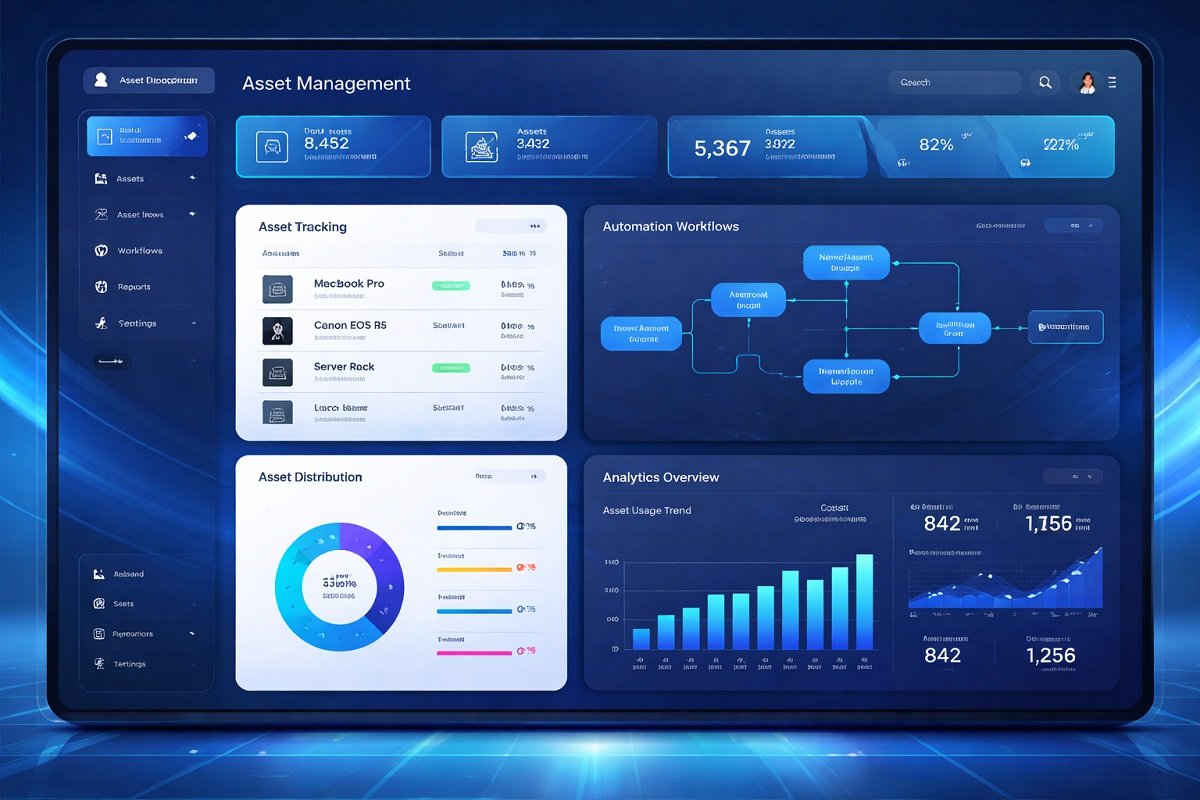
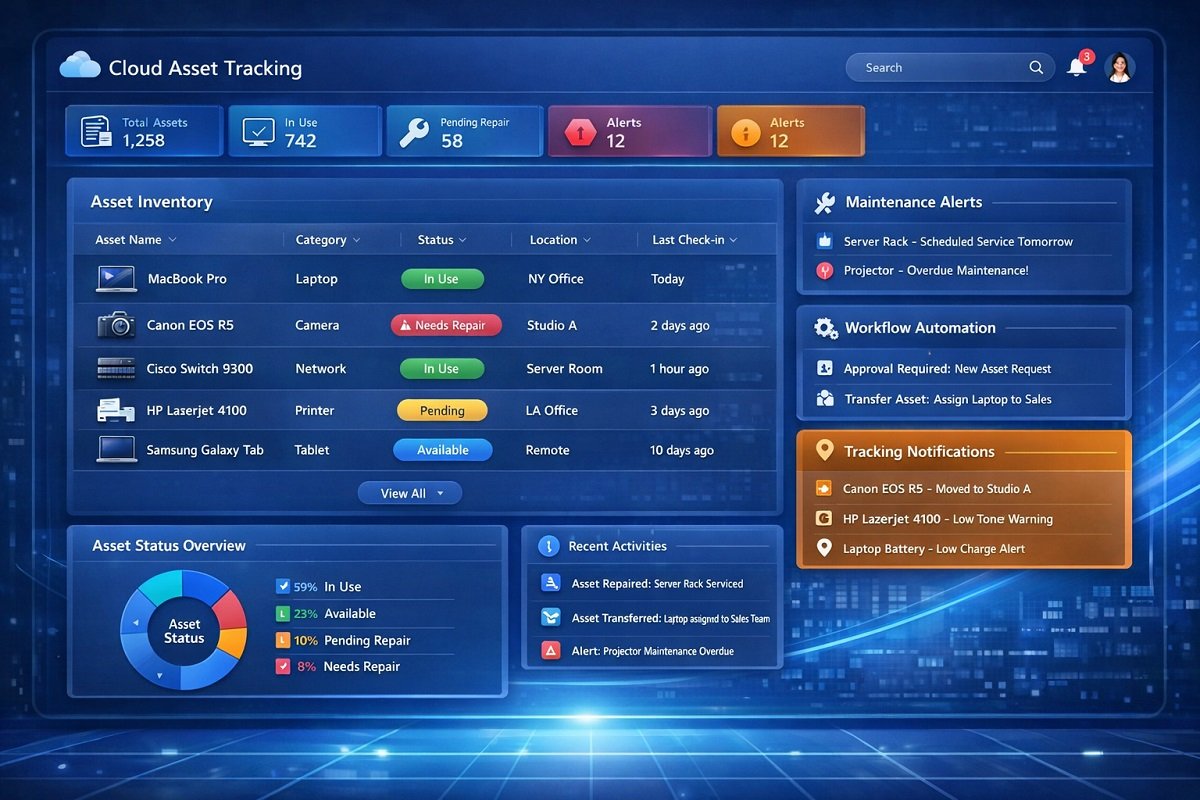
This is where asset management workflow software becomes essential. These platforms automate asset tracking, streamline approval processes, and help organizations manage the full asset lifecycle from acquisition to retirement. Instead of relying on spreadsheets or manual logs, teams can monitor assets, schedule maintenance, and automate workflows through a centralized dashboard.
Modern asset management tools also integrate with other systems, such as IT service management platforms, accounting software, and workflow automation tools. This improves efficiency and ensures assets remain visible and controlled across the organization.
In this guide, we review the best asset management workflow software for 2026, compare their key features, and help you choose the right platform for your needs.
Table of Contents:
Quick Comparison of the Best Asset Management Workflow Software
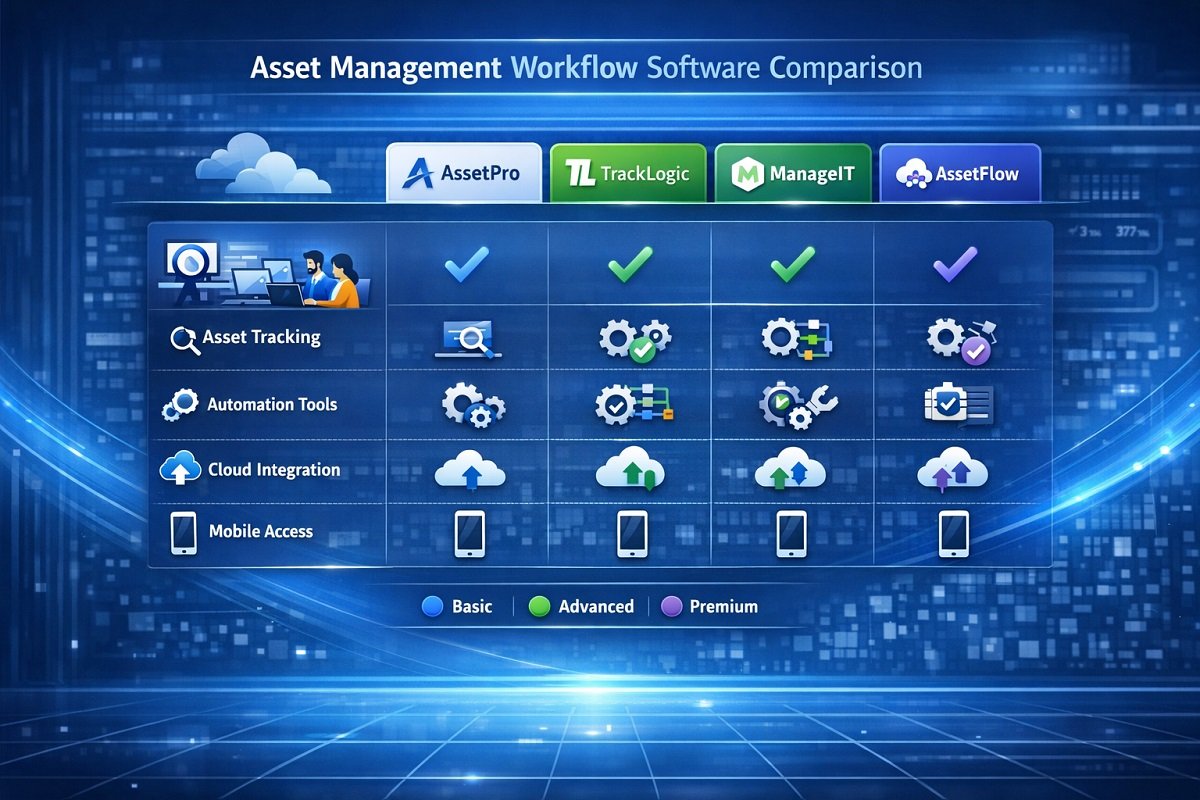
This table gives a side-by-side look at top asset management tools, so you can easily spot which one fits your workflow and team setup without digging through long reviews.
| Software | Best For | Key Features | Deployment |
| ServiceNow Asset Management | Large enterprises | Advanced workflow automation, asset lifecycle management | Cloud |
| IBM Maximo | Industrial asset management | Predictive maintenance, asset monitoring | Cloud / On-premise |
| Asset Panda | Customizable workflows | Mobile asset tracking, barcode scanning | Cloud |
| UpKeep | Maintenance teams | Work order automation, asset tracking | Cloud |
| Freshservice | IT asset workflows | ITSM integration, workflow automation | Cloud |
| EZOfficeInventory | Equipment tracking | Asset lifecycle tracking, check-in/out system | Cloud |
| ManageEngine AssetExplorer | IT asset tracking | Automated asset discovery, license management | Cloud / On-premise |
| Snipe-IT | Open-source IT asset management | Asset tracking, audit trails | Self-hosted |
1. ServiceNow Asset Management – Best for Enterprise Workflow Automation

ServiceNow is widely used by large organizations that need full control over their asset lifecycle and internal workflows. The platform integrates asset management directly into IT service management, allowing companies to track assets while automating service requests, approvals, and asset assignments.
One of the strongest features of ServiceNow is its workflow automation engine. Organizations can build custom workflows that trigger actions when assets are requested, approved, assigned, repaired, or retired. This ensures every asset change follows a structured process.
The software also provides deep analytics and reporting tools. Teams can monitor asset utilization, maintenance history, and operational costs. These insights help businesses optimize asset performance and reduce unnecessary spending.
ServiceNow works best for enterprises that manage thousands of assets across multiple departments and require advanced workflow capabilities.
Key Features:
- Asset lifecycle management
- Automated workflow approvals
- IT service management integration
- Asset tracking and reporting
- Vendor and contract management
Pros
- Extremely powerful automation features
- Strong enterprise integrations
- Scalable platform
- Detailed analytics and reporting
Cons
- Expensive for small businesses
- Requires technical setup and configuration
2. IBM Maximo – Best for Industrial Asset Management

IBM Maximo is designed for organizations that manage complex physical assets such as manufacturing equipment, infrastructure, and utilities. It is widely used in industries like manufacturing, energy, transportation, and construction.
The platform focuses heavily on predictive maintenance and asset monitoring. Using data analytics and IoT integrations, companies can detect equipment issues before they lead to failures. This reduces downtime and extends asset lifespan.
Maximo also supports automated workflows for maintenance scheduling, inspection approvals, and asset repair processes. Maintenance teams can create work orders automatically when an asset requires service.
Because of its industrial focus, Maximo includes features for compliance tracking and regulatory reporting. This is particularly valuable for organizations operating in regulated industries.
Key Features:
- Predictive maintenance tools
- Asset monitoring and analytics
- Automated maintenance workflows
- Work order management
- IoT asset integration
Pros
- Excellent for large infrastructure assets
- Powerful predictive maintenance features
- Strong analytics tools
- Highly scalable system
Cons
- Complex setup process
- Higher cost compared to smaller tools
3. Asset Panda – Best for Customizable Asset Workflows
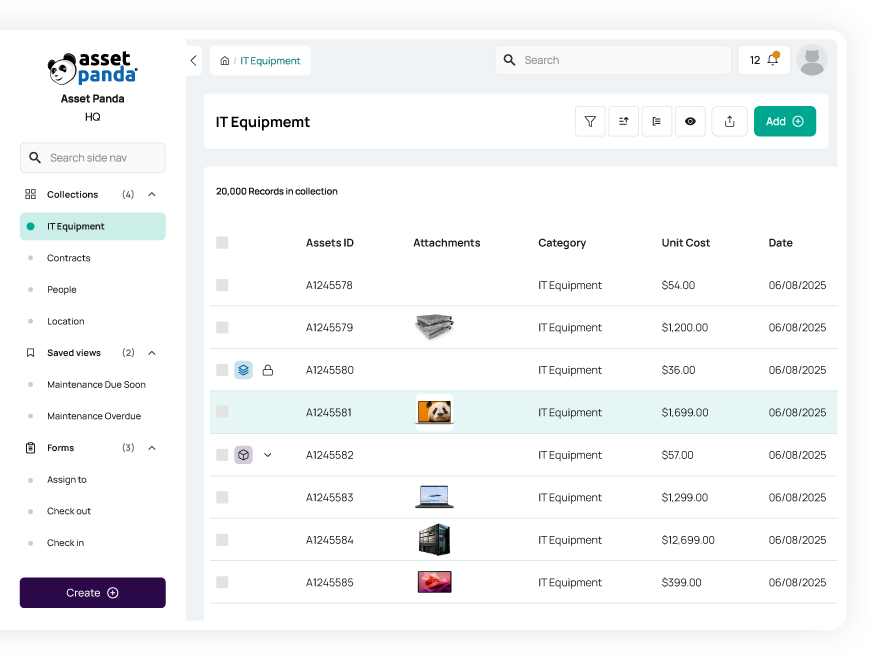
Asset Panda is a flexible asset management platform designed for businesses that want to customize their asset tracking workflows. The platform allows organizations to create custom asset fields, workflow rules, and reporting dashboards.
One of the standout features is its mobile asset tracking system. Employees can scan asset barcodes or QR codes using mobile devices to check assets in and out, update asset records, or submit maintenance requests.
Asset Panda also supports automated notifications and approval workflows. For example, when an employee requests an asset, the system can automatically send approval requests to managers and update the asset inventory once approved.
The platform is useful for organizations that manage assets across multiple locations or teams.
Key Features:
- Mobile asset tracking
- Barcode and QR scanning
- Custom workflow automation
- Asset lifecycle management
- Cloud-based asset database
Pros
- Highly customizable platform
- Strong mobile support
- Easy asset tracking system
- Automated notifications
Cons
- Reporting tools could be stronger
- Pricing increases with customization
4. UpKeep – Best for Maintenance Workflow Management
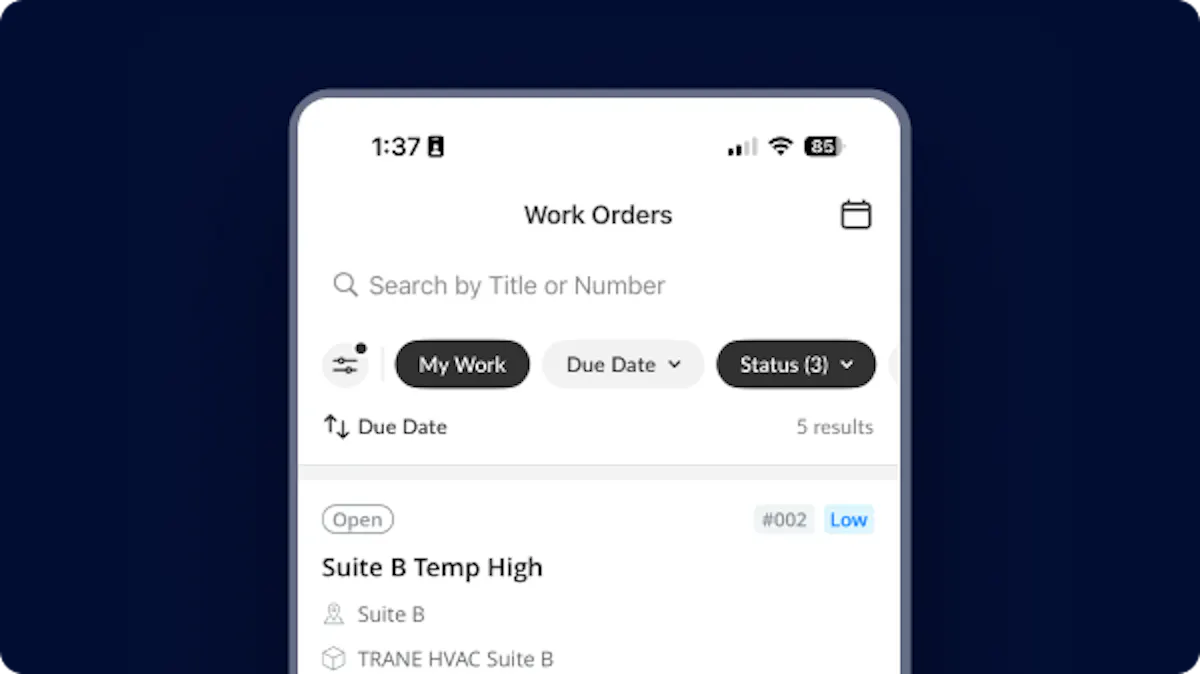
UpKeep is a popular platform for companies that want to combine asset management with maintenance workflow automation. It is commonly used by facility managers, manufacturing teams, and maintenance departments.
The platform allows teams to track equipment, create maintenance schedules, and automate repair workflows. When an asset requires maintenance, the system automatically generates work orders and assigns them to technicians.
UpKeep also provides a mobile app that allows maintenance teams to update asset records directly from the field. Technicians can log repairs, upload photos, and track maintenance history in real time.
This approach improves maintenance efficiency and ensures assets remain operational.
Key Features:
- Asset tracking system
- Automated work order generation
- Preventive maintenance scheduling
- Mobile maintenance management
- Equipment performance tracking
Pros
- Excellent maintenance workflow tools
- Easy-to-use mobile app
- Strong reporting features
- Good integration options
Cons
- Limited enterprise customization
- Pricing increases with advanced features
5. Freshservice – Best for IT Asset Workflow Automation
Freshservice is an IT service management platform that includes powerful IT asset management capabilities. It helps organizations track hardware, software licenses, and digital assets while automating service workflows.
One major advantage is the integration between asset management and help desk systems. When employees submit service requests, Freshservice automatically links those requests to the related assets.
The platform also provides automated asset discovery tools. These tools scan networks to identify connected devices and add them to the asset inventory. This makes Freshservice a strong option for IT teams that want to automate asset tracking and support processes.
Key Features:
- IT asset discovery tools
- Automated workflow automation
- Help desk integration
- Software license management
- Asset lifecycle tracking
Pros
- Strong IT asset management features
- Easy to deploy and manage
- Excellent automation tools
- Cloud-based system
Cons
- Limited features for non-IT assets
- Pricing increases with large asset inventories
6. EZOfficeInventory – Best for Equipment Asset Tracking
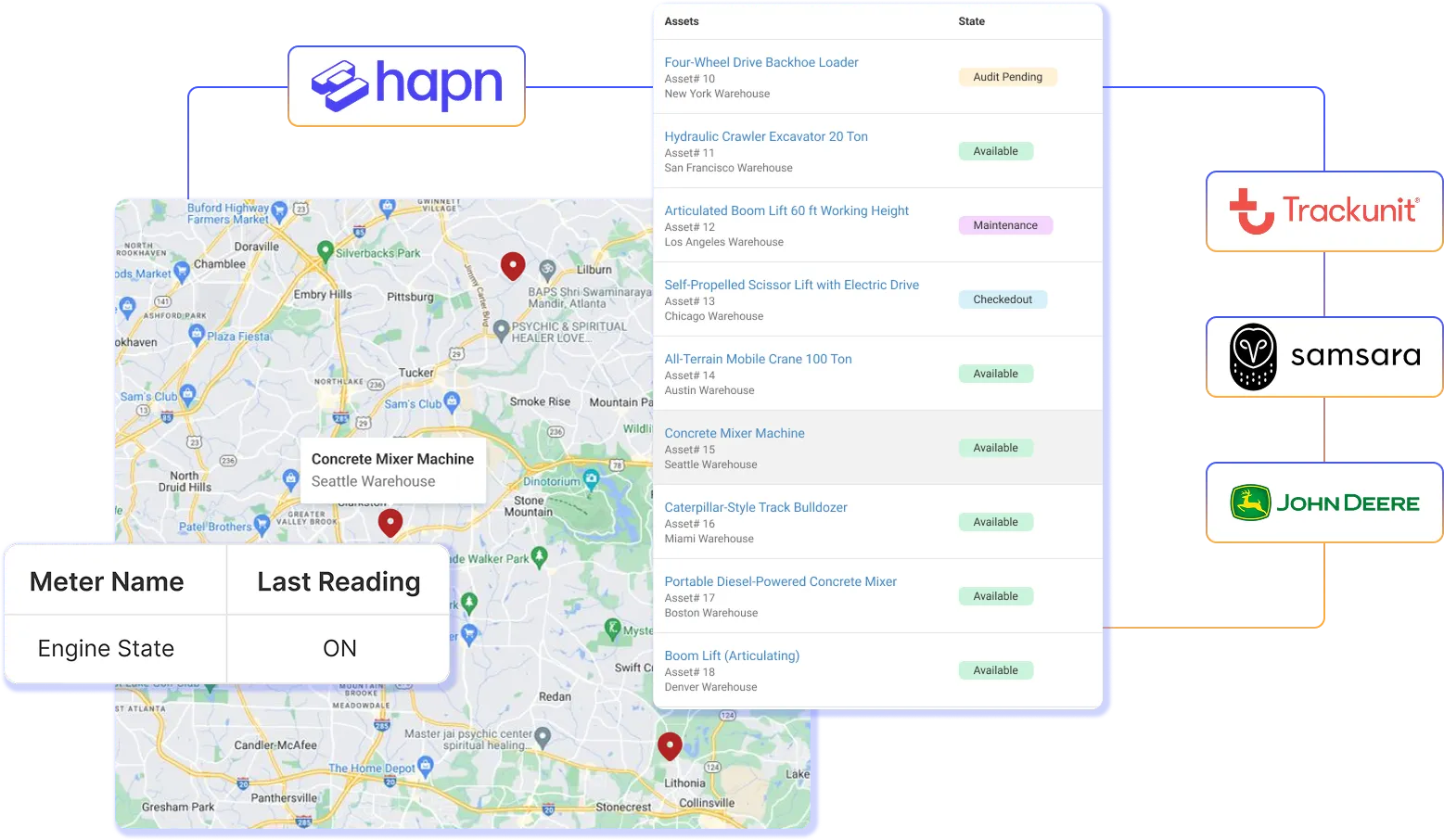
EZOfficeInventory is designed for businesses that need a simple but powerful solution for tracking equipment and operational assets. It is widely used by construction companies, event organizers, and equipment rental businesses.
The platform provides detailed asset tracking features, including check-in and check-out workflows, maintenance scheduling, and asset usage history. Companies can monitor where assets are located and who is responsible for them.
Another useful feature is its barcode and RFID tracking system, which allows organizations to track assets across multiple locations efficiently. Overall, EZOfficeInventory is a good choice for companies that manage physical equipment and need simple workflow automation tools.
Key Features:
- Equipment asset tracking
- Barcode and RFID scanning
- Maintenance scheduling
- Asset location tracking
- Inventory management tools
Pros
- Easy to use interface
- Strong equipment tracking features
- Affordable pricing
- Cloud-based access
Cons
- Limited customization options
- Reporting tools are basic
7. ManageEngine AssetExplorer – Best for IT Asset Inventory Management
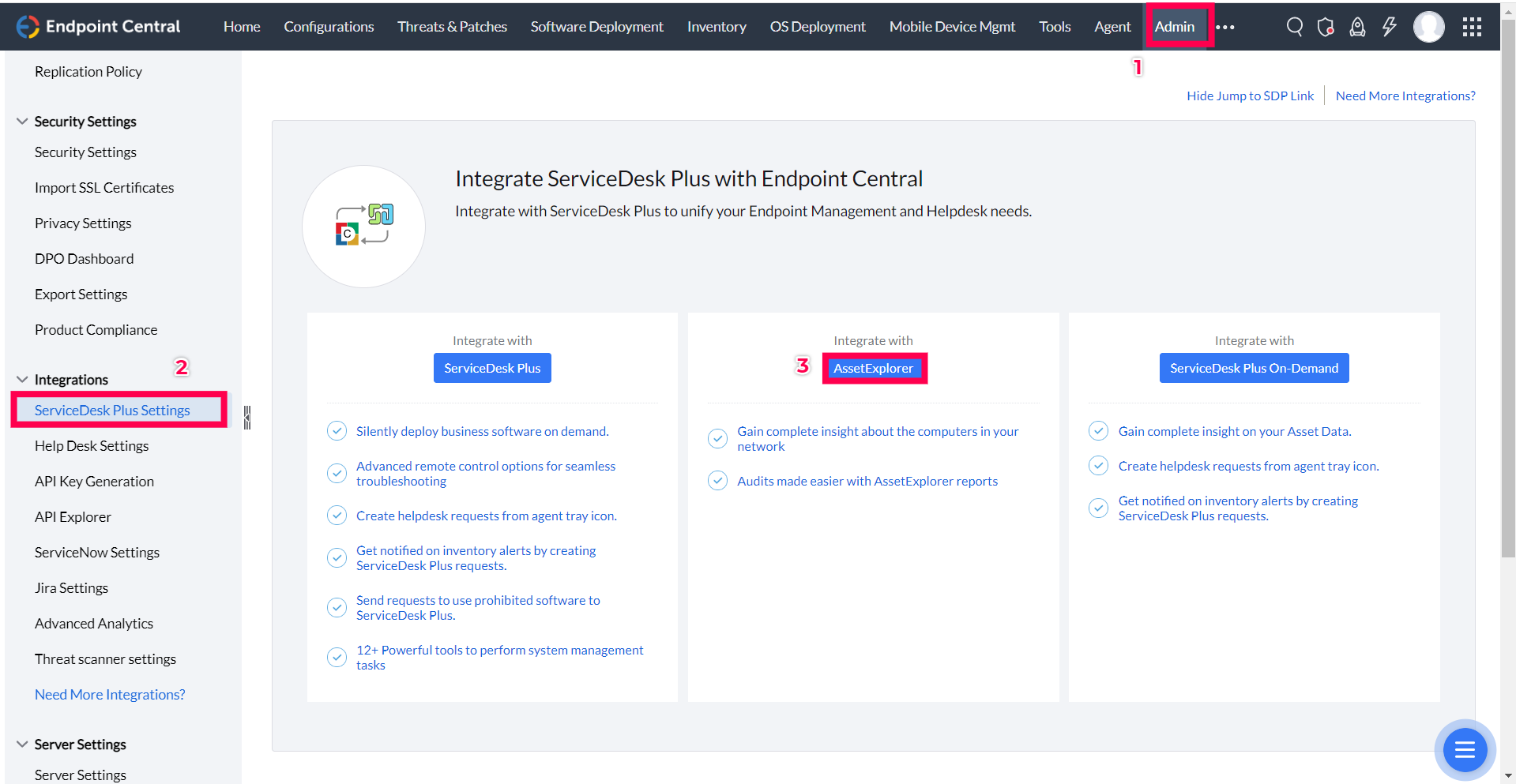
ManageEngine AssetExplorer is a dedicated IT asset management platform designed to track hardware, software licenses, and network devices. It provides automated asset discovery tools that detect assets connected to a network.
The platform also helps organizations maintain compliance by tracking software licenses and preventing unauthorized installations.
AssetExplorer includes automated workflows for asset approvals, procurement requests, and asset retirement processes. IT teams can track the full lifecycle of each device and maintain accurate asset records. Because it integrates with other ManageEngine tools, it works well for companies already using that ecosystem.
Key Features:
- Automated asset discovery
- Software license management
- Asset lifecycle tracking
- Procurement workflow automation
- IT asset inventory reporting
Pros
- Strong IT asset management tools
- Automated asset discovery
- On-premise deployment option
- Good reporting capabilities
Cons
- Interface feels outdated
- Limited features for non-IT assets
8. Snipe-IT – Best Open-Source Asset Management Software
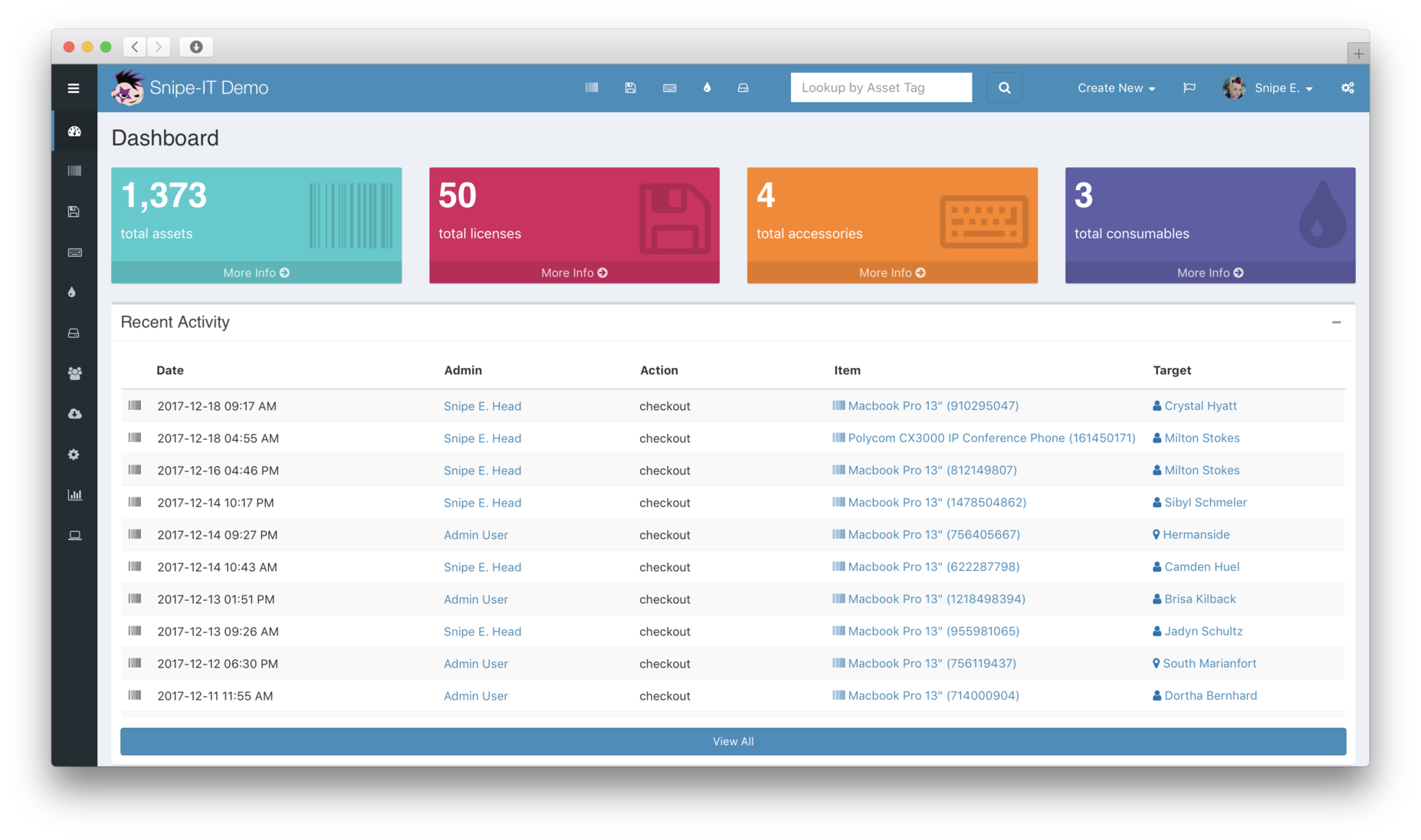
Snipe-IT is a popular open-source asset management platform used by IT teams that want a flexible and cost-effective solution. It allows organizations to track hardware assets, manage licenses, and maintain audit trails.
Because the platform is self-hosted, companies maintain full control over their asset data. Teams can customize the platform according to their workflow requirements and integrate it with internal systems.
Snipe-IT also includes features such as asset check-in/check-out workflows, asset status tracking, and employee asset assignment. Although it lacks some advanced enterprise features, it remains one of the best open-source asset tracking platforms available.
Key Features:
- Asset tracking database
- License management tools
- Asset check-in and check-out workflows
- Audit trails and reporting
- Self-hosted deployment
Pros
- Free open-source platform
- Highly customizable
- Strong asset tracking features
- Active community support
Cons
- Requires technical setup
- Limited enterprise automation features
Key Features to Look for in Asset Management Workflow Software
Choosing the right asset management platform depends on the features it provides. The most important capabilities include:
Workflow Automation
Automation tools reduce manual work by triggering actions when asset events occur.
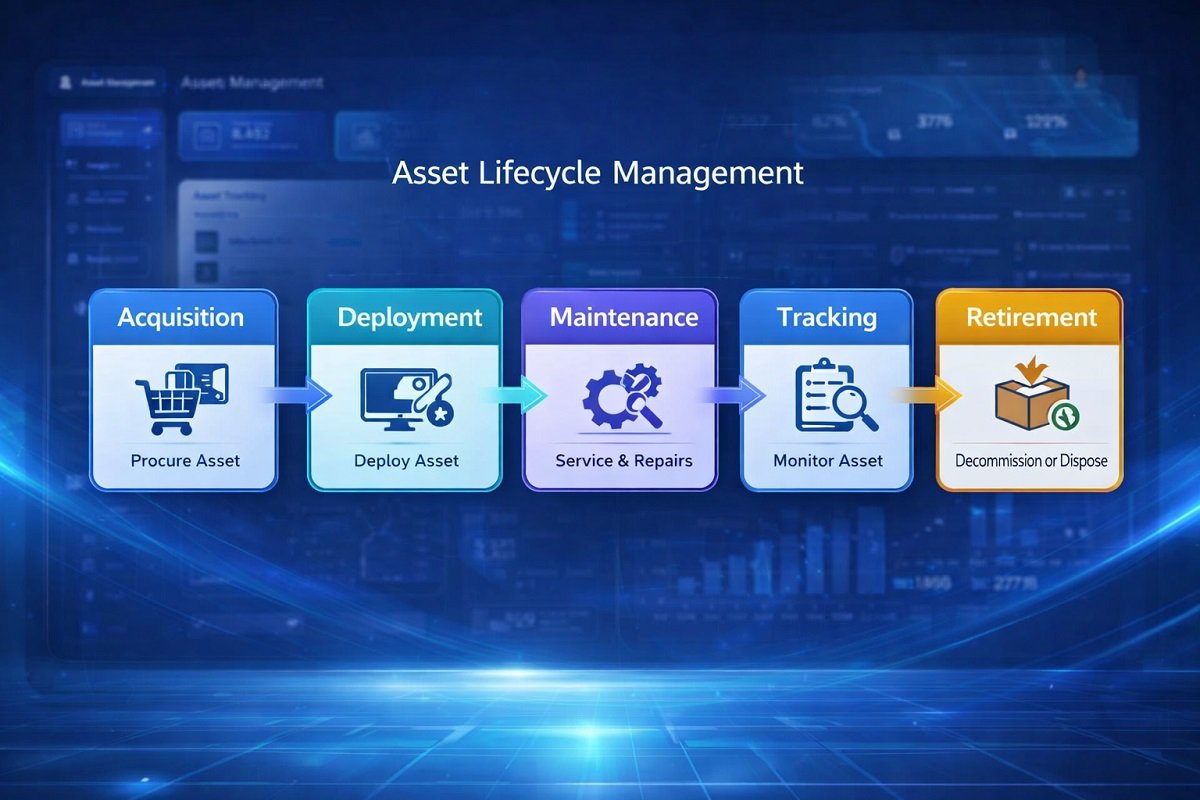
Asset Lifecycle Management
Good software tracks assets from acquisition to retirement.
Asset Tracking
Organizations need visibility into where assets are located and how they are being used.
Integration Capabilities
Integration with IT systems, accounting software, and workflow tools improves efficiency.
Reporting and Analytics
Detailed reports help businesses monitor asset performance and operational costs.
Benefits of Asset Management Workflow Software
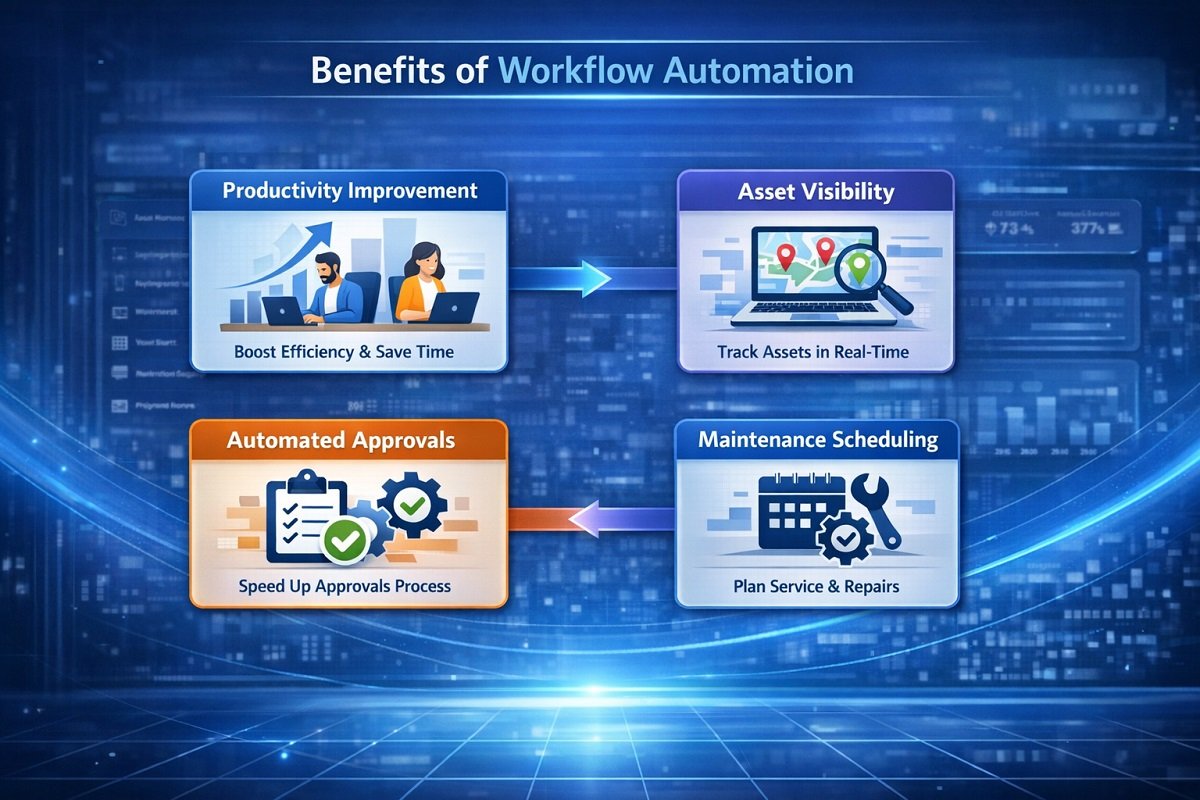
Implementing asset workflow automation provides several benefits:
- Improved asset visibility
- Reduced asset loss and misplacement
- Faster approval processes
- Better maintenance planning
- Lower operational costs
Organizations that manage large asset inventories often see significant efficiency improvements after adopting automated asset management systems.
How to Choose the Right Asset Management Software
Selecting the right software depends on several factors:
Company Size
Small businesses may prefer simple cloud platforms, while enterprises require scalable systems.
Asset Type
Some platforms specialize in IT assets, while others focus on equipment or infrastructure.
Automation Requirements
Companies with complex workflows should choose platforms with strong automation capabilities.
For a deeper breakdown of how these systems work in real business scenarios, check out this guide on AI workflows explained for businesses and teams . It covers how AI connects tools, automates processes, and helps teams eliminate repetitive tasks while improving speed, accuracy, and overall productivity.
Integration Needs
Ensure the platform integrates with existing business tools.
Frequently Asked Questions
What is asset management workflow software?
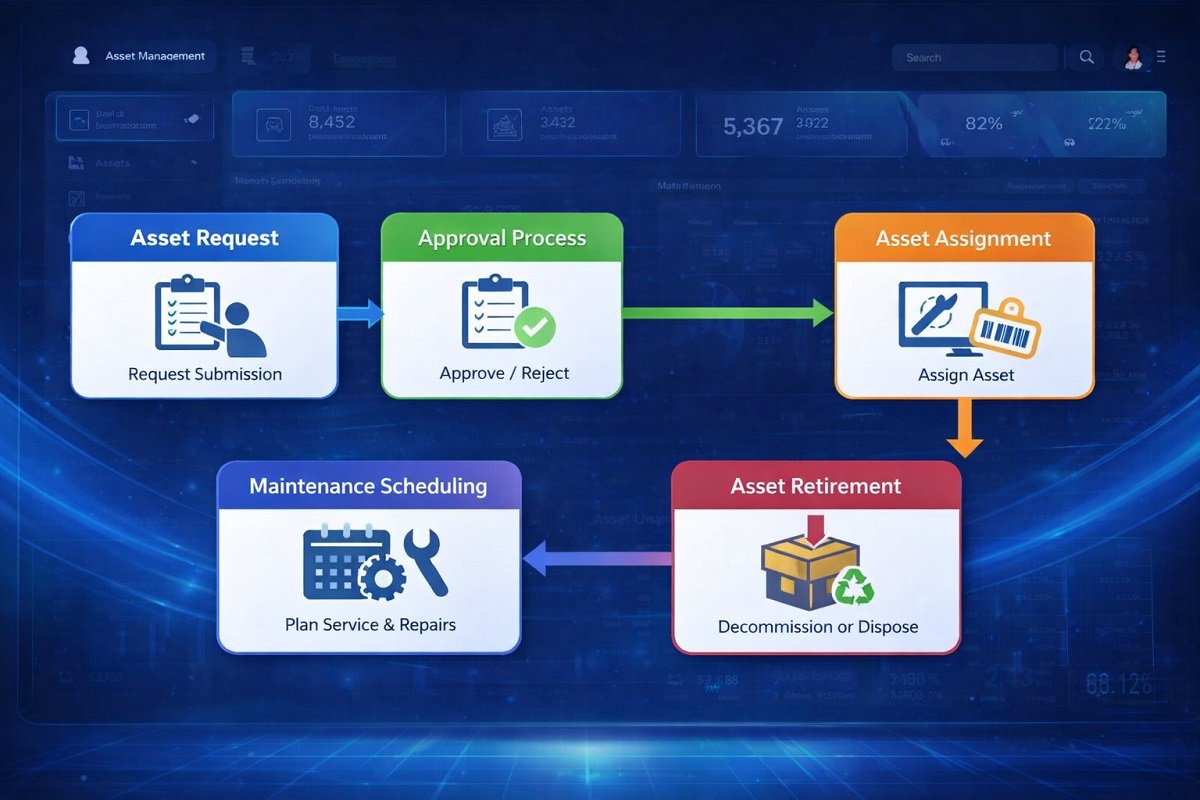
Asset management workflow software helps organizations track assets and automate processes such as approvals, maintenance scheduling, asset assignment, and asset lifecycle management.
What is the difference between asset management and asset tracking?
Asset tracking focuses on monitoring the location and status of assets, while asset management includes the full lifecycle of assets including procurement, maintenance, and retirement.
What is the best asset management software for businesses?
Popular options include ServiceNow, IBM Maximo, Asset Panda, UpKeep, and Freshservice. The best option depends on the organization’s size and asset management needs.
Can asset management software automate workflows?
Yes. Most modern platforms include automation features that trigger actions when assets are requested, assigned, or require maintenance.
Conclusion
Asset management workflow software plays a critical role in helping organizations track assets, automate operational processes, and maintain full visibility across the asset lifecycle.
Platforms like ServiceNow, IBM Maximo, and Freshservice provide powerful enterprise solutions, while tools such as Asset Panda, UpKeep, and EZOfficeInventory offer flexible options for small and mid-size businesses.
Choosing the right platform depends on your asset type, workflow complexity, and integration requirements. With the right system in place, companies can streamline asset operations, reduce manual work, and improve overall efficiency.