Best GPUs for AI in 2027: Top Picks for LLMs, Training & Inference

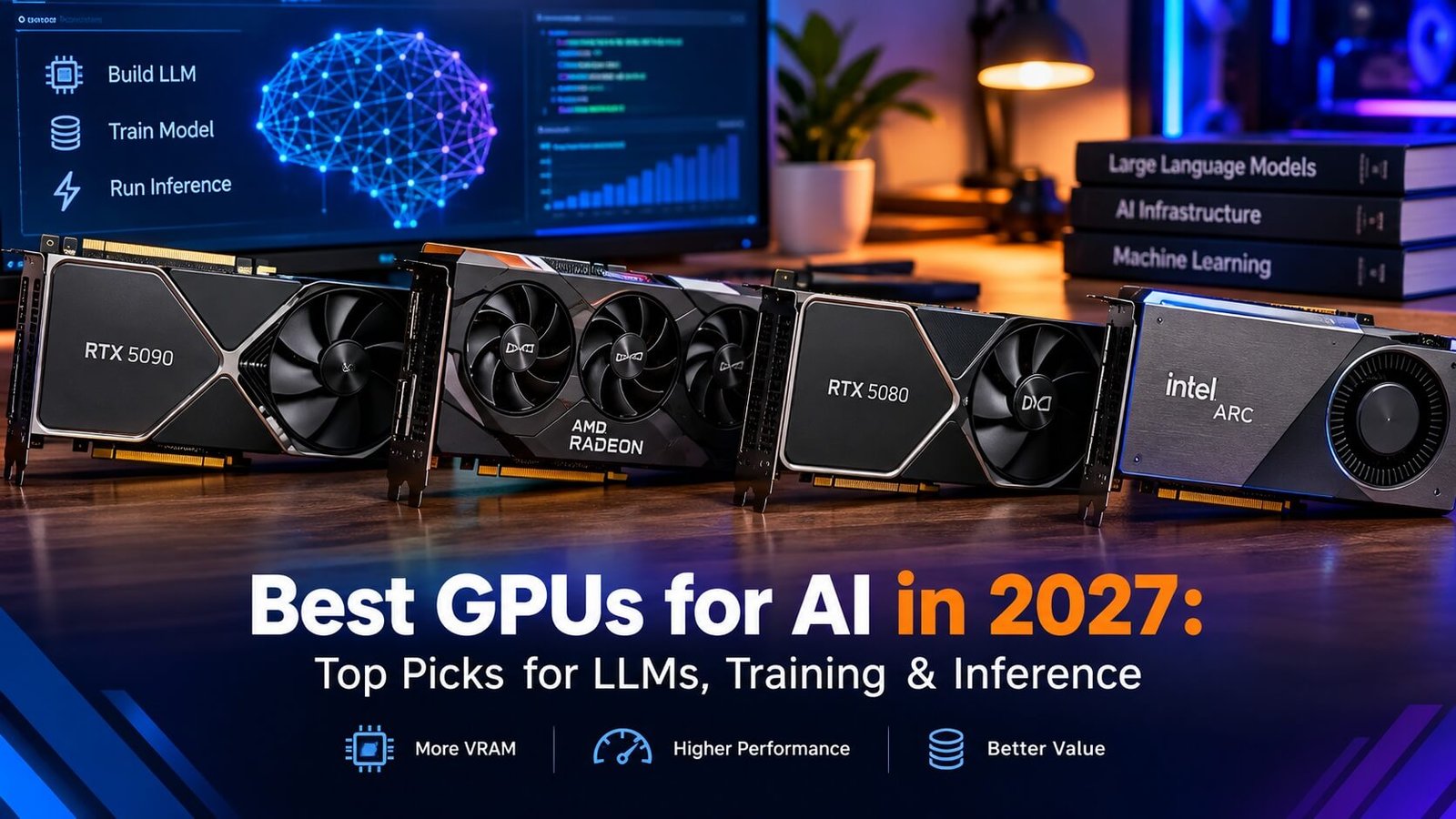
Choosing the best GPU for AI in 2027 depends on what you want to build. A graphics card that works well for local AI assistants may not be the right choice for fine-tuning language models, generating images, or training deep-learning models. Memory capacity, memory bandwidth, software compatibility, and total system cost all influence the results.
For developers running AI models locally, VRAM is often the first specification to check. A GPU with insufficient memory may force you to use a smaller model, reduce the context window, or move part of the workload to system memory. More VRAM, however, does not automatically mean better performance. GPU architecture, compute capabilities, memory bandwidth, and the software stack also matter.
In this guide, we compare leading AI GPU options using published specifications, independent benchmark evidence, and practical workload requirements. We explain where each card makes sense, which limitations to consider, and when renting cloud GPUs may be a better investment than buying hardware.
Best GPUs for AI in 2027 at a Glance
| GPU | VRAM | Best for | Main consideration |
| NVIDIA GeForce RTX 5090 | 32GB | High-performance local AI and LLM inference | High purchase price, power and cooling requirements |
| NVIDIA GeForce RTX 5070 Ti | 16GB | Balanced AI development and local models | Memory can limit larger models |
| NVIDIA GeForce RTX 5060 Ti 16GB | 16GB | Budget-conscious AI experimentation | Lower compute performance than higher-tier cards |
| Used NVIDIA GeForce RTX 3090 | 24GB | Value-focused local AI builds | Used-card condition, power use and age |
| AMD Radeon AI PRO R9700 | 32GB | Local AI with memory-intensive workloads | Confirm compatibility with your specific AI software |
| NVIDIA RTX PRO 6000 Blackwell | 96GB | Professional AI development and large-model workloads | Very high acquisition and operating costs |
Quick verdict
The NVIDIA GeForce RTX 5090 is a strong high-end choice for developers who need fast local AI performance and 32GB of VRAM. The RTX 5070 Ti and RTX 5060 Ti 16GB are worth considering for more affordable development systems. For larger models, the AMD Radeon AI PRO R9700 offers 32GB of VRAM, while the NVIDIA RTX PRO 6000 Blackwell is aimed at professional workloads requiring 96GB of GPU memory.
These are recommendations based on hardware available as of October 2026, not a guarantee that these models will remain the best choices throughout 2027. Verify current prices, stock, software support, and newer benchmark results before purchasing.
“If you’re comparing complete systems rather than desktop graphics cards, explore the best AI laptops in 2026 for portable options suited to AI development and local workloads.“
Our Top 6 AI GPU Reviews for 2027
We compare six GPUs for AI development, evaluating VRAM, performance, software compatibility, and value to help you choose the right card for your workload.
1. NVIDIA GeForce RTX 5090 — Best Overall for Premium
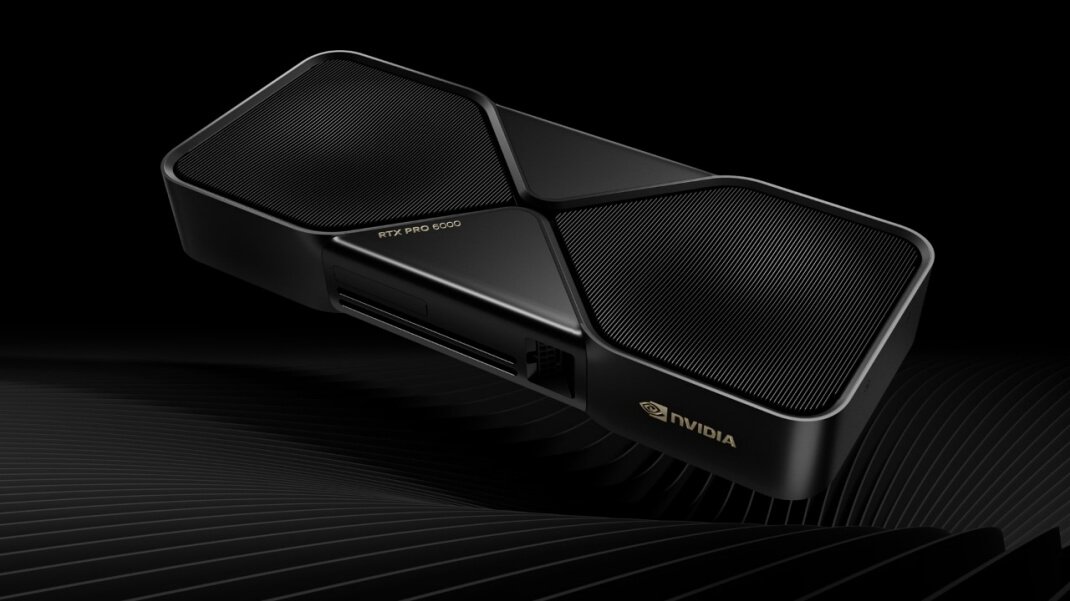
The NVIDIA GeForce RTX 5090 is one of the strongest consumer GPUs to consider for local AI development. Its 32GB of GDDR7 memory, high memory bandwidth, and Blackwell architecture make it suitable for demanding inference and generative AI workloads that fit within its memory limits.
NVIDIA lists 32GB of GDDR7 and 1,792GB/s of memory bandwidth for the RTX 5090. These specifications make it particularly interesting for developers who need both substantial consumer-GPU memory capacity and high data throughput.
Why consider it:
- 32GB of VRAM provides more room for model weights, context, and intermediate data than 16GB cards.
- High memory bandwidth can help with memory-intensive inference workloads.
- NVIDIA’s CUDA ecosystem supports a broad range of AI frameworks and development tools.
- It can serve as a powerful workstation GPU for local language models, image generation, and experimentation with fine-tuning.
Limitations:
The RTX 5090 is expensive and demands careful attention to power delivery, cooling, case clearance, and the rest of the system. Its 32GB of VRAM is also a hard practical constraint: a model that needs more usable GPU memory may require quantization, CPU offloading, multiple GPUs, or a different platform.
The card is not a substitute for a multi-GPU training cluster when training large foundation models from scratch.
- Best for: Developers, researchers, and advanced enthusiasts who want high consumer-GPU performance and can justify the cost.
Official specifications: NVIDIA GeForce RTX 5090.
2. NVIDIA GeForce RTX 5070 Ti — Best Balanced AI GPU
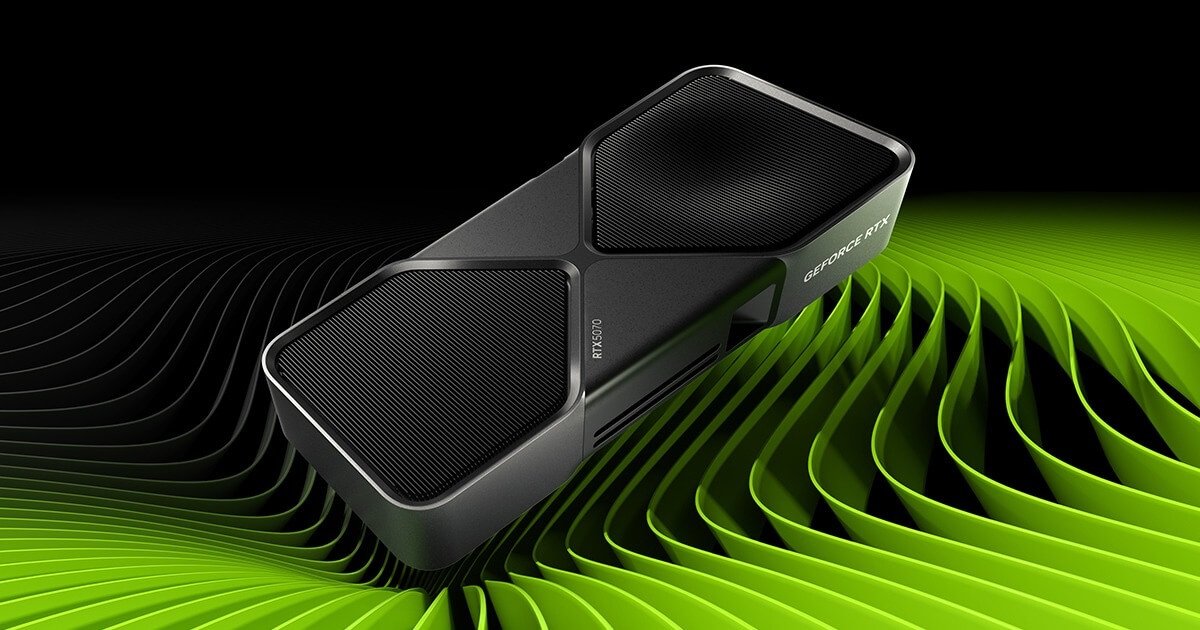
The RTX 5070 Ti is a sensible option for developers who want a capable AI workstation without paying for a flagship GPU. Its 16GB of GDDR7 memory and 896GB/s of memory bandwidth make it relevant for local inference, AI-assisted coding, image generation, and development with smaller language models.
A 16GB GPU can be sufficient for many development tasks, particularly when using appropriately sized or quantized models. It is less flexible when models, long context windows, or concurrent workloads require additional memory.
Why consider it:
- 16GB of VRAM is a practical starting point for many local AI workflows.
- It supports NVIDIA’s CUDA-based software ecosystem.
- It can handle experimentation with smaller LLMs and many image-generation workloads.
- It is worth comparing against more expensive GPUs when the workload does not require 24GB or 32GB of VRAM.
Limitations:
Sixteen gigabytes is not unlimited. Larger models, long prompts, larger batches, and fine-tuning can push memory requirements beyond the card’s capacity. The amount of usable memory also depends on the framework, model format, precision, and other running applications.
If your main goal is to run larger local language models, a used 24GB card or a 32GB option may offer more useful flexibility.
- Best for: AI developers, programmers, and creators who want a balanced GPU for experimentation rather than maximum model capacity.
3. NVIDIA GeForce RTX 5060 Ti 16GB — Best Budget-Oriented
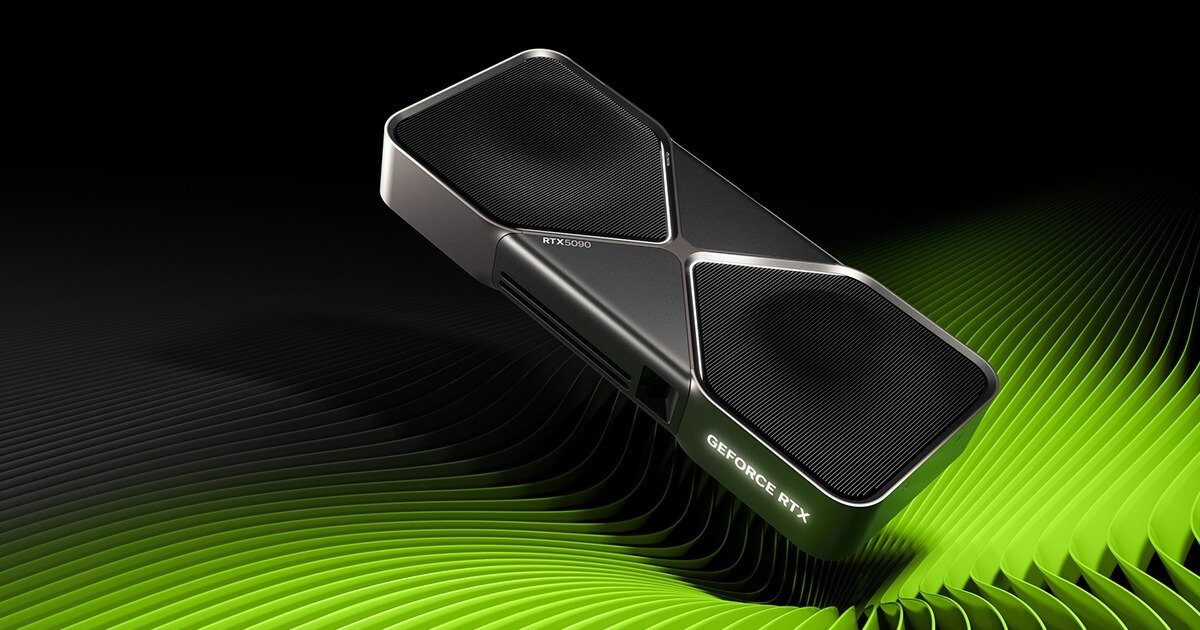
The 16GB version of the RTX 5060 Ti is worth considering for people entering local AI development on a tighter budget. Its main attraction is the combination of a relatively accessible GPU tier and 16GB of VRAM.
For many developers, that extra memory capacity is more useful than buying a faster card with a smaller memory pool. The right balance depends on whether the workload is limited by model size, compute performance, or memory bandwidth.
Why consider it:
- 16GB of VRAM can accommodate a range of smaller quantized language models.
- It is suitable for learning AI frameworks and testing local inference workflows.
- It can be used for image-generation experiments and other supported GPU-accelerated tasks.
- Its lower performance tier may be adequate when workloads are occasional rather than continuous.
Limitations:
The RTX 5060 Ti is not designed to deliver the same throughput as higher-end cards. Larger models and demanding fine-tuning tasks may be slow or exceed available memory. Make sure you select the 16GB model rather than assuming every RTX 5060 Ti configuration has the same memory capacity.
- Best for: Beginners, students, and developers building a first local AI workstation.
4. Used NVIDIA GeForce RTX 3090 — Best for 24GB of VRAM
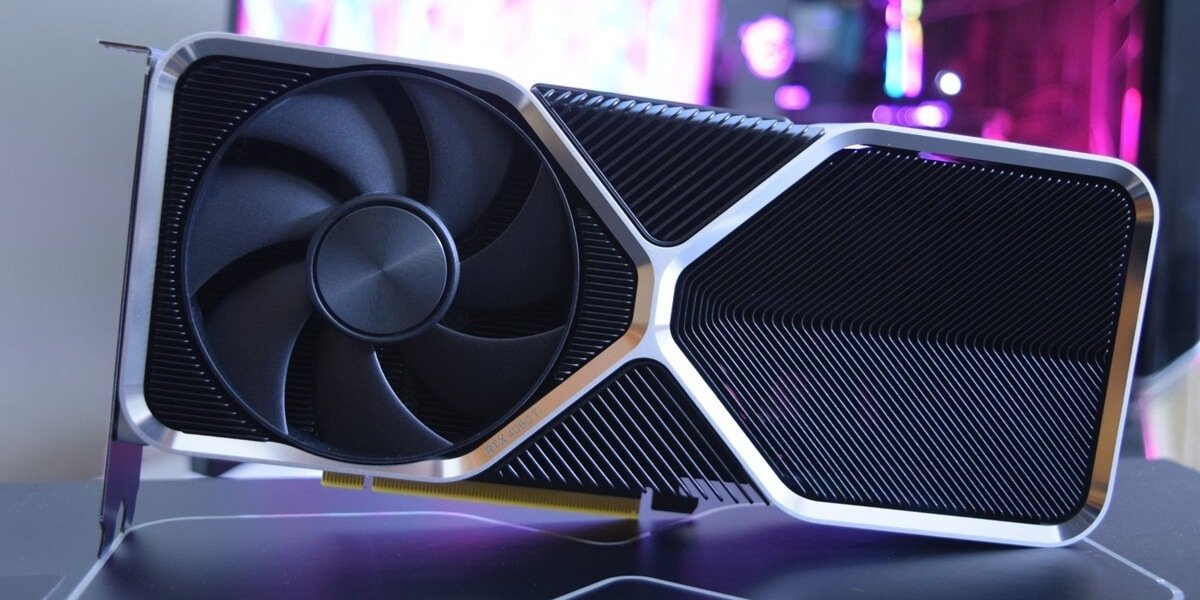
The RTX 3090 remains relevant to local AI buyers because its 24GB of GDDR6X memory can be more useful for certain workloads than a newer card with only 16GB.
A used RTX 3090 may make sense if you need additional VRAM but cannot justify the price of a new flagship card. Its actual value depends on local used-market pricing, the condition of the specific card, and the cost of running it.
Why consider it:
- 24GB of VRAM offers more model capacity than 16GB consumer GPUs.
- It can be useful for quantized LLM inference and experimentation with larger models.
- It may be attractive for developers who prioritize memory capacity over having the newest architecture.
- It is worth comparing with new GPUs on total cost rather than purchase price alone.
Limitations:
Used cards vary in condition and history. Check for thermal issues, fan wear, instability under sustained load, and evidence of previous repairs. Ensure the power supply and cooling system are appropriate for the card.
Also compare its performance and energy consumption with newer alternatives. A low purchase price does not automatically make a used GPU the cheapest option over several years.
- Best for: Budget-conscious AI developers who understand used-hardware risks and need more than 16GB of VRAM.
5. AMD Radeon AI PRO R9700 — A 32GB Alternative for Local AI
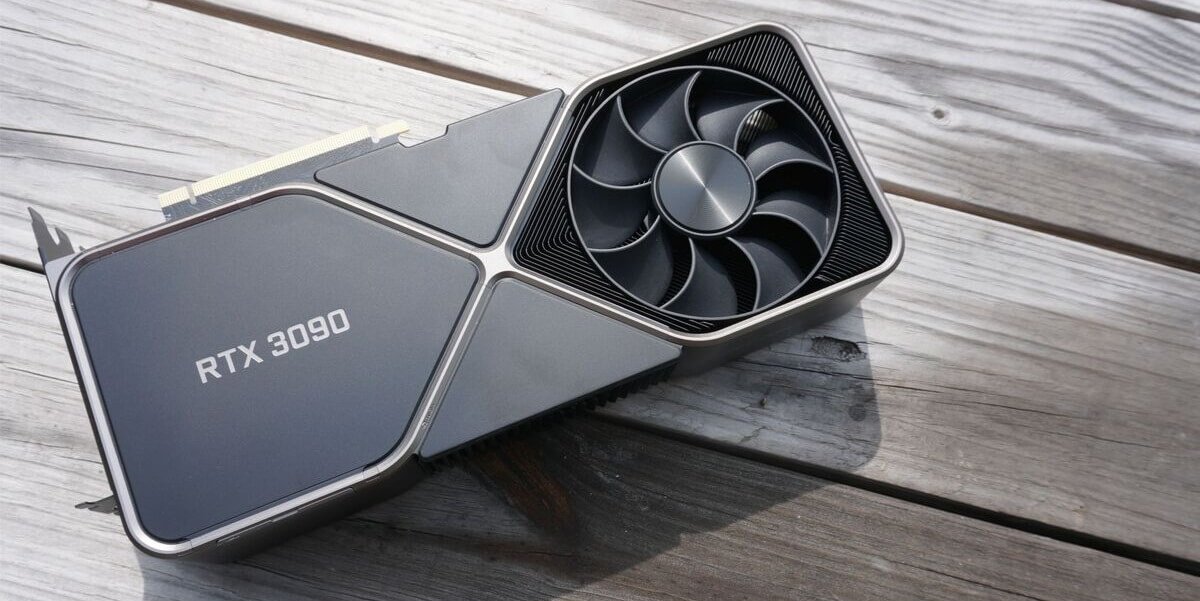
The AMD Radeon AI PRO R9700 deserves consideration for workstation buyers who want 32GB of dedicated memory and are open to AMD’s software ecosystem.
AMD specifies 32GB of GDDR6 memory and 640GB/s of peak memory bandwidth for this workstation-class GPU. That capacity can be valuable for local inference and memory-intensive development.
Why consider it:
- 32GB of dedicated memory offers room for larger models than many 16GB cards.
- It is designed for professional graphics and AI-related workloads.
- AMD’s ROCm software ecosystem supports selected AI frameworks and applications.
- It provides an alternative for developers who do not want to base every workstation on NVIDIA hardware.
Limitations:
Do not assume that every AI application runs equally well on AMD and NVIDIA GPUs. Framework versions, operating systems, operators, quantization formats, and inference engines can affect compatibility and performance.
Before purchasing, check the official AMD ROCm documentation and the requirements of your specific framework. Confirm that your intended models and software are supported on the operating system you plan to use.
- Best for: Developers who need 32GB of VRAM and can verify that their AI software stack works well with AMD hardware.
Official specifications: AMD Radeon AI PRO R9700.
6. NVIDIA RTX PRO 6000 Blackwell — Best for AI Professional
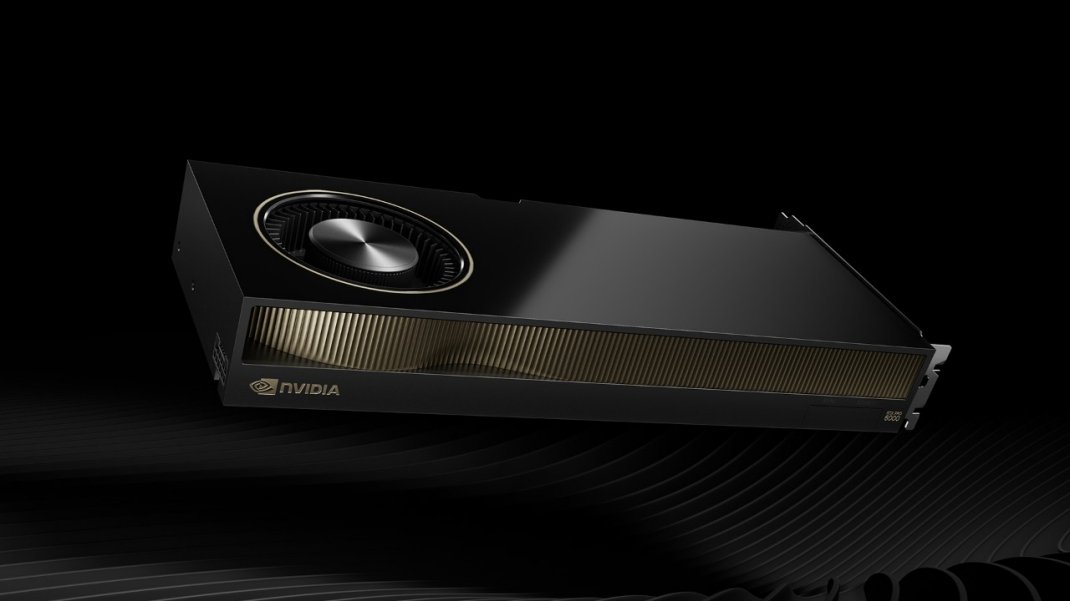
For professional AI workstations that need much more memory than consumer cards provide, the NVIDIA RTX PRO 6000 Blackwell is a different class of product.
Its 96GB of GDDR7 memory with error-correcting code (ECC) can accommodate workloads that exceed the memory limits of mainstream consumer GPUs. NVIDIA also lists 1,792GB/s of memory bandwidth for the workstation edition.
This does not mean it is the best choice for every AI developer. Its professional positioning, purchase price, power requirements, and workload needs should be considered carefully.
Why consider it:
- 96GB of VRAM provides substantial capacity for large models and memory-intensive workloads.
- ECC memory can be valuable in supported professional environments.
- It is designed for demanding workstation applications and professional development.
- Its larger memory pool may reduce the need for model sharding or CPU offloading in some workloads.
Limitations:
This is an expensive professional GPU, not a sensible default for learning AI or running occasional local models. A cloud accelerator may be more economical for infrequent workloads or experiments that need even more memory.
Large-model performance also depends on the model architecture, precision, inference engine, and workload configuration. Memory capacity alone does not determine speed.
- Best for: Professional developers and organizations with workloads that genuinely require a large single-GPU memory pool.
Official specifications: NVIDIA RTX PRO 6000 Blackwell.
How Much VRAM Do You Need for AI?
VRAM is one of the most important specifications when choosing a GPU for local AI. It holds model weights and other data needed during computation. For language models, memory demand also includes the key-value (KV) cache, intermediate activations, and framework overhead.
The following table is a rough planning guide, not a guarantee that every model of a given size will fit.
| VRAM capacity | Typical starting point | Main trade-off |
| 8GB | Small models and lightweight experiments | Significant model and context limitations |
| 12GB | Smaller quantized LLMs and basic AI development | Limited room for larger models and long contexts |
| 16GB | Many small-to-medium quantized models | Context length and model size require careful planning |
| 24GB | More flexibility for medium-sized models | Some larger models still need quantization or offloading |
| 32GB | Larger quantized models and demanding local workflows | Not enough for every 70B-class configuration |
| 48–96GB or more | Larger models, advanced experimentation, professional workloads | Higher hardware and operating costs |
Actual memory requirements depend on the model architecture, number of parameters, quantization method, context length, batch size, and software implementation.
Why model size does not tell the whole story
A model’s parameter count is not the same as its total runtime memory requirement. Quantization reduces the precision used to represent weights, often lowering memory use at the cost of some accuracy or quality. The KV cache can grow as the context window or number of concurrent sequences increases.
For example, a quantized model that loads successfully with a short prompt may run out of memory when you increase the context length substantially. Leave enough memory headroom for the runtime and other processes.
Which GPU Is Best for Different AI Workloads?
Best GPU for local LLM inference
For local language-model inference, start by identifying the largest model you actually intend to run. Then compare GPUs with enough VRAM to hold the weights, KV cache, and runtime overhead.
The RTX 5090 is a strong consumer option when its 32GB memory capacity is sufficient. The RTX 3090 may be attractive for its 24GB pool at a lower used-market cost. The RTX 5070 Ti and RTX 5060 Ti 16GB can be appropriate for smaller models. If you plan to connect AI capabilities to business processes, our guide to building an AI agent with n8n explains how to combine AI models, tools, and automated workflows.
Do not compare token-per-second results unless the model, quantization, context, inference engine, and test settings are comparable. Independent benchmark results can be useful, but figures from different setups are not automatically an apples-to-apples comparison.
Best GPU for AI image generation
Image-generation workloads vary considerably by model, resolution, batch size, and workflow complexity. A 16GB GPU can be a useful starting point, while more VRAM provides extra flexibility for demanding pipelines and larger workloads.
Check the requirements of the specific image-generation software you plan to use. If a workflow depends on particular CUDA extensions or custom nodes, verify compatibility before choosing AMD or another alternative. For a broader understanding of how AI models fit into connected business processes, read this automation expert guide to AI workflows for businesses and teams.
Best GPU for fine-tuning AI models
Fine-tuning adapts an existing model to a task or dataset. Methods such as low-rank adaptation (LoRA) and quantized LoRA can reduce memory requirements compared with full-parameter fine-tuning, but they do not eliminate them.
For this reason, the RTX 5090 or other GPUs with substantial VRAM may be attractive for local experimentation. A 16GB card can still be useful for smaller models and appropriately configured methods.
Always check the requirements of the exact training method and model. Training needs depend on activations, optimizer states, precision, sequence length, batch size, and whether techniques such as gradient checkpointing are used.
Best GPU for training AI models from scratch
Training a large foundation model from scratch is very different from running inference or fine-tuning a smaller model. It can require multiple high-memory accelerators, fast interconnects, substantial storage, distributed training software, and considerable power and cooling.
A powerful consumer GPU is useful for learning, prototyping, and training smaller models. It should not be presented as a complete replacement for a data-center training system.
If your objective is large-scale training, compare cloud accelerators and dedicated infrastructure rather than looking only at consumer graphics cards.
NVIDIA vs. AMD for AI: Which Should You Choose?
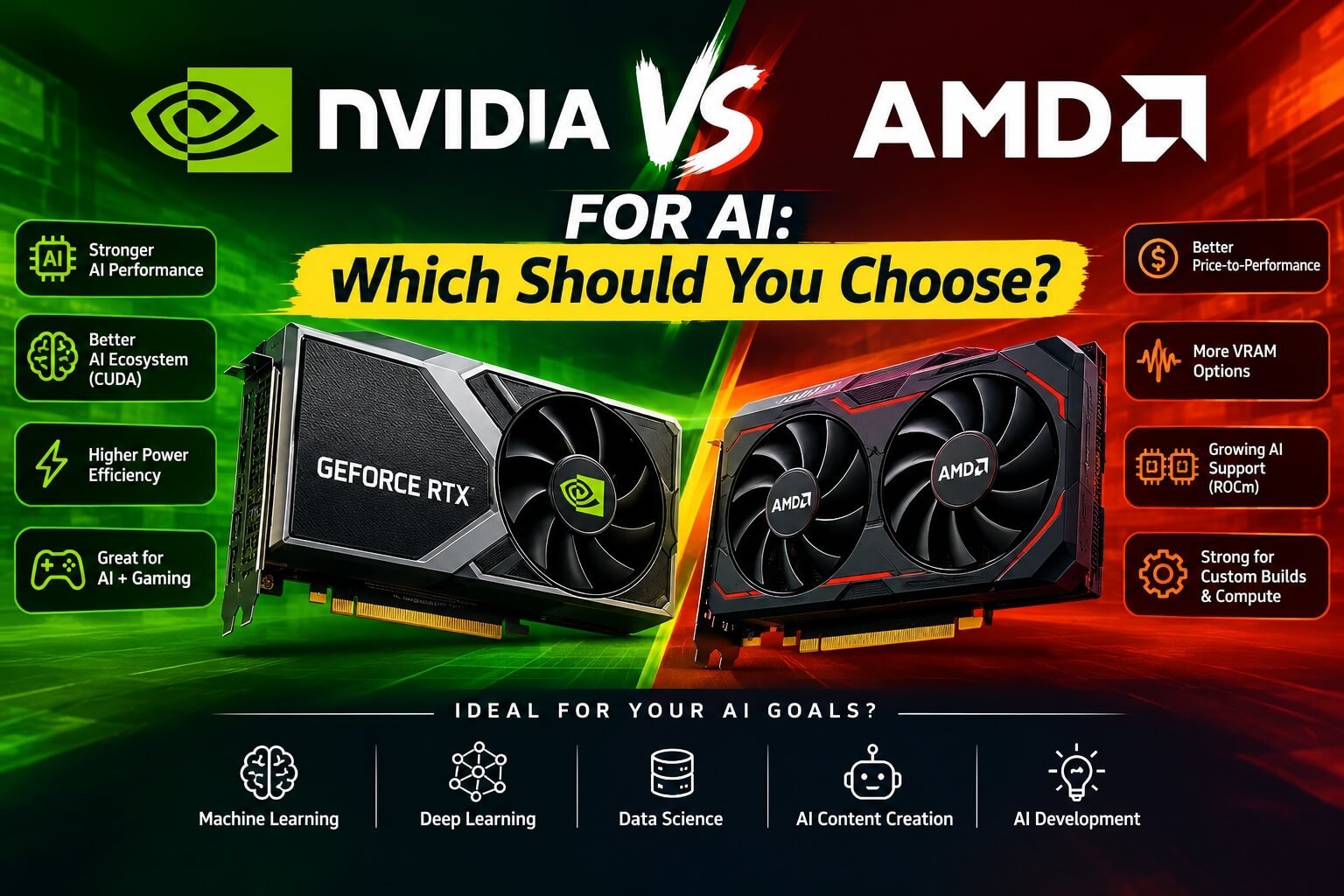
NVIDIA is often the easier starting point for developers who rely on CUDA-based libraries and tools. Its broad ecosystem can reduce setup friction for common AI development tasks.
AMD is worth considering when the target framework, model, and operating system are supported by ROCm and the hardware offers a suitable memory capacity or price. Its workstation cards can be especially interesting for memory-intensive local workloads.
Before purchasing, check:
- Whether your primary AI framework officially supports the GPU.
- Whether your chosen inference or training engine supports your operating system and GPU architecture.
- Whether the model format and quantization method you intend to use are supported.
- Whether custom extensions or dependencies require a particular backend.
- Whether published benchmarks reflect the workload you will actually run.
Avoid choosing based on theoretical AI TOPS alone. Peak compute figures use specific numerical formats and conditions and do not translate directly into the speed of every AI application.
Should You Buy a GPU or Rent Cloud AI Hardware?
A local GPU gives you direct control over the hardware and can be useful when you work with sensitive data, need predictable access, or run AI tasks frequently. It also requires an upfront investment and ongoing electricity, cooling, maintenance, and replacement costs.
If data privacy is a priority, review our complete guide to AI workflow security best practices for guidance on protecting information across AI models, integrations, and automated processes.
Cloud GPUs can be more practical for occasional experiments, short training runs, or workloads that need much more memory than your local system provides. You pay for access rather than purchasing the hardware, although storage, idle time, data transfer, and service charges can add to the cost.
Use a simple comparison before committing:
- Estimate the number of hours per month you expect to run the workload.
- Compare cloud rental and storage charges with the cost of owning and operating a local workstation.
- Account for setup time, maintenance, and how long you expect to keep the hardware.
- Consider privacy, data-handling requirements, and availability.
- Reassess if your workload changes significantly.
For developers building local AI workflows, it may be more economical to prototype on a local GPU and rent a larger accelerator only when a particular task requires it.
How We Evaluated These AI GPU Options
This guide compares hardware using manufacturer-published specifications, documented software ecosystems, and independently published benchmark evidence where available. We considered VRAM capacity, memory bandwidth, workload suitability, software compatibility, and the likely trade-offs involved in building a workstation.
We did not treat theoretical peak-compute figures as a universal performance ranking. Nor do we claim that every GPU listed here was tested firsthand in an identical benchmark environment.
Individual recommendations should be validated against the intended workload. Before buying, check current prices and availability, read recent benchmarks that use comparable model configurations, and verify compatibility with your framework and operating system.
For further verification, consult the official NVIDIA GeForce specifications, AMD Radeon AI PRO specifications, and relevant software documentation. Independent inference benchmarks such as Runpod’s 2026 GPU comparison can provide additional context, but their results should be interpreted using the stated test conditions.
Frequently Asked Questions About Best GPUs for AI
Is 16GB VRAM enough for AI in 2027?
Sixteen gigabytes is enough for many small-to-medium quantized language models, image-generation workflows, and AI development tasks. It can become restrictive with larger models, longer context windows, bigger batches, or fine-tuning. Check the memory requirements of the specific model and software before buying.
Is the RTX 5090 worth buying for AI?
It can be worth buying if you need its performance and 32GB of VRAM for frequent local workloads. It may be excessive for smaller models, occasional experimentation, or workloads that run more economically in the cloud. Compare the full workstation cost with your actual requirements.
Is more VRAM better than a faster GPU?
More VRAM is often the first priority when a model cannot fit into a smaller card’s memory. Once a model fits comfortably, compute performance, memory bandwidth, software optimization, and workload configuration become increasingly important. The right balance depends on what you run.
Can I train an AI model with a consumer GPU?
Yes. Consumer GPUs can train smaller models and fine-tune existing models using suitable techniques and configurations. Training large foundation models from scratch usually requires much more compute, memory, and infrastructure.
Are AMD GPUs good for local AI?
They can be, provided your preferred frameworks and applications support the hardware and software configuration. Check ROCm support, operating-system compatibility, model formats, and recent benchmarks before purchasing.
Should I buy a used RTX 3090 for AI?
A used RTX 3090 can be attractive when you need 24GB of VRAM at a lower purchase price. Its value depends on condition, local pricing, power costs, and performance relative to newer alternatives. Test the card carefully and factor in the risk of buying used hardware.
Is a professional GPU necessary for running large language models?
Not always. Many models can run on consumer GPUs when their memory requirements are manageable. Professional cards become more attractive when you need larger memory capacity, supported workstation features, or a specific professional software configuration.
Final Verdict: Which AI GPU Should You Choose?
The best GPU for AI in 2027 is the one that fits your actual workload rather than the one with the highest specification on paper.
- Choose the RTX 5090 if you need high consumer-GPU performance and 32GB of VRAM.
- Consider the RTX 5070 Ti for a balanced AI development workstation built around smaller models.
- Consider the RTX 5060 Ti 16GB if you want a lower-cost entry point for local AI experimentation.
- Look at a used RTX 3090 if 24GB of VRAM matters more than buying the newest architecture.
- Evaluate the Radeon AI PRO R9700 if you want 32GB of VRAM and your software stack supports AMD well.
- Choose the RTX PRO 6000 Blackwell only when its 96GB memory capacity and professional capabilities justify the investment.
Before purchasing, confirm current availability, local pricing, power requirements, and software compatibility. Since the AI hardware market changes quickly, revisit this guide as new GPUs and comparable independent benchmarks become available.
The most useful buying decision starts with the models you need to run, the memory they require, and the total cost of completing your work—not with a GPU ranking alone. Once your AI infrastructure is ready, explore our guide to the best AI workflow automation tools for businesses to learn how to connect AI capabilities with practical business processes.