
Best AI Laptops in 2026: Top Picks for Work, Students & Creators

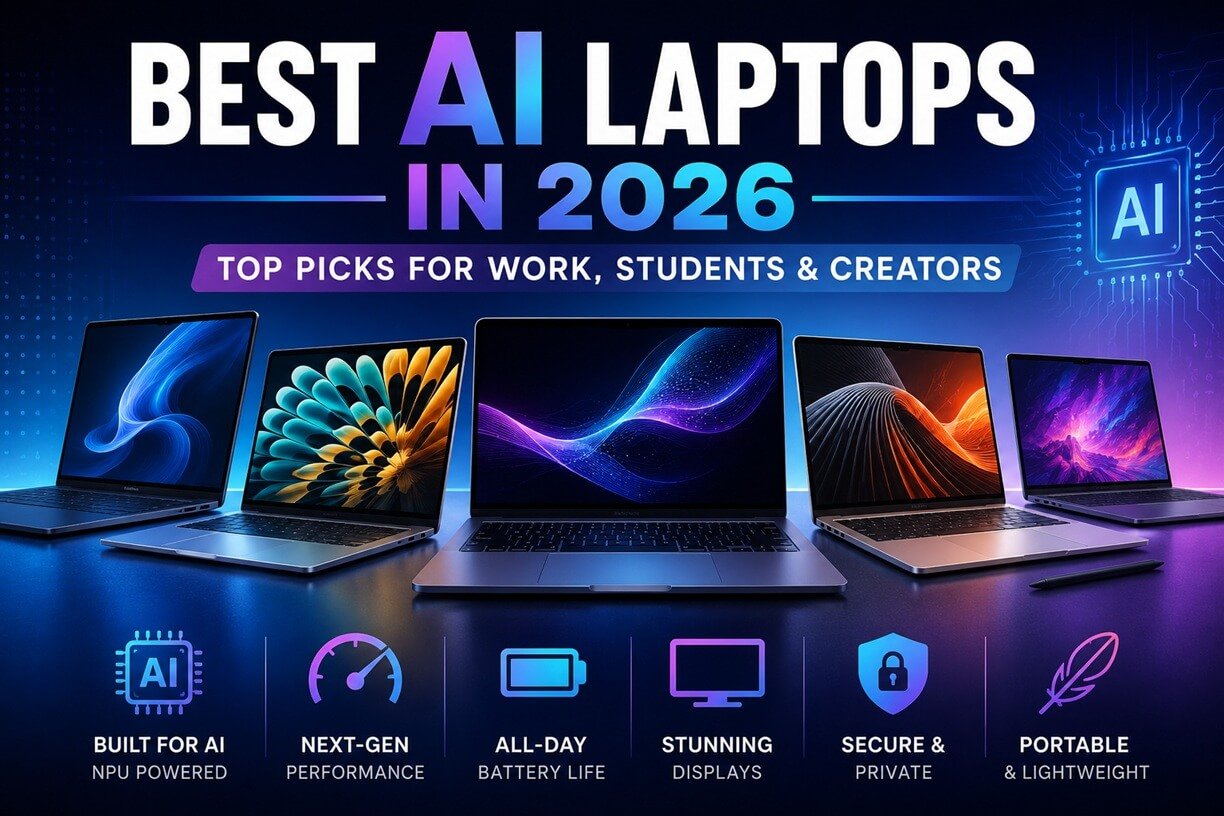
AI laptops have moved beyond simple marketing labels. The best AI laptops in 2026 combine fast processors, dedicated neural processing units (NPUs), capable graphics, long battery life, and software that can actually take advantage of on-device AI.
But choosing the right AI laptop isn’t as simple as looking for an “AI PC” badge. Some laptops are designed primarily for everyday AI features, video calls, writing, research, and productivity, while others can support AI workflows for businesses and teams and more demanding AI workloads. Others are powerful enough to run AI models locally, accelerate creative applications, edit high-resolution video, or handle demanding graphics workloads.
For this guide, we’ve focused on the things that matter beyond the AI branding: AI processing capability, CPU and GPU performance, NPU capability, display quality, battery life, portability, memory, storage, software compatibility, and overall value.
Our picks include Windows Copilot+ PCs, powerful creator laptops, and Apple laptops with dedicated Neural Engine and Neural Accelerator hardware.
Quick Picks: Best AI Laptops in 2026
| Image | Top Pick | Best For | Our Rating |
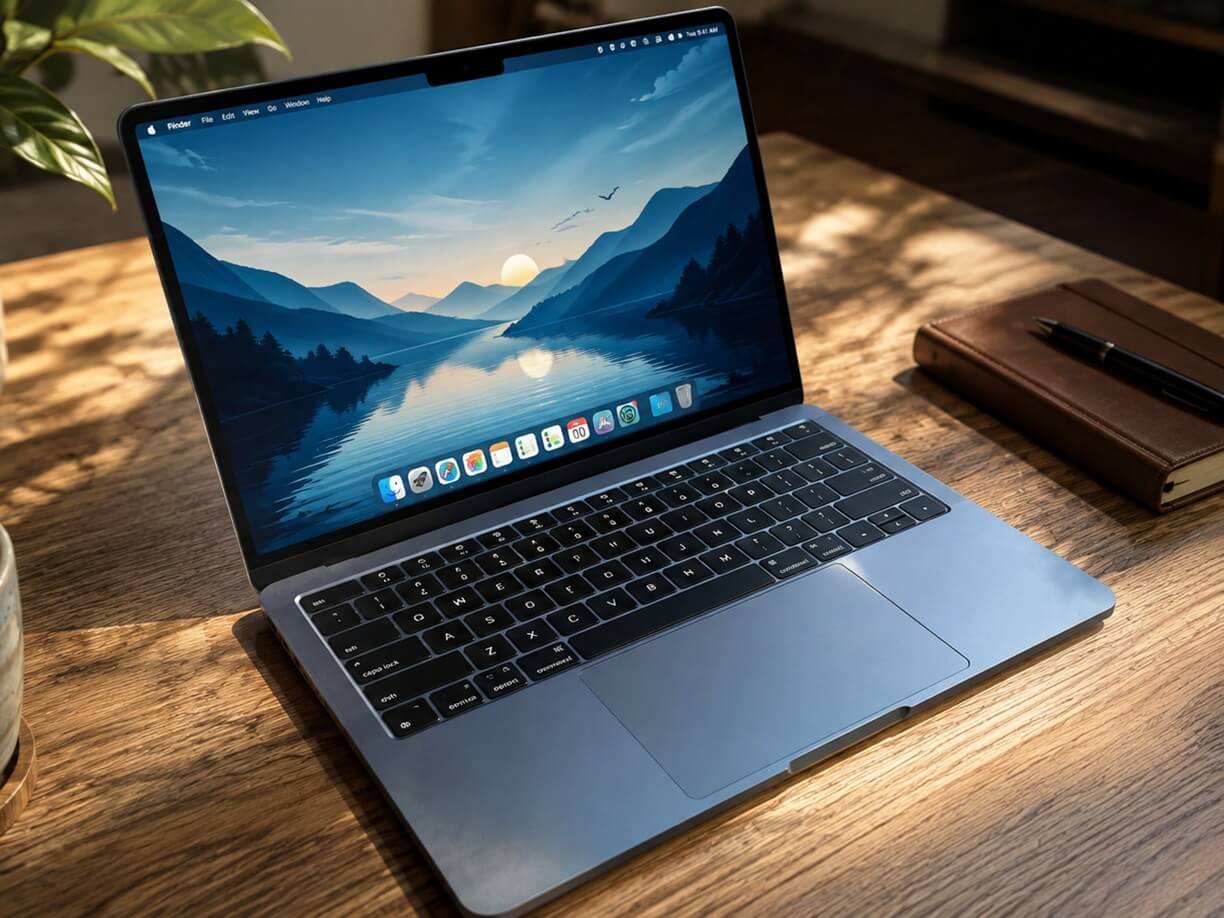 | Dell XPS 16 (2026) | Work, AI, creators | ⭐⭐⭐⭐⭐ |
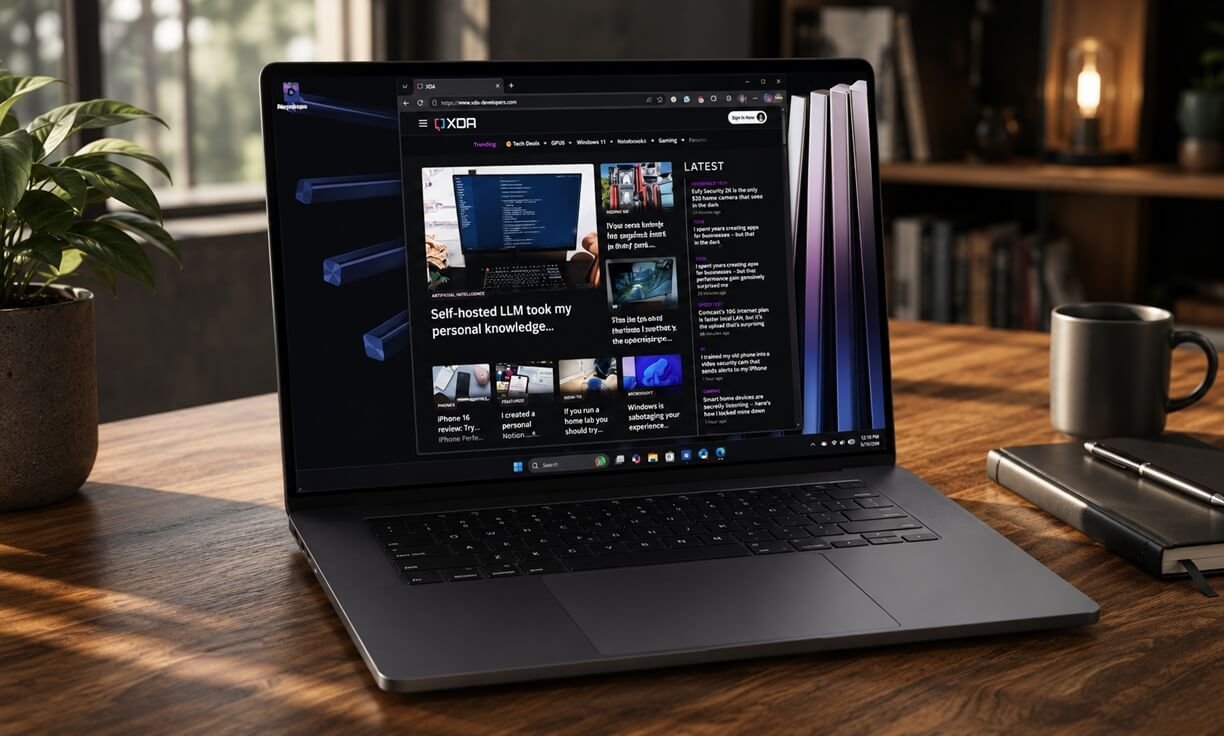 | Apple MacBook Air M5 | College and everyday use | ⭐⭐⭐⭐⭐ |
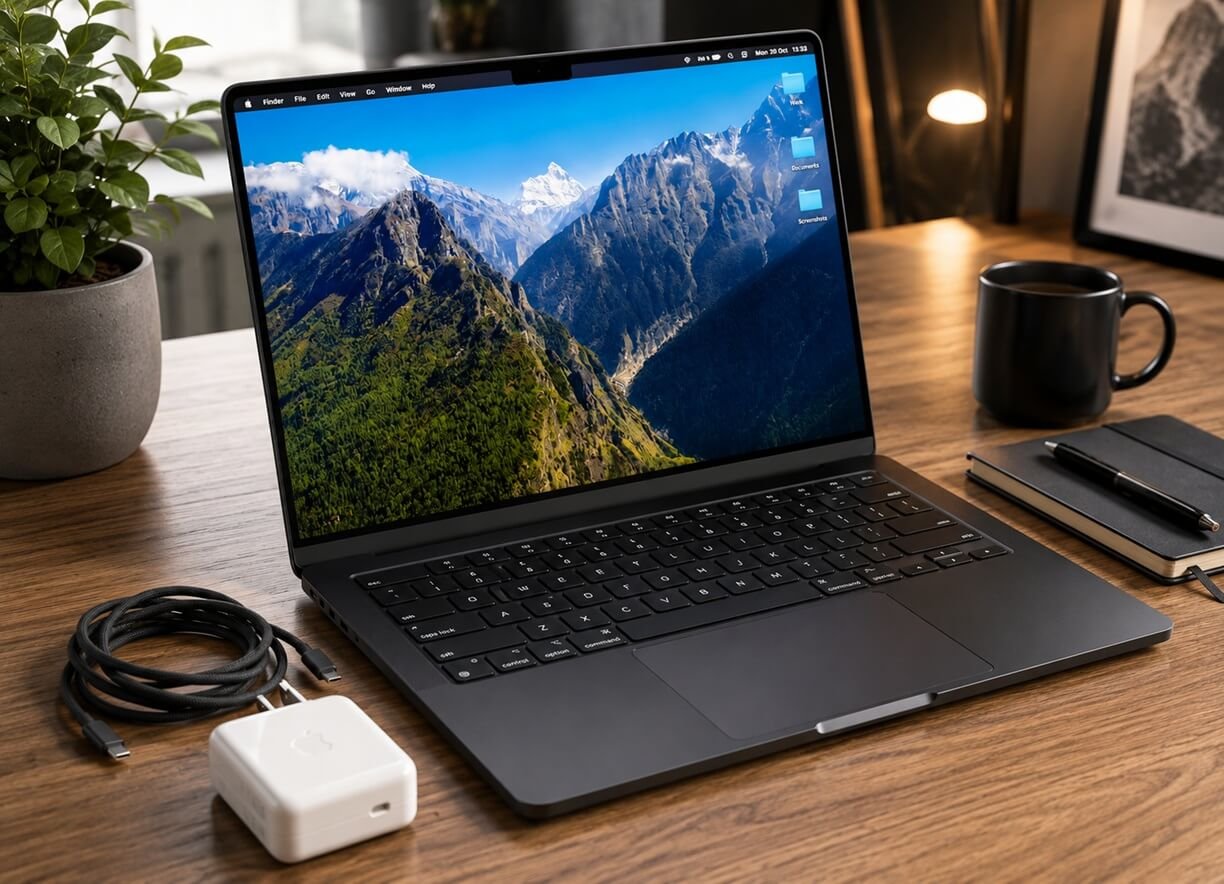 | MacBook Pro with M5 Pro | Video, photo, creative work | ⭐⭐⭐⭐⭐ |
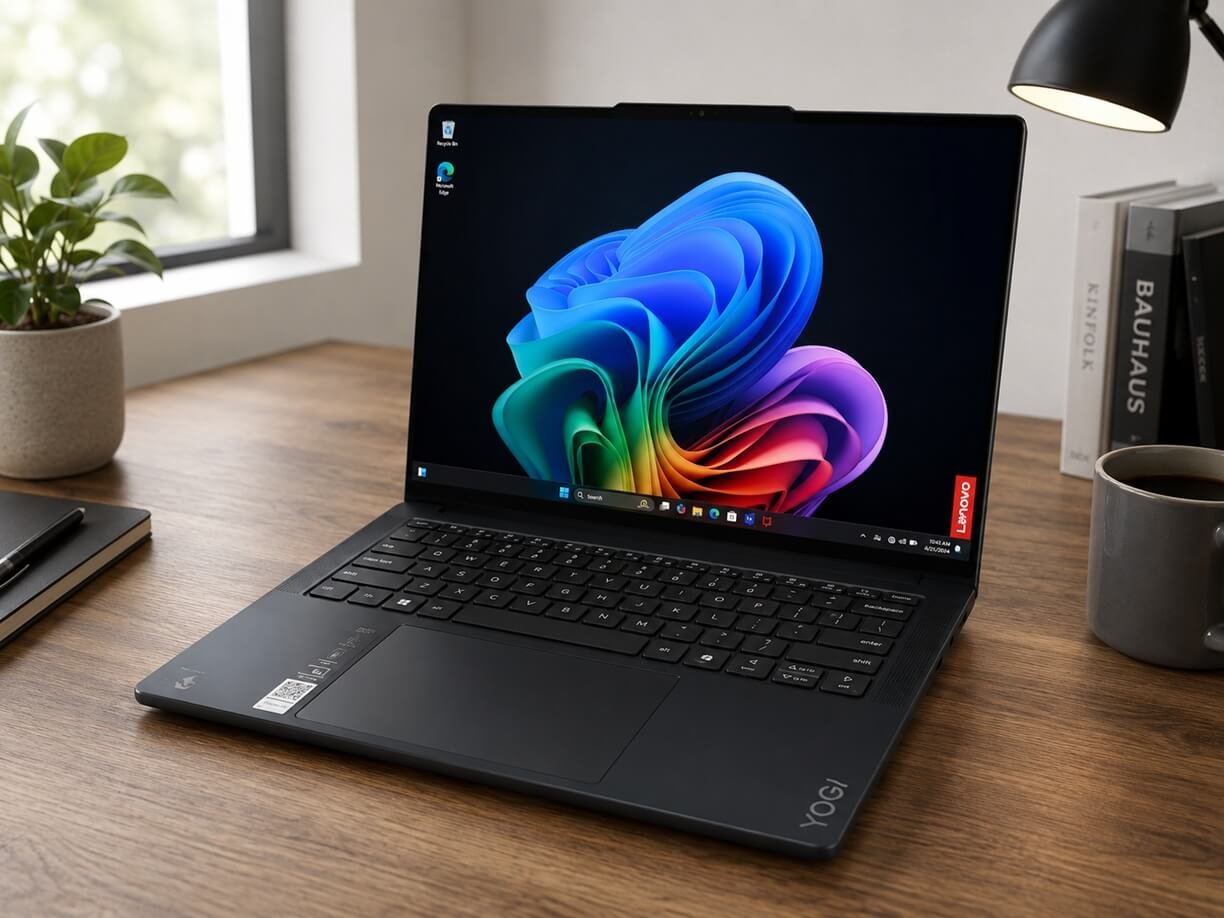 | Lenovo Yoga Slim 7x | Students, mobile professionals | ⭐⭐⭐⭐☆ |
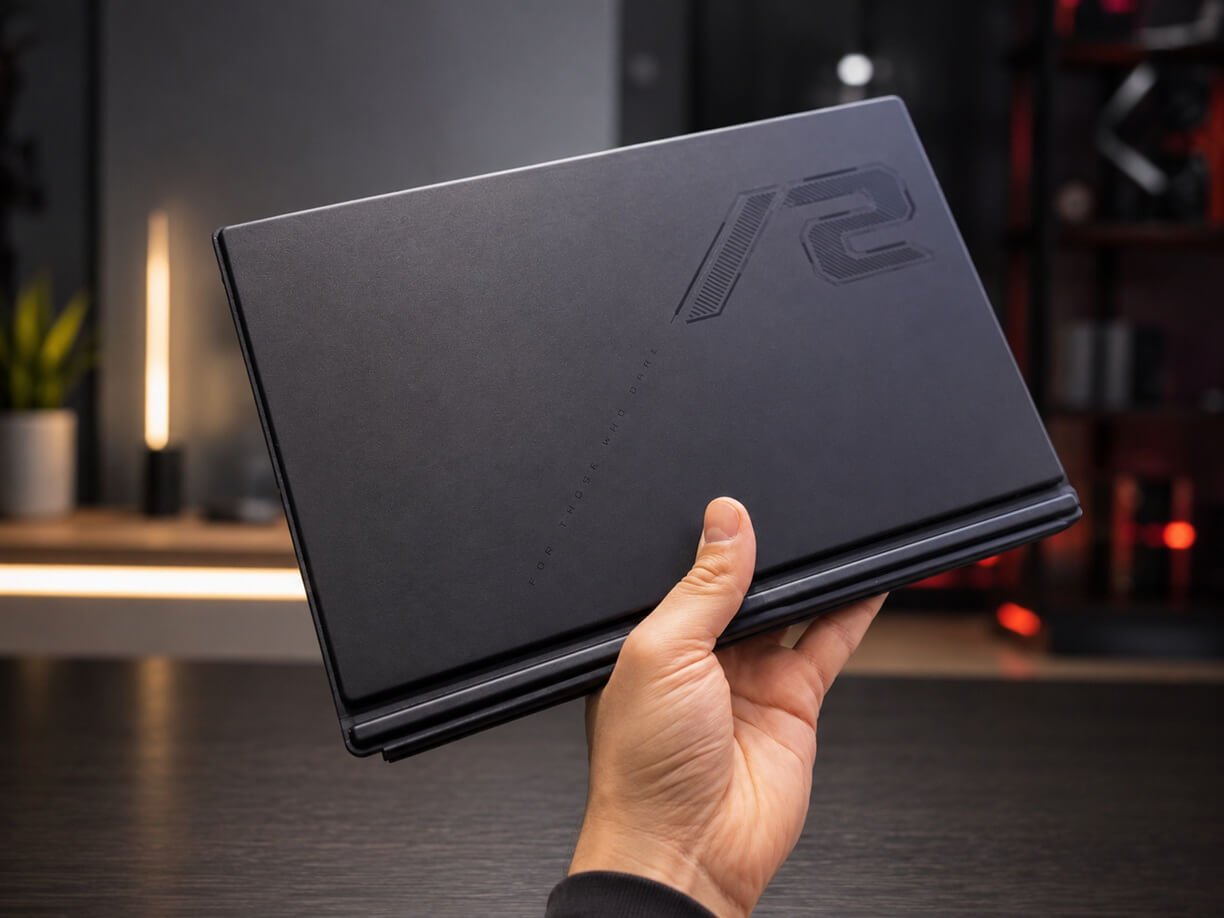 | ASUS ROG Flow Z13 | Local AI, gaming, creative work | ⭐⭐⭐⭐☆ |
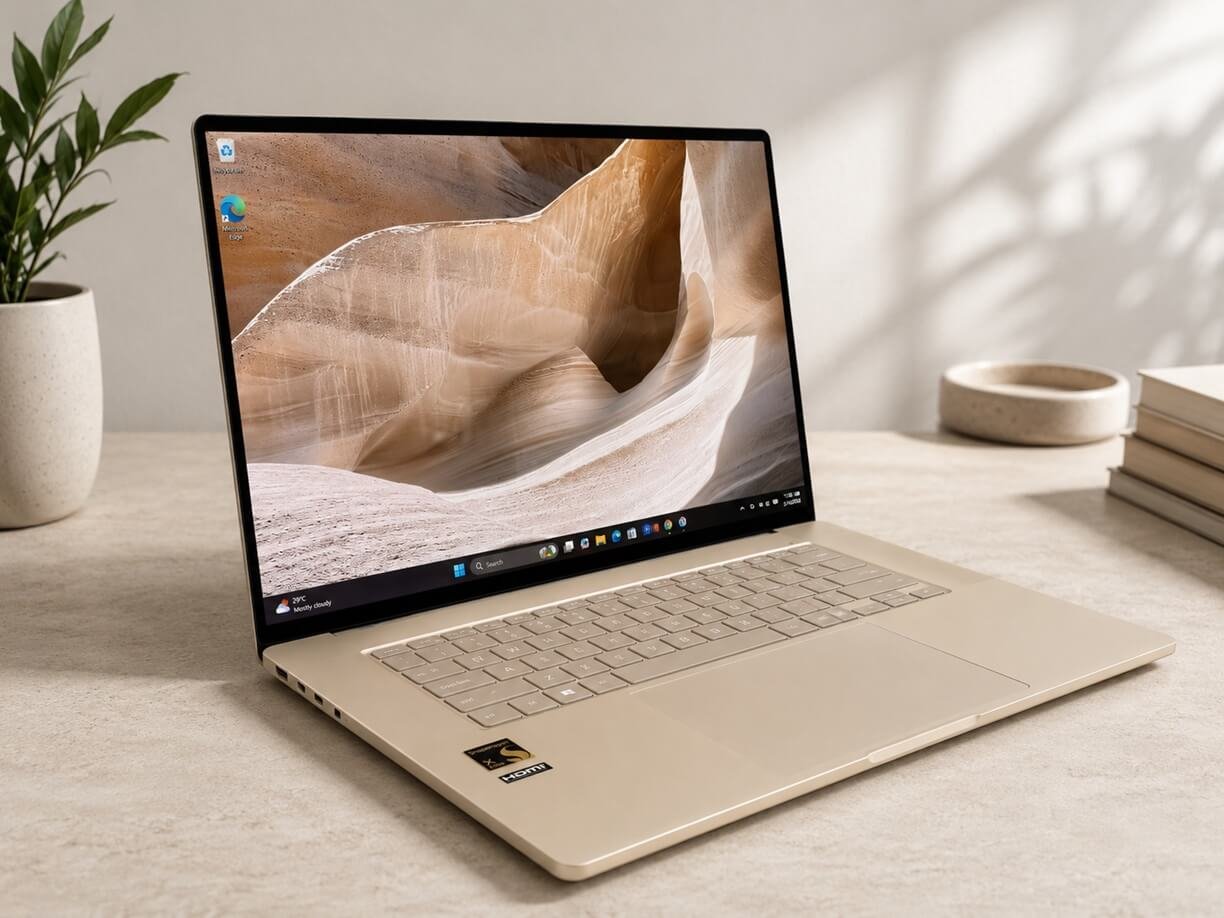 | ASUS Zenbook A14/A16 | Travel and productivity | ⭐⭐⭐⭐☆ |
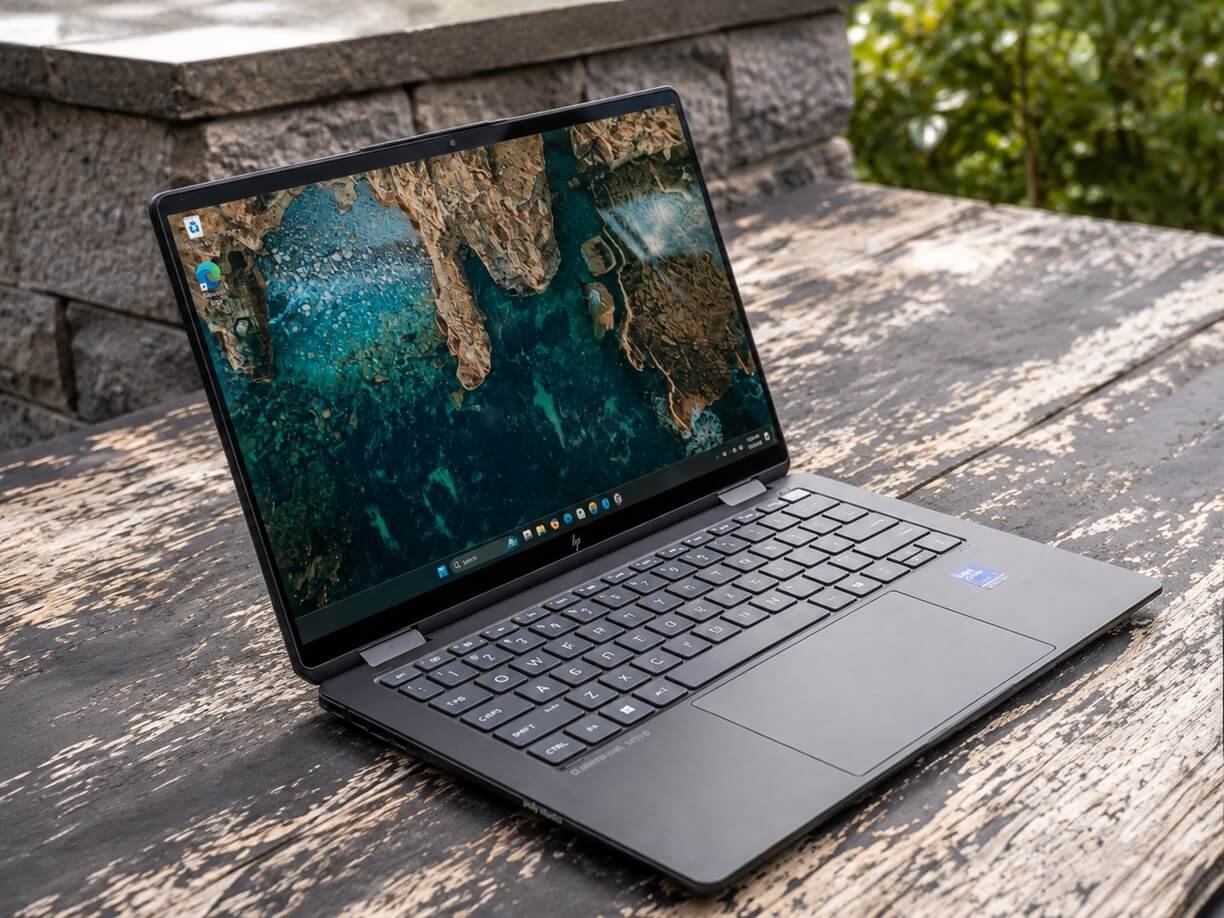 | HP OmniBook Ultra Flip 14 | Creators and flexible work | ⭐⭐⭐⭐⭐ |
Best AI Laptop Shortlist
- Best overall: Dell XPS 16 (2026)
- Best for students: MacBook Air M5
- Best for creators: MacBook Pro M5 Pro
- Best portable option: Lenovo Yoga Slim 7x
- Best lightweight Windows option: ASUS Zenbook A14/A16
- Best for local AI: High-end GPU ASUS ROG Flow Z13
- Best 2-in-1: HP OmniBook Ultra Flip 14
1. Dell XPS 16 (2026) — Best AI Laptop Overall
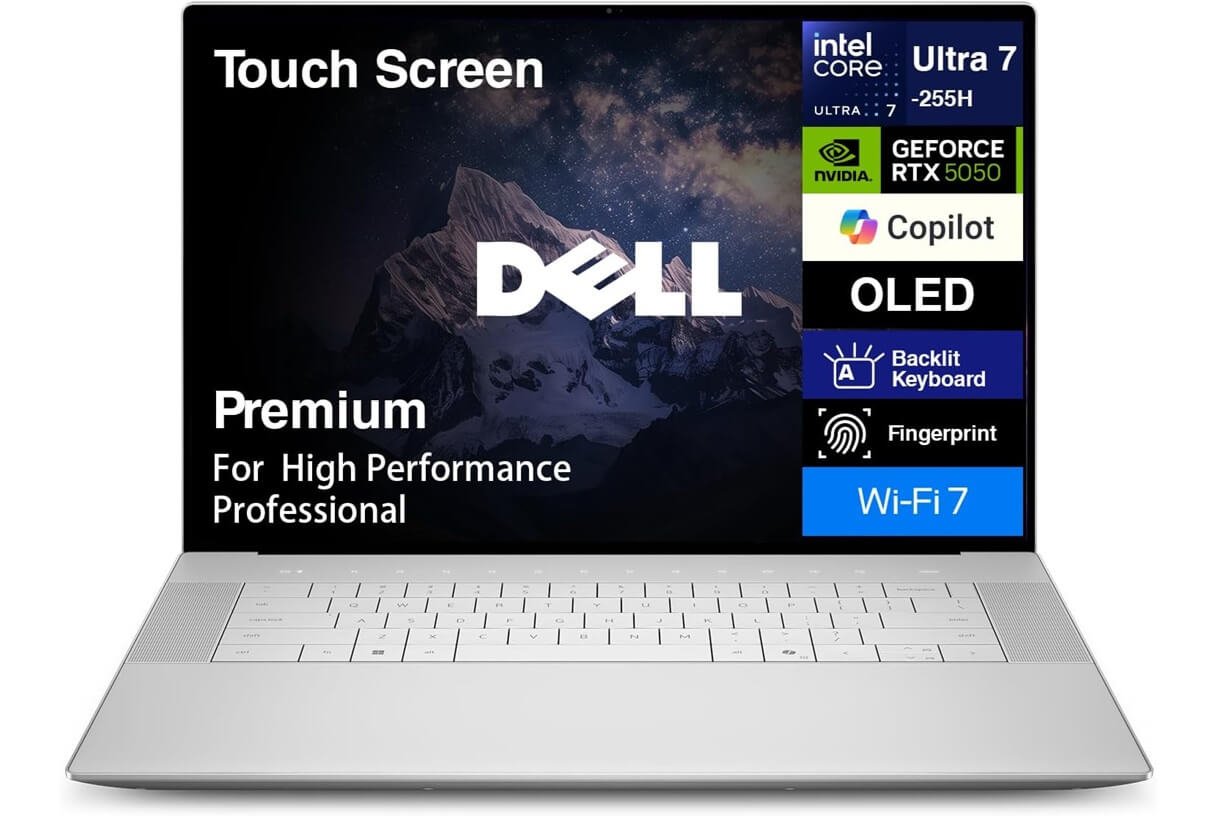
The Dell XPS 16 (2026) is one of the strongest choices if you want a Windows laptop that combines serious AI capability with a premium design. Dell offers the XPS 16 with Intel Core Ultra Series 3 processors, including configurations with the Core Ultra X7 358H. The NPU can provide up to 50 TOPS, while high-end configurations add Intel Arc graphics and an OLED display.
Why we recommend it
- Powerful Intel Core Ultra processors
- Up to 50 TOPS NPU capability depending on configuration
- Available with Intel Arc graphics
- Excellent OLED display options
- Large 16-inch workspace
- Strong performance for AI-assisted creative applications
- Premium, thin design
- Good choice for Windows users who need both productivity and creator performance
The XPS 16 is particularly compelling because AI performance isn’t dependent on the NPU alone. CPU, GPU and NPU resources can work together depending on the workload. Tom’s Guide’s 2026 testing also places the XPS 16 among the strongest AI laptops, highlighting its CPU, GPU and NPU performance.
The hardware is only part of the equation, however. The real productivity gains come from pairing capable hardware with AI workflow automation tools for businesses that can turn AI capabilities into repeatable processes. For users building automated processes around their AI setup, our Zapier vs. Make vs. n8n comparison breaks down the major options.
Who should buy the Dell XPS 16?
It’s best for:
- Business professionals
- Developers
- Content creators
- AI Fanatics
- Video editors
- Students who want a premium long-term laptop
- Windows users who want serious AI performance
Who should skip it?
If your priority is an inexpensive student laptop or maximum portability, a smaller laptop such as the MacBook Air M5 or Lenovo Yoga Slim 7x make more sense.
2. Apple MacBook Air M5 — Best AI Laptop for Students
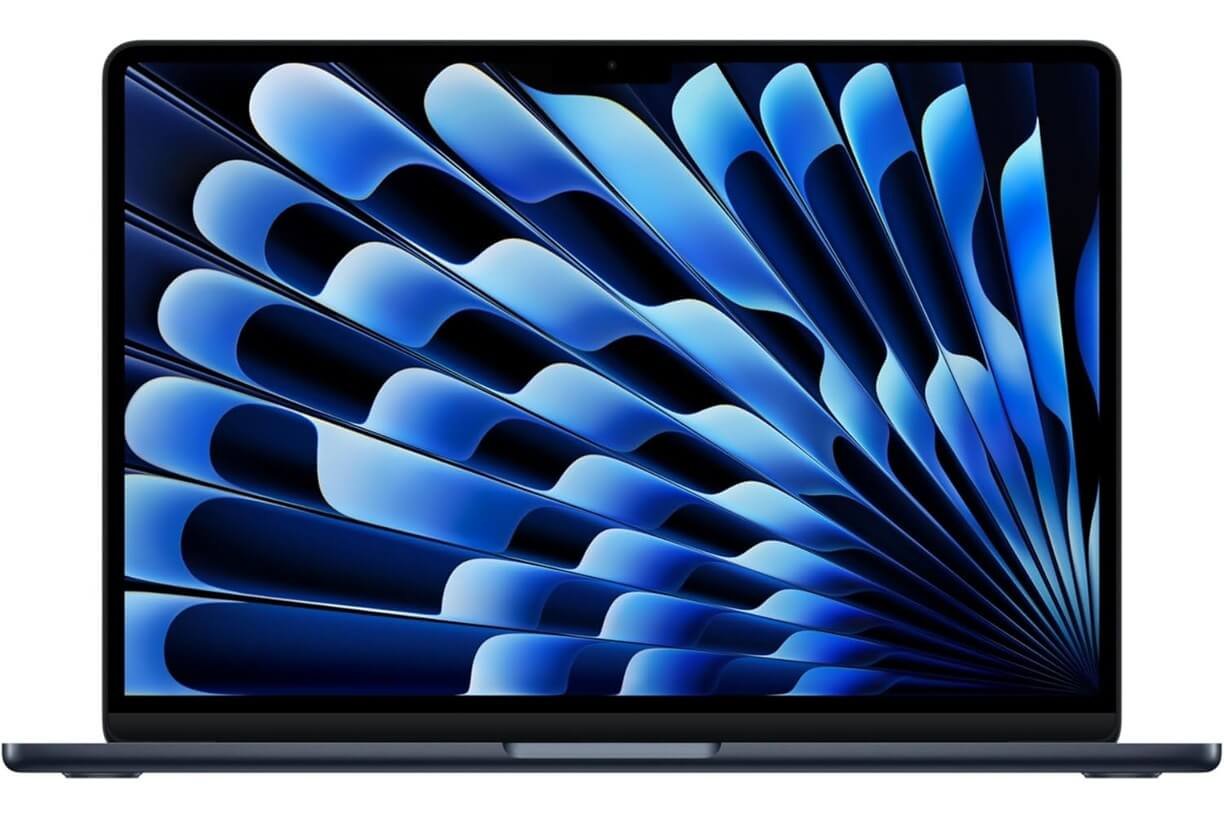
The MacBook Air M5 is one of the easiest AI laptops to recommend to students because it combines strong AI performance, excellent battery life, portability and a relatively simple user experience. It is available in both 13-inch and 15-inch versions.
Apple’s M5 includes a Neural Accelerator in each GPU core and supports Apple Intelligence and on-device AI workloads. The 2026 MacBook Air also starts with 512GB of storage, which is a significant improvement for users working with larger applications and files.
Why it’s great for students
- Excellent everyday performance
- Strong on-device AI capabilities
- Lightweight design
- Up to 18 hours of battery life according to Apple
- 512GB starting storage
- Excellent display
- Strong webcam and microphone system
- Quiet, fanless operation
- Long-term macOS software support
The MacBook Air M5 is particularly attractive for students who use AI assistants for research, writing, presentations, coding, image editing and organization.
Best student uses
The MacBook Air M5 works especially well for:
- College research
- AI writing tools
- Coding
- Online classes
- Microsoft Office
- Google Workspace
- Photo editing
- Light video editing
- AI-assisted productivity
- Everyday browsing and entertainment
Apple says the M5 MacBook Air delivers up to four times faster AI performance than the M4 model for certain AI workloads.
Downsides
The biggest limitation is macOS compatibility. If your university requires Windows-only applications, check software compatibility before buying. However, it is the best AI laptop for most students who prefer macOS.
3. MacBook Pro with M5 Pro — Best AI Laptop for Creators
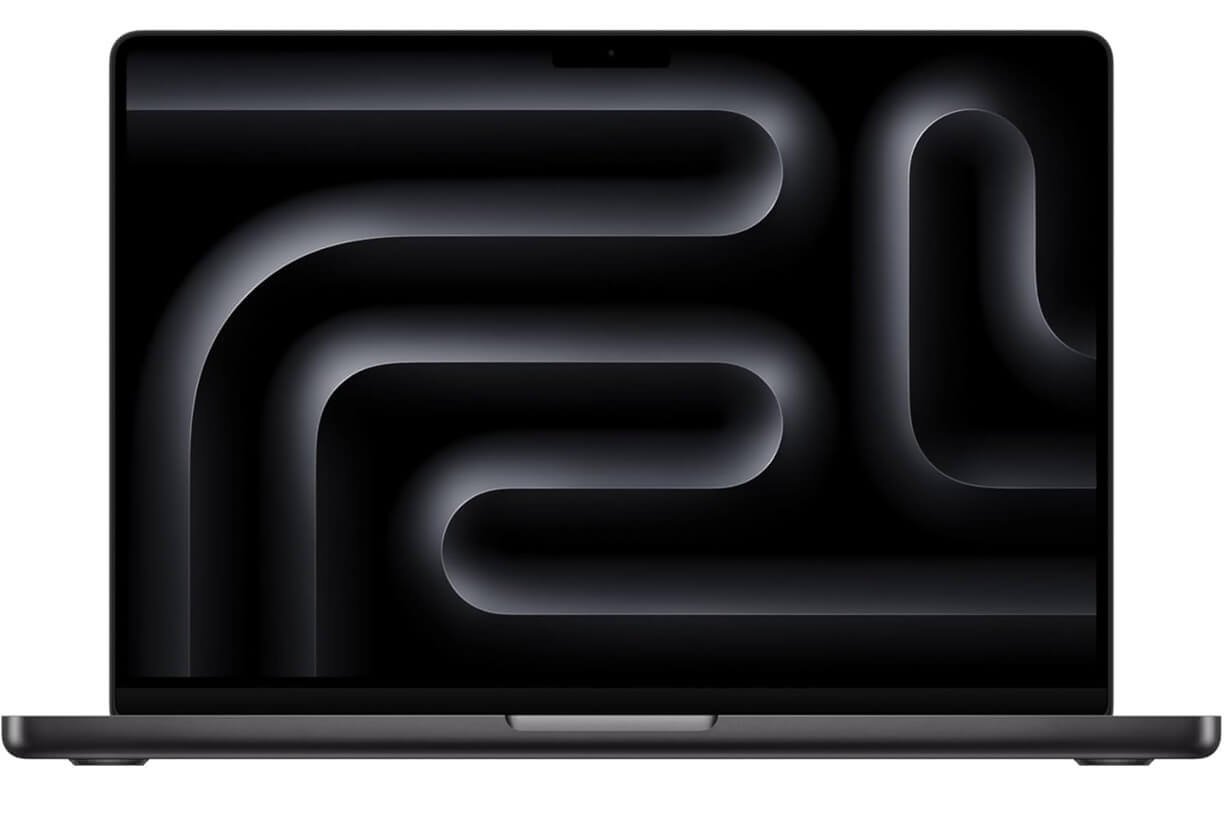
If you’re a professional creator, the MacBook Pro with M5 Pro is a significant step up from the MacBook Air. It is designed for demanding workloads such as:
- 4K and 8K video editing
- Photo editing
- 3D work
- Music production
- Software development
- AI-assisted creative applications
- Large local AI workloads
The higher-end configurations offer substantially more memory and storage than the MacBook Air. Independent 2026 testing has highlighted the MacBook Pro M5 Pro for its combination of processing performance, battery life and professional display quality.
Why creators should consider it
A creator laptop needs more than an NPU. Video editing and 3D workloads can depend heavily on CPU and GPU performance, while AI features may use dedicated acceleration. That’s why the MacBook Pro makes sense for professionals who want an AI-capable laptop rather than a laptop that only performs lightweight AI tasks.
Best for
- Professional video editors
- Photographers
- Designers
- Developers
- Music producers
- AI developers
- Creative professionals
4. Lenovo Yoga Slim 7x — Best Portable AI Laptop
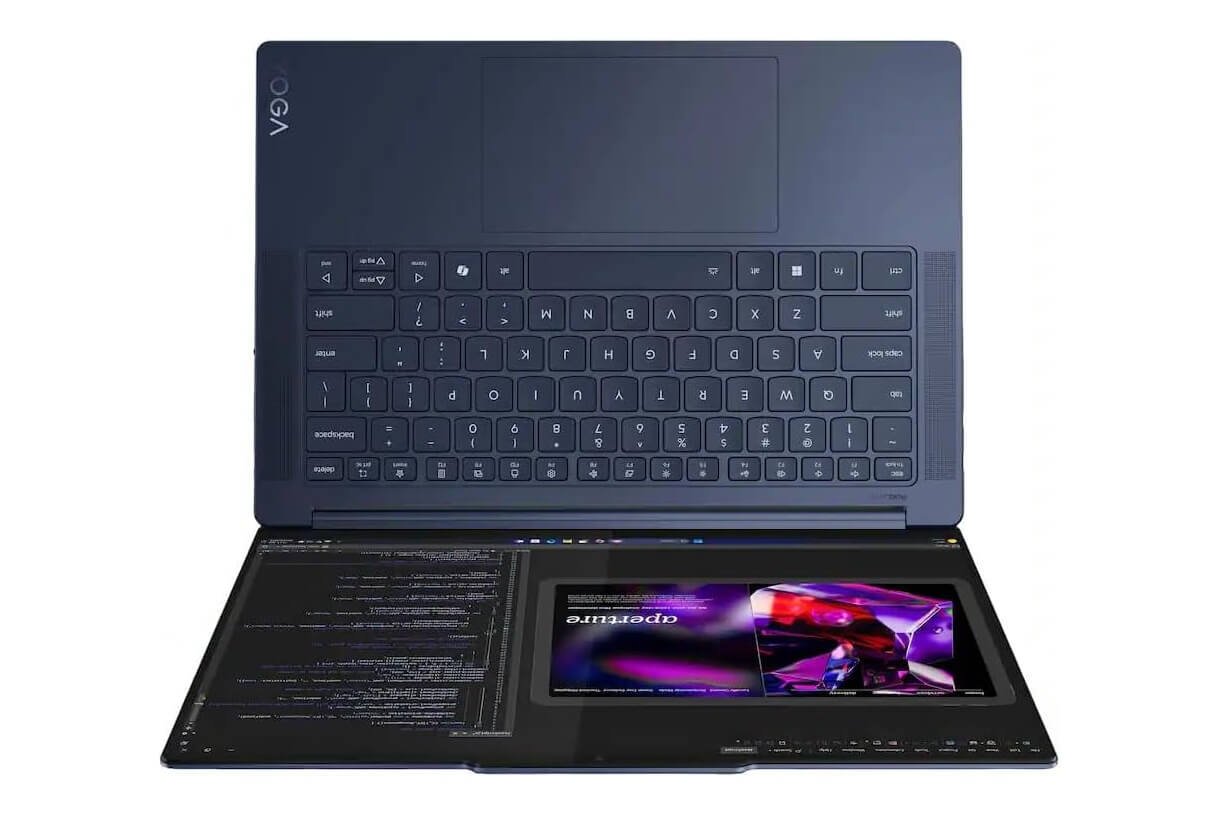
The Lenovo Yoga Slim 7x remains an attractive choice for users who prioritize portability and battery efficiency. It uses Qualcomm’s Snapdragon X Elite platform and includes a Hexagon NPU rated at 45 TOPS, putting it within the performance class required for Copilot+ PC features.
Why it’s worth considering
- Lightweight design
- OLED display
- Snapdragon X Elite platform
- 45 TOPS NPU
- Strong battery efficiency
- Copilot+ PC support
- Good productivity performance
- Excellent option for mobile users
Best for
The Yoga Slim 7x is particularly suited to:
- Students
- Writers
- Business travelers
- Remote workers
- Researchers
- Professionals who spend much of the day away from an outlet
One important consideration
Snapdragon-based Windows laptops use an Arm architecture. Most mainstream applications now work well, but compatibility can still matter for specialized Windows software, older applications, drivers and certain peripherals.
For professionals using AI for daily business tasks, pairing a capable laptop with the right AI tools for small businesses can make the hardware far more useful.
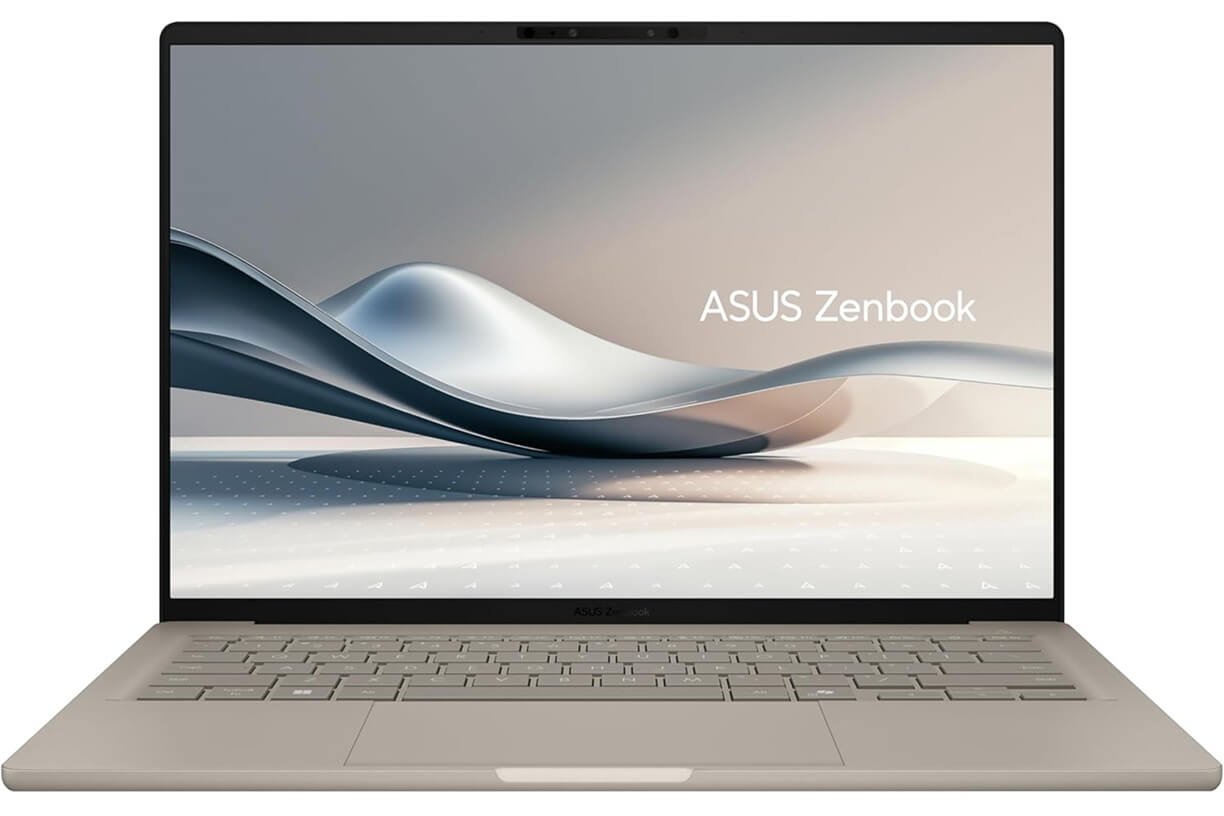
5. ASUS Zenbook A14/A16 — Best Lightweight Windows AI Laptop
The ASUS Zenbook A14 and A16 are worth considering if you want a thin Windows laptop with modern AI hardware. The newer Zenbook generation uses Qualcomm Snapdragon X2 platforms in some configurations and combines them with thin designs and OLED displays.
The newer models capable of strong performance, although pricing can make them harder to recommend than some alternatives. It is ideal for travelers, students and professionals who want a lightweight Windows AI laptop.
The software ecosystem matters just as much as the hardware, which is why it’s worth evaluating the AI workflow tools we recommend before choosing a laptop for professional use.
Pros
- Thin and lightweight
- OLED display options
- Strong AI performance
- Excellent portability
- Good battery efficiency
- Modern Windows AI features
Cons
- ARM application compatibility can still matter
- Premium configurations can become expensive
- Not the best choice for serious GPU-intensive workloads
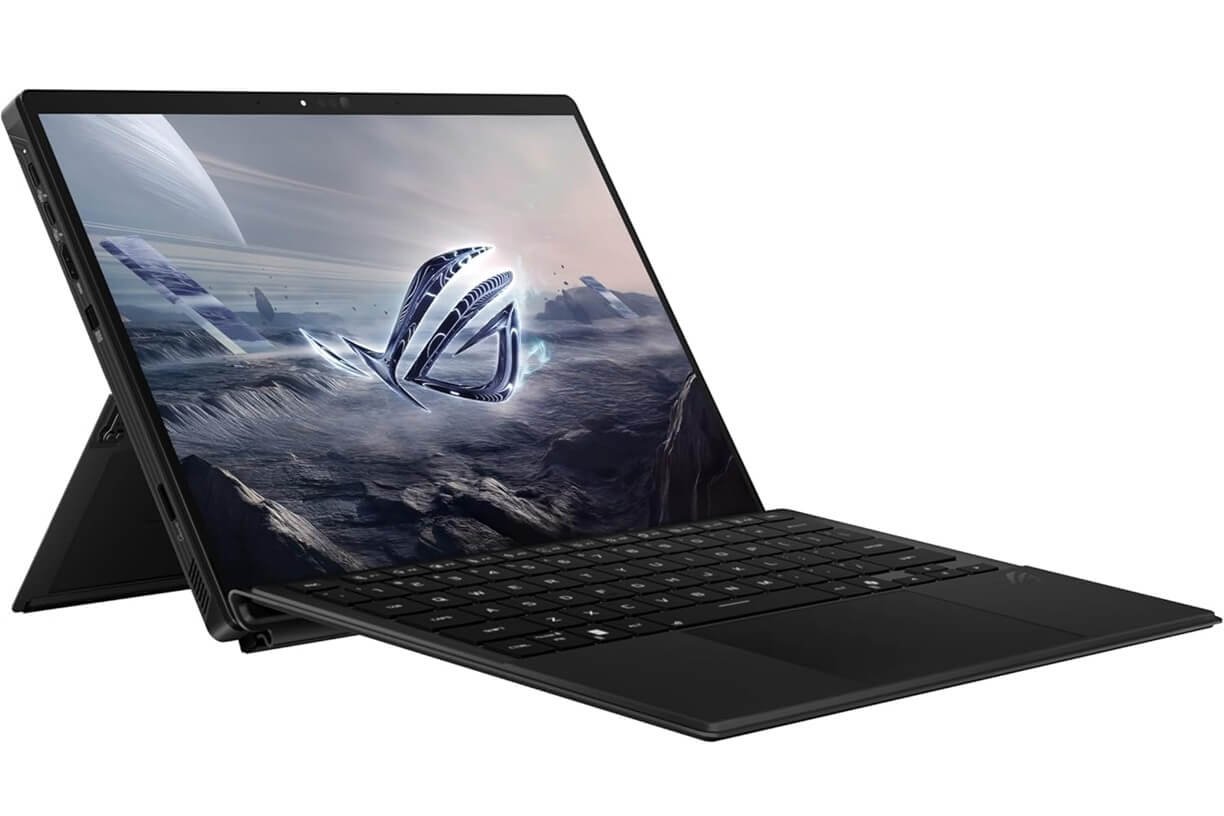
6. ASUS ROG Flow Z13 — Best AI Laptop for Power Users
Not every AI laptop needs to look like a traditional business notebook. The ASUS ROG Flow Z13 is designed for users who want powerful computing in a more flexible form factor.
Its high-end configurations can combine AMD Ryzen AI processors with powerful integrated graphics, making it interesting for AI enthusiasts, gamers and creators. So, consider this model when raw performance and flexibility matter more than maximum battery life.
Why power users should consider it
Local AI workloads can be much more demanding than normal AI assistants. If you want to run larger AI models locally, the GPU becomes extremely important. That’s why a high-performance laptop with powerful graphics can sometimes be a better choice than an ultra-thin laptop with a stronger NPU but weak graphics.
Best for
- Local AI experimentation
- Gaming
- Creative work
- Developers
- 3D workloads
- AI enthusiasts
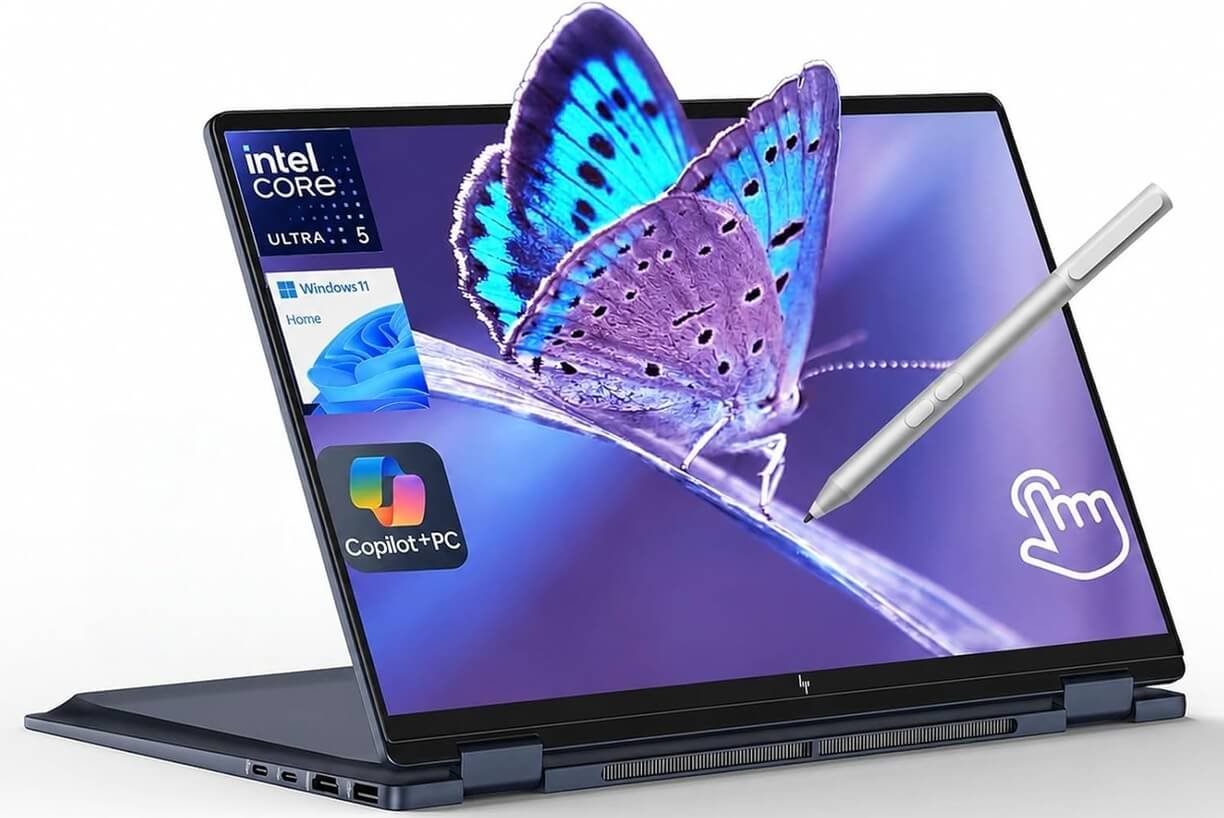
7. HP OmniBook Ultra Flip 14 — Best 2-in-1 AI Laptop
A 2-in-1 laptop can make sense if your workflow includes writing, drawing, presentations and touchscreen interaction.
The HP OmniBook Ultra Flip 14 combines a convertible design with modern AI-focused hardware, making it an appealing option for creators and professionals who want more flexibility than a traditional clamshell laptop. It is a strong choice if touchscreen flexibility is as important as AI performance.
Best features to look for
- OLED touchscreen
- Convertible design
- Pen support
- NPU acceleration
- Strong CPU performance
- Portable form factor
Best for
- Students
- Designers
- Digital artists
- Presentations
- Note-taking
- Creative professionals
Best AI Laptops by Use Case
- Best AI Laptop for Work: Dell XPS 16
- Best AI Laptop for Students: MacBook Air M5
- Best AI Laptop for Creators: MacBook Pro M5 Pro
- Best Portable AI Laptop: Lenovo Yoga Slim 7x
- Best AI 2-in-1: HP OmniBook Ultra Flip 14
What Is an AI Laptop?
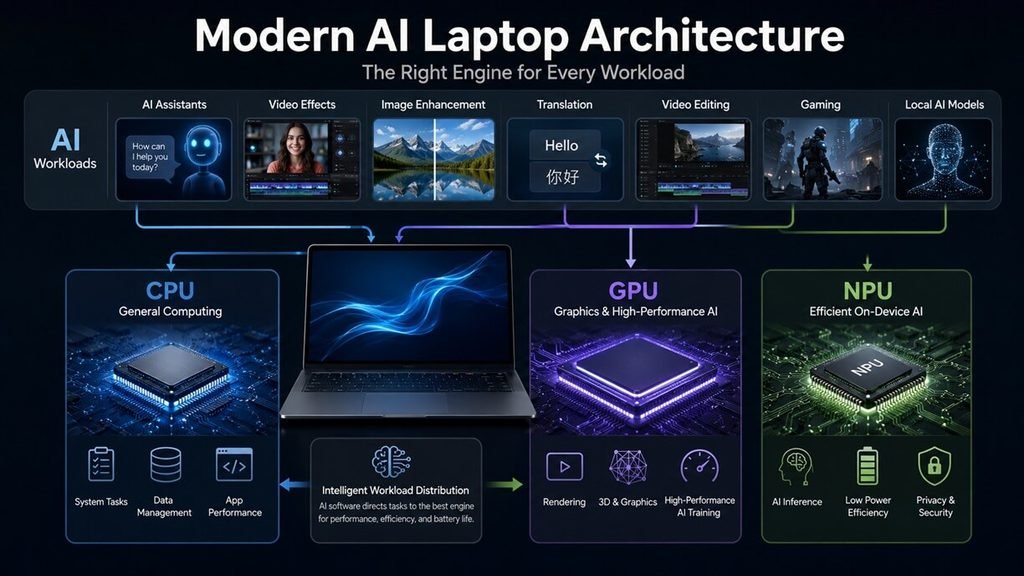
An AI laptop is a computer designed with hardware specifically intended to accelerate artificial intelligence workloads. Modern AI PCs can contain three major processing engines:
CPU → General computing
GPU → Graphics and high-throughput workloads
NPU → Efficient AI processing
Intel describes this approach as using the CPU, GPU and NPU together for different AI workloads. The NPU is particularly useful for sustained AI workloads where power efficiency matters.
This distinction is important because AI laptop does not simply mean “a laptop that can use ChatGPT.” Almost any modern computer can access cloud-based AI services. An AI laptop is more about having dedicated hardware capable of accelerating AI workloads locally.
What Is an NPU?
NPU stands for Neural Processing Unit. It’s a specialized processor designed for AI and machine-learning workloads. Unlike the CPU, which is designed for general-purpose computing, an NPU is optimized for certain AI calculations.
This can make it useful for tasks such as:
- AI-powered video effects
- Background blur
- Noise cancellation
- Automatic framing
- Live captions
- Translation
- Image generation
- Image enhancement
- AI assistants
- Other on-device AI features
Microsoft’s Copilot+ PC requirements use an NPU capable of more than 40 TOPS for many of its advanced AI features.
What Does TOPS Mean in an AI Laptop?
TOPS means trillion operations per second. It’s commonly used to describe the theoretical AI processing capability of an NPU.
For example:
- 40+ TOPS — meets the current Copilot+ class requirement
- 45 TOPS — Snapdragon X Elite examples
- 50 TOPS — certain Intel Core Ultra Series 3 configurations
But don’t make the mistake of comparing laptops only by TOPS. A laptop with a higher TOPS rating isn’t automatically faster for every AI workload. AI performance also depends on:
- CPU architecture
- GPU performance
- NPU architecture
- RAM
- Memory bandwidth
- Software optimization
- AI model
- Application support
- Thermal performance
- Power limits
TOPS is a useful specification, but it isn’t a complete AI benchmark.
Copilot+ PC vs AI PC: What’s the Difference?
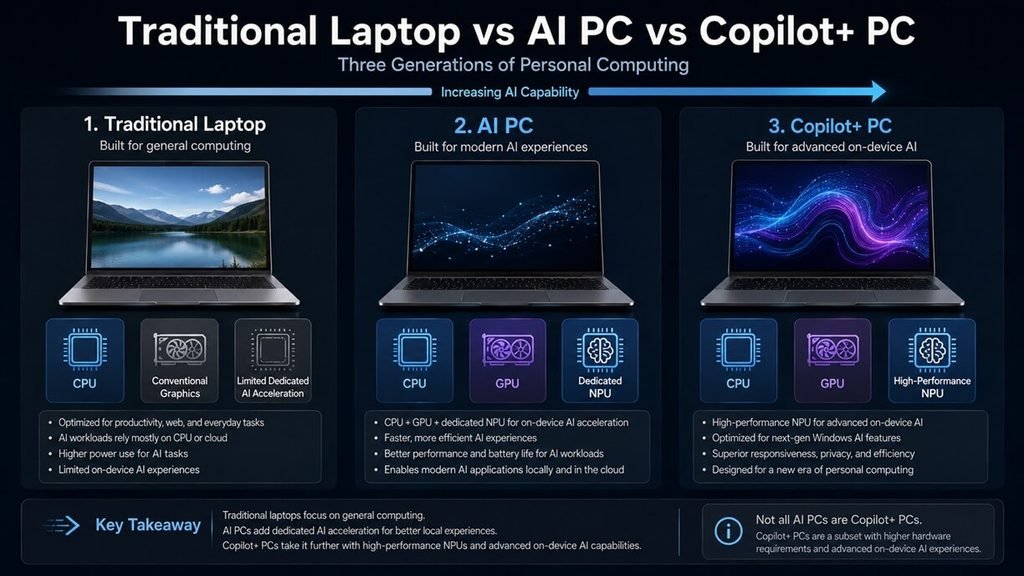
These terms are related but aren’t identical. An AI PC is a broad hardware category. A Copilot+ PC is Microsoft’s more specific class of Windows PCs designed around advanced AI capabilities and a high-performance NPU.
Microsoft says Copilot+ PCs use NPUs capable of more than 40 trillion operations per second and support features such as real-time translation and AI-powered image-generation tools.
Simple comparison
| Feature | Traditional Laptop | AI PC | Copilot+ PC |
| CPU | Yes | Yes | Yes |
| GPU | Usually | Yes | Yes |
| Dedicated NPU | Sometimes | Yes | Yes |
| Local AI acceleration | Limited | Yes | Strong |
| 40+ TOPS NPU | Not required | Not always | Required for Copilot+ class |
| Windows AI features | Some | Many | Advanced |
| Best for local AI | Limited | Good | Very good for supported workloads |
AI Laptop vs Laptop for Running AI Models
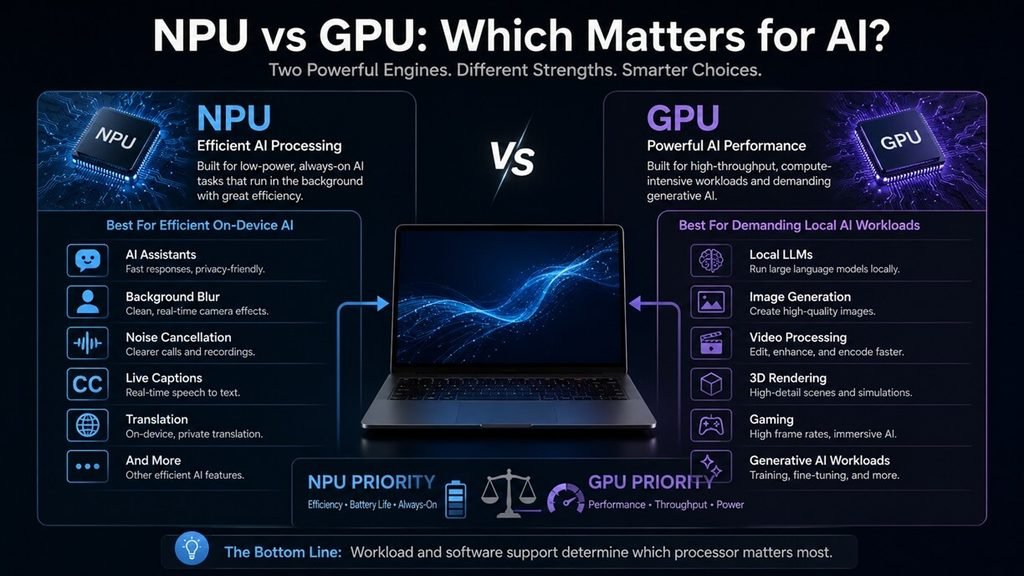
This distinction is extremely important. If you simply want:
- AI writing
- Chatbots
- AI search
- Video-call enhancements
- Image generation through cloud services
- AI productivity features
you don’t necessarily need an expensive AI workstation. But if you want to run large AI models locally, the requirements change. Local AI workloads can benefit substantially from:
- More RAM
- More VRAM
- A powerful GPU
- Fast storage
- Strong CPU performance
- Efficient cooling
For demanding local LLMs or generative AI workloads, a laptop with a powerful NVIDIA GPU may outperform an ultra-thin laptop whose primary AI advantage is its NPU. To see where these capabilities translate into measurable business benefits, explore these real-world AI automation examples.
In other words:
AI features → NPU matters
Local AI models → GPU and memory can matter much more
Creative AI → CPU + GPU + NPU can all matter
How to Choose the Best AI Laptop
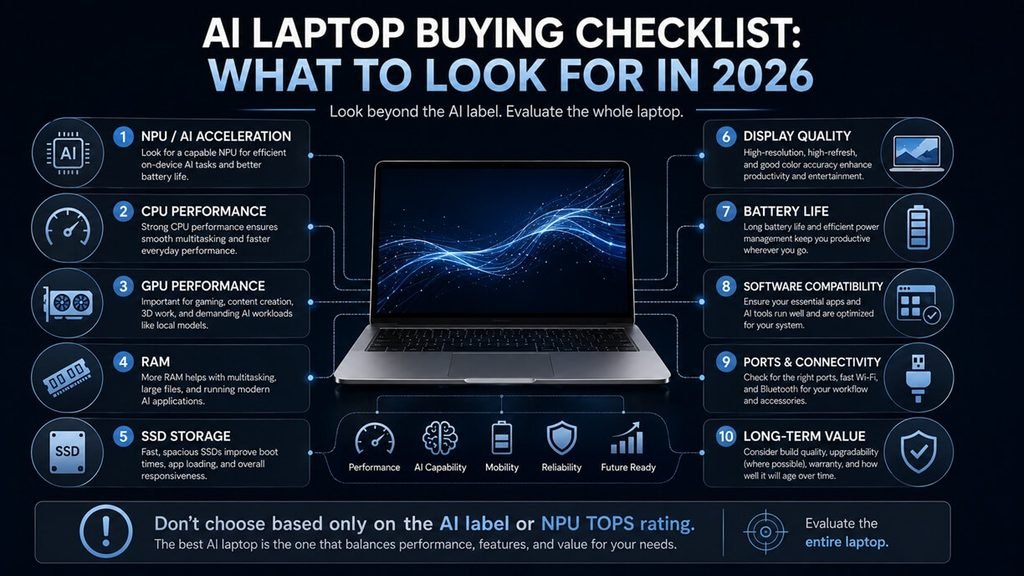
Don’t buy an AI laptop simply because the manufacturer puts “AI” on the box. Instead, evaluate these eight factors.
NPU Performance
Look for a modern processor with a dedicated NPU. For Windows Copilot+ PCs, 40+ TOPS is an important threshold for supported advanced features. But don’t use TOPS as your only metric.
CPU Performance
The CPU still handles most everyday computing. For work and school, a modern Intel Core Ultra, AMD Ryzen AI, Snapdragon X-series or Apple Silicon processor can provide plenty of performance. For demanding professional workloads, step up to a high-performance processor.
GPU Performance
The GPU becomes particularly important if you’re doing:
- AI model inference
- Video editing
- 3D rendering
- Gaming
- Generative image work
- Advanced creative applications
For serious local AI workloads, consider a laptop with a dedicated NVIDIA GPU rather than relying solely on integrated graphics.
RAM
For a laptop you’re planning to keep for several years, 16GB should be considered the practical starting point. For professional creative work, AI development and heavier multitasking, 32GB or more is preferable.
Recommended RAM
| User | Recommended RAM |
| Basic student | 16GB |
| College student | 16GB |
| Business user | 16GB |
| Creator | 32GB |
| Developer | 32GB |
| Local AI enthusiast | 32GB–64GB+ |
| Professional workstation | 64GB+ |
Don’t buy an expensive AI laptop with only 8GB of RAM simply because it has an NPU.
Storage
We recommend 512GB SSD as a practical minimum for most buyers. Choose 1TB or more if you regularly work with:
- Video files
- Large photo libraries
- AI models
- Games
- Development environments
- Creative projects
Apple’s 2026 MacBook Air M5 now starts with 512GB, addressing one of the biggest limitations of the previous base configuration.
Display Quality
AI performance isn’t useful if you’re staring at a poor display all day. For creators, look for:
- OLED or high-quality IPS
- High resolution
- Strong color accuracy
- High brightness
- Wide color gamut
For general productivity, a good 120Hz display can make scrolling and everyday interaction feel noticeably smoother.
Battery Life
One of the biggest advantages of modern AI PCs is efficiency. NPUs can handle certain sustained AI workloads without forcing the CPU or GPU to do everything. Intel’s current AI PC platform, for example, combines CPU, GPU and NPU engines to balance performance and efficiency.
For students and travelers, battery life can be more important than having the fastest possible processor.
Software Compatibility
This is especially important with ARM-based Windows laptops. Snapdragon-based Copilot+ PCs can provide excellent efficiency and AI performance, but buyers who rely on specialized Windows applications, older software, drivers or peripherals should check compatibility before purchasing. If compatibility is your highest priority, an x86 Windows laptop can be the safer choice.
Do You Need an AI Laptop in 2026?
Not necessarily. If your current laptop is already fast enough for:
- Web browsing
- Microsoft Office
- Streaming
- Basic photo editing
- Cloud-based AI tools
you don’t need to upgrade simply because a new laptop has an NPU. However, an AI laptop becomes much more attractive if you’re buying a new computer and want:
- Better on-device AI features
- Longer useful lifespan
- Better video-call effects
- Local AI processing
- AI-assisted creative applications
- Better power efficiency
- Copilot+ features
- Modern processor architecture
Our advice
If you’re buying a laptop in 2026, AI capability should be one consideration—not the only consideration. A great laptop with an NPU is better than an average laptop with an impressive AI sticker.
Are AI Laptops Worth It?
For most people buying a new laptop in 2026, yes—but only if the rest of the laptop is good. AI features are becoming increasingly integrated into operating systems and applications.
Microsoft’s Copilot+ platform already uses NPUs for features such as translation and AI-powered creative tools, while Intel and other chipmakers are building AI acceleration directly into modern laptop processors.
The biggest advantage comes when AI assistance fits naturally into existing processes instead of replacing them entirely. Our guide to integrating AI into human workflows explains how to approach that transition. Organizations moving beyond experimentation may also need AI implementation services to connect AI tools with their existing processes and systems.
But you shouldn’t pay hundreds of dollars more solely for a higher TOPS number. Instead, prioritize:
- Overall performance
- Battery life
- RAM
- Storage
- Display
- Software compatibility
- GPU performance
- NPU capability
AI Laptop Buying Guide: Specs to Look For
Here’s a simple starting point.
| Specification | Good Starting Point | Better for Power Users |
| CPU | Modern Core Ultra / Ryzen AI / Snapdragon X / Apple M5 | High-end Core Ultra / Ryzen AI / Apple Pro |
| NPU | 40+ TOPS for Copilot+ | Higher-performing NPU |
| RAM | 16GB | 32GB–64GB+ |
| Storage | 512GB SSD | 1TB–2TB+ |
| Display | 1080p+ | OLED/QHD+ |
| GPU | Integrated | Dedicated GPU |
| Battery | 10+ hours practical use | 15+ hours |
| Wi-Fi | Wi-Fi 6E | Wi-Fi 7 |
| Ports | USB-C + USB-A | Thunderbolt/USB4 + HDMI + more |
| OS | Windows/macOS | Match your software requirements |
Frequently Asked Questions About AI Laptops
Do AI laptops work without an internet connection?
Yes, some AI laptop features can run offline when they support on-device processing, but cloud-based AI tools still require an internet connection.
Are AI laptops more secure than regular laptops?
Not automatically. On-device AI can keep some processing local, but security depends on the software, operating system, permissions, and how your data is handled.
Can I upgrade an AI laptop later?
It depends on the model, as many thin AI laptops have soldered RAM and limited upgrade options. If you plan to use local AI, buying enough RAM and storage upfront is usually safer.
Do AI laptops need a dedicated GPU?
No, everyday AI features can run on an NPU or integrated graphics, but a dedicated GPU is much more important for local AI models, generative graphics, gaming, and demanding creative workloads.
Are AI laptops good for business?
Yes, AI laptops can improve productivity through features such as transcription, summarization, video-call enhancement, and workflow assistance, but businesses should also evaluate security, privacy, and software compatibility.
Can AI laptops run large AI models locally?
Some can, but performance depends heavily on GPU power, VRAM, system RAM, and software support. For larger local models, prioritize memory and GPU capability over NPU TOPS alone.
Are ARM-based AI laptops compatible with Windows software?
Many common Windows applications work well, but specialized software, older programs, drivers, and peripherals can still have compatibility limitations. Check your essential applications before buying an ARM-based AI laptop.
Does an NPU improve battery life?
An NPU can improve efficiency for supported on-device AI workloads by handling them without relying entirely on the CPU or GPU. However, overall battery life also depends on the display, processor, battery capacity, and software optimization.
How much storage do I need for an AI laptop?
512GB is enough for general productivity, while 1TB or more is better for creators, developers, and users storing local AI models, large datasets, or media files.
Should I buy an AI laptop now or wait?
If you’re already replacing your laptop, a current-generation AI laptop can provide useful on-device features and better efficiency. If your existing laptop meets your needs, there’s usually no reason to upgrade solely for a higher NPU specification.
How We Choose the Best AI Laptops
A good AI laptop buying guide shouldn’t rank products based solely on processor names or manufacturer claims. When evaluating AI laptops, we recommend looking at:
AI Hardware
- NPU capability
- CPU performance
- GPU performance
- Memory bandwidth
- Local AI acceleration
Everyday Performance
- Multitasking
- Web browsing
- Office applications
- Video calls
- File management
Creator Performance
- Photo editing
- Video editing
- 3D rendering
- AI-assisted creative tools
Practical Features
- Battery life
- Display quality
- Keyboard and trackpad
- Webcam
- Speakers
- Port selection
- Weight
- Build quality
Long-Term Value
- RAM
- Storage
- Software compatibility
- Operating system support
- Upgradeability
- Warranty
- Price
This approach is more useful than simply choosing the laptop with the highest NPU TOPS rating.
Final Verdict: Which AI Laptop Should You Buy?
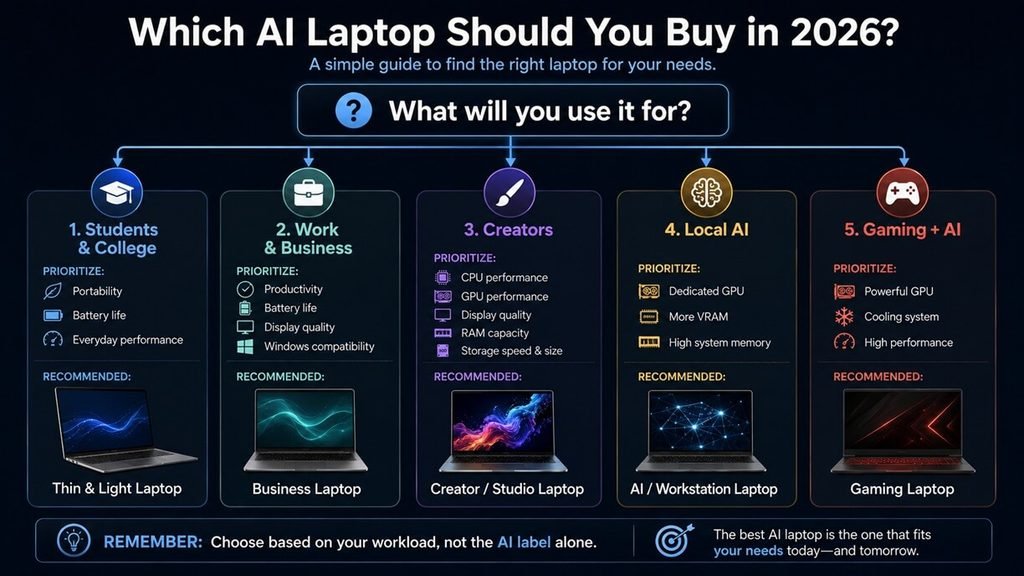
The best AI laptop in 2026 depends on what you actually plan to do with it. For an excellent all-around Windows machine, the Dell XPS 16 (2026) is a top choice thanks to its modern Intel Core Ultra hardware, strong NPU capability, premium display options and powerful graphics configurations.
For students and everyday users, the MacBook Air M5 is difficult to ignore. For professional creators, the MacBook Pro with M5 Pro makes more sense because its higher performance ceiling is better suited to demanding creative workloads.
And if you’re specifically interested in running AI models locally, don’t get distracted by NPU numbers alone. GPU performance, VRAM and system memory can be much more important. Ultimately, the smartest way to buy an AI laptop is to choose the machine that is best at your actual workload—and then make sure its AI hardware is strong enough to remain useful as on-device AI and AI agent workflows become more common..




One Comment