
Fireflies vs Otter AI (2026): Which Meeting Assistant Is Safer for Privacy-Focused Teams?

AI meeting assistants have exploded in popularity over the last few years, transforming how teams capture conversations, generate notes, and stay aligned. Tools like Fireflies AI and Otter AI are now widely used across startups, agencies, and enterprises to automate meeting transcription and insights.
But as adoption grows, so do concerns around privacy, data security, and compliance. If your organization handles sensitive information—client calls, internal strategy, legal discussions—choosing the right AI meeting assistant isn’t just about features. It’s about trust.
In this in-depth 2026 comparison, we’ll break down Fireflies vs Otter AI across features, pricing, usability, and—most importantly—privacy and security.
How We Evaluated Fireflies AI vs Otter AI
To make this comparison as practical as possible, we evaluated Fireflies AI and Otter AI using the same set of criteria commonly considered by businesses and professionals when choosing an AI meeting assistant. Rather than focusing on marketing claims alone, we assessed each platform based on the features, usability, security capabilities, integrations, and overall value that have the greatest impact on day-to-day use.
Our evaluation focused on:
| Evaluation Area | What We Assessed |
| Transcription Quality | Accuracy, punctuation, speaker identification, and handling of multi-speaker conversations |
| AI Meeting Notes | Quality of summaries, action items, and key takeaways |
| Ease of Use | Setup process, interface design, and learning curve |
| Workflow Integrations | Compatibility with Zoom, Google Meet, Microsoft Teams, Slack, CRMs, and productivity tools |
| Privacy & Security | Encryption, compliance, admin controls, and data management features |
| Collaboration | Sharing, searching, organizing, and managing meeting notes |
| Pricing & Value | Free plan limitations, paid features, and overall value for individuals and teams |
Throughout this comparison, each section explains how Fireflies AI and Otter AI perform in these areas to help you determine which solution best fits your workflow.
Table of Contents
Quick Comparison: Fireflies AI vs Otter AI
Here’s a quick side-by-side comparison to help you understand the key differences:
| Feature | Fireflies AI | Otter AI |
| Transcription Accuracy | High | Very High |
| Real-Time Transcription | Yes | Yes |
| Meeting Integrations | Zoom, Google Meet, Teams | Zoom, Google Meet |
| Collaboration Tools | Strong | Moderate |
| AI Summaries | Advanced | Good |
| Free Plan | Yes | Yes |
| Privacy Controls | Strong | Moderate |
| Best For | Teams & automation | Individuals & note-taking |
Which Plan Offers Better Value?
Choosing between Fireflies AI and Otter AI isn’t just about the monthly subscription cost. The better value depends on how you plan to use the platform, whether you’re an individual user, a growing team, or a larger organization that requires advanced collaboration and security features.
Free Plan Comparison
Both platforms offer free plans that allow users to explore AI meeting transcription before upgrading. Fireflies AI provides access to meeting recording, transcription, and basic AI summaries, while Otter AI focuses on transcription and note-taking with monthly usage limits.
Best for trying AI meeting assistants: Tie
Paid Plans
Fireflies AI delivers more value for teams by including workflow automation, broader integrations, collaboration tools, and administrative controls. Otter AI keeps its paid plans simple and is well suited for users who primarily need accurate meeting transcripts.
Best paid plan for teams: Fireflies AI
Best paid plan for individuals: Otter AI
Team & Enterprise Pricing
Organizations with multiple users often benefit more from Fireflies AI because of its centralized meeting management, CRM integrations, shared workspaces, and advanced permissions. These capabilities become increasingly valuable as teams grow.
Otter AI remains a practical choice for smaller teams that prioritize transcription over workflow automation.
Are There Any Hidden Costs?
While both platforms clearly outline their subscription plans, businesses should also consider factors beyond the monthly price, including:
- Storage limits
- AI summary usage
- Integration availability
- User seat requirements
- Enterprise administration features
Evaluating these factors provides a more accurate picture of the total cost of ownership.
Value Comparison
| User Type | Better Value |
|---|---|
| Students | Otter AI |
| Freelancers | Otter AI |
| Small Teams | Fireflies AI |
| Sales Teams | Fireflies AI |
| Growing Businesses | Fireflies AI |
| Enterprises | Fireflies AI |
What Is Fireflies AI?
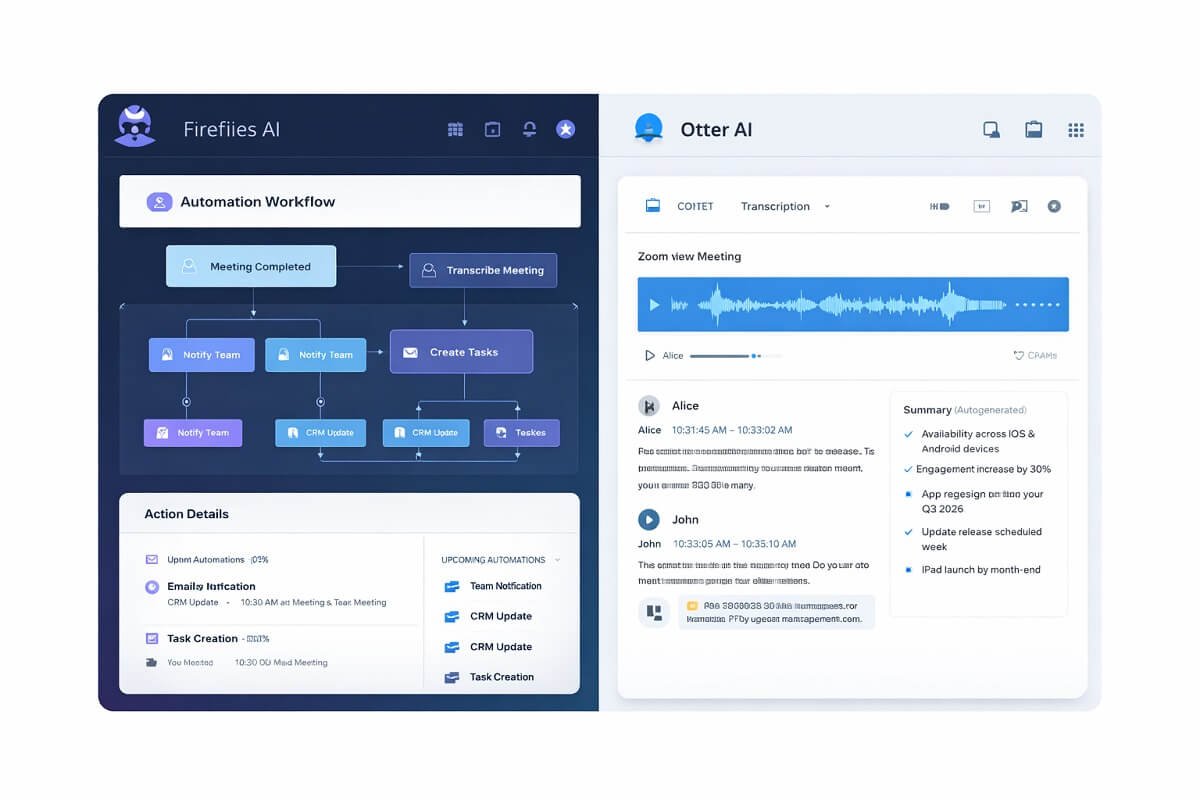
Fireflies AI is an AI-powered meeting assistant designed to record, transcribe, and analyze conversations across multiple platforms. It integrates deeply with tools like Zoom, Microsoft Teams, and Google Meet, making it a strong choice for teams that rely on collaborative workflows.
Key Features
- Automated meeting recording and transcription
- AI-powered summaries and action items
- Searchable conversation database
- CRM and productivity integrations
- Team collaboration tools
Fireflies stands out for its automation capabilities and team-oriented features, making it ideal for organizations that want more than just transcription.
What Is Otter AI?
Otter AI is one of the most popular AI transcription tools, known for its accuracy and ease of use. It’s widely adopted by individuals, students, journalists, and small teams who need reliable voice-to-text conversion.
Key Features
- Real-time transcription
- Speaker identification
- Meeting summaries
- Keyword highlights
- Simple collaboration tools
Otter AI focuses more on clean transcription and usability, rather than deep workflow automation.
Feature-by-Feature Comparison
1. Transcription Accuracy
Both tools perform well, but Otter AI has a slight edge in raw transcription accuracy, especially in clear audio environments. Fireflies AI, however, is continuously improving and performs competitively in multi-speaker meetings.
2. Integrations
Fireflies AI offers broader integrations, including CRM tools like Salesforce and collaboration platforms like Slack. Otter AI supports major meeting platforms but has fewer advanced integrations.
3. Automation and AI Insights
Fireflies leads in automation. It can extract action items, track topics, and generate insights automatically. Otter provides summaries, but they are less detailed.
4. User Experience
Otter AI is simpler and easier for beginners. Fireflies AI has more features, which can make it slightly more complex but also more powerful.
🔐 Privacy & Security Comparison (Core Section)
Choosing tools with strong encryption and access controls is critical when building secure AI workflows. For this reason, when evaluating AI meeting assistants, privacy should be a top priority—especially for businesses handling confidential information.

Privacy Comparison Table
| Privacy Factor | Fireflies AI | Otter AI |
| Data Encryption | Yes | Yes |
| Data Storage Control | Strong | Moderate |
| GDPR Compliance | Yes | Yes |
| SOC 2 Compliance | Yes | Yes |
| Meeting Consent Controls | Yes | Yes |
| Admin Controls | Advanced | Basic |
Data Storage and Ownership
Fireflies AI provides more flexibility in managing stored data. Teams can organize, control, and delete recordings more efficiently. Otter AI stores data securely but offers fewer granular controls.
Encryption and Security
Both platforms use encryption to protect data in transit and at rest. However, Fireflies offers more enterprise-level security features and admin controls.
Compliance
Both tools comply with major standards like GDPR and SOC 2. This makes them suitable for many professional environments, but organizations with strict compliance requirements may prefer Fireflies.
Consent and Recording Transparency
Both tools notify participants when recording is active. However, teams should still implement internal policies to ensure ethical and legal use.
Pricing Comparison
| Plan | Fireflies AI | Otter AI |
| Free Plan | Available | Available |
| Paid Plans | Flexible tiers | Simple tiers |
| Best Value | Teams | Individuals |
Fireflies offers more flexible pricing for teams, while Otter keeps things simple and accessible.
Which Platform Is Better for Privacy?
If privacy and data governance are your top priorities, the best choice depends on how you plan to use the platform. The table below summarizes which tool is better for common privacy-related needs.
| If you need… | Recommended Tool | Why |
|---|---|---|
| Advanced team permissions | Fireflies AI | Granular admin and access controls |
| Enterprise security | Fireflies AI | Better governance and management features |
| Compliance-focused workflows | Fireflies AI | Strong support for business environments |
| Simple personal meeting notes | Otter AI | Easier to use for individuals |
| Student or academic use | Otter AI | Lightweight interface and straightforward note-taking |
| Solo professionals | Otter AI | Suitable for personal productivity without complex administration |
Fireflies AI Pros
- Strong automation features
- Better integrations
- Advanced privacy controls
- Team collaboration tools
Fireflies AI Cons
- Slight learning curve
- Interface can feel complex
Otter AI Pros
- Excellent transcription accuracy
- Easy to use
- Clean interface
Otter AI Cons
- Limited integrations
- Fewer privacy controls
Best Use Cases: Who Should Choose Fireflies AI vs Otter AI?
Choosing between Fireflies AI and Otter AI depends heavily on how you plan to use a meeting assistant. While both tools offer transcription and note-taking, their strengths differ significantly when it comes to automation, collaboration, and privacy.
Let’s break down the ideal use cases in detail:

👥 Best for Teams & Collaboration Workflows
👉 Winner: Fireflies.ai | The #1 AI Assistant for Your Meetings
Fireflies AI is built for teams that need more than just transcription. It shines in environments where meetings are part of a larger workflow—such as sales teams, marketing agencies, SaaS companies, and remote organizations.
Why it works for teams:
- Automatically converts meetings into actionable tasks
- Integrates with tools like CRMs, Slack, and project management platforms
- Enables team-wide collaboration on notes and insights
- Centralized meeting database for easy access and sharing
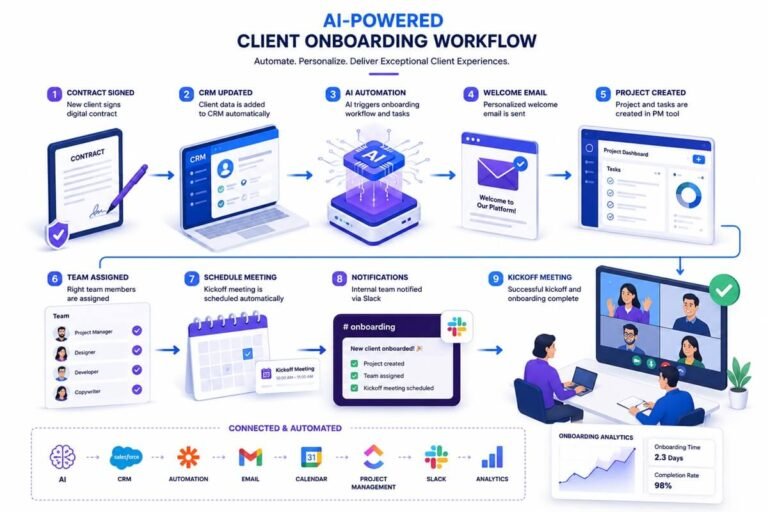
👉 Teams using AI-powered business workflows can turn meeting insights into automated actions instantly. If your goal is to turn conversations into automated workflows, Fireflies AI is the better choice.
🧑💻 Best for Individuals & Solo Professionals
👉 Winner: Otter Meeting Agent – AI Notetaker, Transcription, Insights
Otter AI is ideal for individuals who prioritize simplicity, speed, and accuracy. It’s widely used by students, journalists, freelancers, and solo entrepreneurs who need reliable transcription without complexity.
Why it works for individuals:
- Clean and intuitive interface (minimal learning curve)
- High transcription accuracy for lectures, interviews, and meetings
- Easy note organization and search
- Quick setup with minimal configuration
👉 If you just need fast, accurate meeting notes without extra features, Otter AI is the smarter pick.
🔐 Best for Privacy-Focused Organizations
👉 Winner: Fireflies AI
For companies handling sensitive data—such as legal firms, healthcare providers, consultants, or enterprise teams—privacy is non-negotiable.
Fireflies AI offers stronger admin controls, data management, and workflow-level security, making it better suited for privacy-conscious environments.
Why it stands out for privacy:
- More granular data control and access permissions
- Better support for team-level governance
- Stronger alignment with secure workflow automation
- Easier management of stored recordings and transcripts
👉 If your organization prioritizes data security, compliance, and control, Fireflies AI is the safer long-term solution.
Privacy & Security Scorecard
| Privacy Category | Fireflies AI | Otter AI | Winner |
| Encryption | ✅ | ✅ | Tie |
| SOC 2 Compliance | ✅ | ✅ | Tie |
| GDPR Compliance | ✅ | ✅ | Tie |
| Admin Controls | ⭐⭐⭐⭐⭐ | ⭐⭐⭐ | Fireflies |
| User Permissions | Advanced | Basic | Fireflies |
| Data Management | Excellent | Good | Fireflies |
| Team Governance | Excellent | Moderate | Fireflies |
| Overall Privacy Score | 9.5/10 | 8.4/10 | 🏆 Fireflies |
Fireflies AI vs Otter AI for Sales Teams
Sales teams need more than accurate meeting transcripts—they need tools that help capture customer insights, automate follow-up tasks, and integrate seamlessly with customer relationship management (CRM) platforms.
Fireflies AI is the stronger choice for sales organizations because it supports a broader range of integrations with CRM systems and productivity tools. Its AI-generated meeting summaries, action items, and searchable conversation history help sales representatives spend less time documenting calls and more time building customer relationships.
Otter AI delivers reliable transcription and meeting notes, making it suitable for individual sales professionals or smaller teams. However, it offers fewer workflow automation capabilities than Fireflies AI.
Comparison
| Sales Requirement | Better Choice |
| CRM integrations | Fireflies AI |
| Sales call summaries | Fireflies AI |
| Action items | Fireflies AI |
| Call search | Fireflies AI |
| Simple note-taking | Otter AI |
ireflies AI vs Otter AI for Students
Students often need a meeting assistant that can accurately capture lectures, organize notes, and make important information easy to search later. Ease of use and affordability are typically more important than advanced workflow automation.
Otter AI is generally the better option for students because of its clean interface, fast transcription, and straightforward note organization. It performs well for recording lectures, online classes, interviews, and study sessions.
Fireflies AI can also record and summarize meetings, but many of its collaboration and automation features are designed for business environments and may be unnecessary for individual academic use.
Comparison
| Student Need | Better Choice |
| Lecture recording | Otter AI |
| Fast note-taking | Otter AI |
| Searchable notes | Otter AI |
| Group projects | Fireflies AI |
| Team collaboration | Fireflies AI |
🔄 Alternatives to Consider (For More Control & Flexibility)
If neither Fireflies AI nor Otter AI fully meets your requirements, especially in terms of privacy or customization, there are other AI meeting assistants worth exploring.
🧠 When to look for alternatives:
- You need end-to-end encryption
- You want self-hosted AI solutions
- Your organization has strict compliance requirements (GDPR, HIPAA, etc.)
- You prefer tools with custom AI workflows
🔍 Types of alternatives:
- Privacy-first AI transcription tools
- Self-hosted or open-source meeting assistants
- AI tools integrated into larger workflow automation systems
👉 Many businesses are now moving toward building a complete AI workflow ecosystem rather than relying on a single meeting tool. If you’re building a complete system, you’ll need more than just transcription tools—explore these best AI workflow automation tools for full-scale automation.
Final Verdict
Both Fireflies AI and Otter AI are powerful meeting assistants, but they serve slightly different audiences.
- Choose Fireflies AI if you need advanced features, automation, and stronger privacy controls.
- Choose Otter AI if you prioritize simplicity and transcription accuracy.
For privacy-conscious teams in 2026, Fireflies AI is the safer and more scalable option.
❓ Frequently Asked Questions (Fireflies vs Otter AI – 2026)
🔐 Is Otter AI secure for business meetings?
Yes, Otter AI uses industry-standard security measures such as encryption for data in transit and at rest. However, it offers limited admin-level controls and data governance features, which may not be sufficient for enterprises handling highly sensitive information.
👉 For basic use, it’s secure—but for advanced privacy needs, it may fall short.
🔒 Does Fireflies AI store meeting data, and is it safe?
Yes, Fireflies AI stores meeting recordings and transcripts to provide searchable insights and collaboration features. The key advantage is that it gives users more control over data management, including access permissions and deletion options. This makes it a stronger choice for teams that need structured data control and compliance support.
🏢 Which is better for business use: Fireflies AI or Otter AI?
Fireflies AI is generally better for business environments because it goes beyond transcription. It integrates with CRMs, project management tools, and collaboration platforms, enabling teams to turn meetings into actionable workflows. Otter AI, on the other hand, is better suited for individual productivity and simple note-taking.
⚖️ Fireflies vs Otter AI: Which is more private?
Fireflies AI is typically considered more privacy-focused due to its advanced admin controls, better data handling options, and workflow-level security features. Both tools follow standard compliance practices, but Fireflies provides greater flexibility and control for organizations.
🎯 Can I use Fireflies or Otter AI for confidential meetings?
Yes, both tools can be used for confidential meetings, but only if proper precautions are taken:
- Inform all participants before recording
- Review each platform’s privacy policy
- Limit access to sensitive transcripts
- Use secure integrations and permissions
👉 For highly sensitive industries (legal, healthcare, finance), Fireflies AI is generally the safer option.
💰 Is there a free plan available for both tools?
Yes, both Fireflies AI and Otter AI offer free plans with limited features. These are suitable for testing or light usage, but most teams will need a paid plan to unlock advanced transcription, storage, and collaboration features.
🔄 What are the best alternatives to Fireflies AI and Otter AI?
Some alternatives focus more on privacy, automation, or customization. Depending on your needs, you may consider tools that offer:
- End-to-end encryption
- Self-hosted deployment
- Advanced AI workflow automation
👉 Many businesses are now exploring complete AI workflow systems instead of relying on a single meeting assistant.
Conclusion
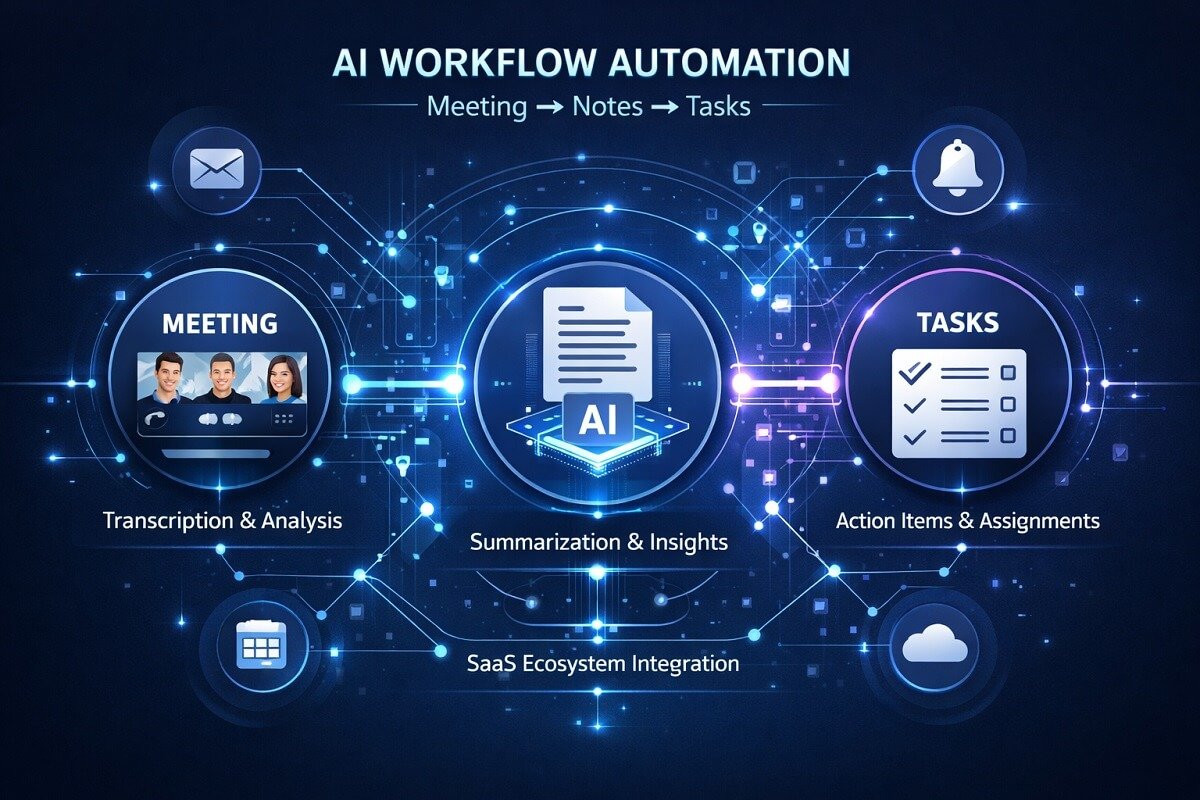
Many teams now rely on AI workflow automation systems to streamline meetings and operations. Choosing between Fireflies vs Otter AI ultimately depends on your priorities. If privacy, control, and team collaboration matter most, Fireflies AI is the clear winner. If you need simplicity and accuracy, Otter AI remains a strong choice. As AI continues to evolve, privacy will become an even more critical factor—so choose wisely.


For teams that handle sensitive client calls, the privacy breakdown here is the part that really matters. I found the comparison of admin controls and data retention policies between Fireflies and Otter quite useful, especially since many reviews gloss over those details. That said, if you need a broader creative toolkit alongside meeting notes, a deepai multimedia AI generation platform could complement your workflow nicely, though for pure transcription security, the two tools analyzed remain the primary options worth testing.
Thanks for highlighting the privacy and security angle. Admin controls and data retention are especially important when teams are handling sensitive client calls, and they’re areas that are sometimes overlooked when comparing meeting transcription tools. Glad you found the comparison useful!