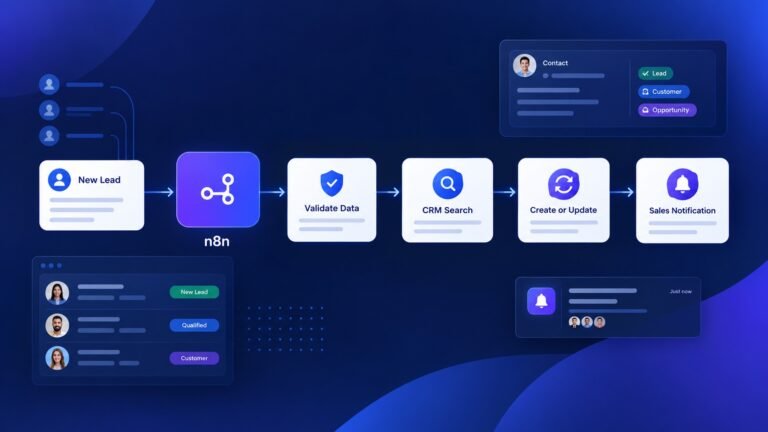
ChatGPT vs Claude (2026): Which AI Is Better for Coding, Writing, Automation & Business?


Artificial intelligence has become an essential part of modern business, helping teams automate workflows, write code, analyze data, create content, and make faster decisions. Among today’s leading AI models, ChatGPT and Claude are two of the most popular choices—but they wins in different areas.
If you’re wondering which AI is better for coding, automation, business logic, writing, or long-context reasoning, you’re not alone. Many businesses, developers, and entrepreneurs compare these models before deciding which one to use for daily operations or enterprise projects.
Although both models can solve complex problems, their strengths differ. ChatGPT is widely used for generating structured workflows, writing production-ready code, creating API integrations, and handling automation tasks. Claude is praised for its clear explanations, thoughtful reasoning, and ability to work with long documents and maintain context over extended conversations.
In this comprehensive comparison, we’ll evaluate ChatGPT and Claude across the areas that matter most to businesses, including:
- Complex business logic and multi-step reasoning
- Coding and software development
- Workflow automation and AI agents
- API integration and structured outputs
- Long-context understanding
- Accuracy, speed, and reliability
- Real-world business use cases
- Pros, cons, and practical recommendations
Rather than focusing on marketing claims, this guide examines where each model performs best, where each has limitations, and which one is the better choice for specific business scenarios.
Whether you’re building AI-powered workflows, developing a SaaS application, automating business processes, or choosing an AI assistant for your organization, this guide will help you determine whether ChatGPT, Claude, or a combination of both is the right solution for your needs in 2026.
Quick Comparison: ChatGPT vs Claude at a Glance
| If you need… | Winner |
|---|---|
| Coding | ChatGPT |
| Workflow Automation | ChatGPT |
| Long Documents | Claude |
| Documentation | Claude |
| Business Logic | ChatGPT |
| JSON Output | ChatGPT |
| Explanations | Claude |
| Context Retention | Claude |
How We Compared ChatGPT and Claude
To provide a fair and practical comparison, we evaluated ChatGPT and Claude using the kinds of tasks businesses, developers, and automation professionals perform every day. Instead of focusing on marketing claims, we compared how each model handles real-world scenarios that require reasoning, structured outputs, and consistent decision-making.
Our evaluation focused on common business use cases rather than isolated benchmark scores, helping readers understand which AI is better suited for different types of work.
Evaluation Criteria
Both AI models were assessed across several key areas that are critical for business productivity and workflow automation:
- Complex Business Logic – Handling multi-step rules, conditional branches, and nested decision trees.
- Coding & Development – Writing, debugging, and explaining code across common programming languages.
- Workflow Automation – Creating automation flows, structured JSON outputs, and process logic suitable for platforms like n8n, Make, and Zapier.
- API & Integration Logic – Designing API requests, data mapping, authentication flows, and backend integrations.
- Long-Context Understanding – Maintaining accuracy while processing lengthy prompts, documents, or conversations.
- Response Clarity – Explaining technical concepts in a way that is easy to understand for both technical and non-technical users.
- Consistency & Reliability – Producing accurate, repeatable outputs while minimizing errors and unsupported assumptions.
What This Comparison Covers
This comparison is designed to help readers choose the right AI model for practical business and development tasks, including:
- Building workflow automations
- Creating SaaS application logic
- Writing and debugging code
- Generating structured JSON outputs
- Designing API integrations
- Documenting business processes
- Explaining complex technical concepts
- Supporting enterprise decision-making
What This Comparison Doesn’t Measure
AI models evolve rapidly through frequent updates, so performance can change over time. Rather than assigning permanent “winner” labels based on a single benchmark, this guide focuses on the strengths each model consistently demonstrates across common business scenarios. Your results may also vary depending on prompt quality, available tools, model version, and the complexity of the task.
What Is Complex Business Logic?
Before diving into the comparison, let’s clarify what we mean by complex business logic. Complex business logic refers to multi-layered rules and decision-making processes such as:
- Conditional workflows (if/else scenarios)
- Multi-step automation
- Data validation rules
- API integrations and backend logic
- Business process automation (BPA)
These processes are often powered by modern AI tools for small businesses, which combine automation with intelligent decision-making to reduce manual work and improve efficiency.
Example:
“If a user subscribes, send a welcome email → if they click → assign tag → if not → trigger reminder after 24h”
Handling this kind of logic requires:
- Strong reasoning
- Context retention
- Structured output generation
Overview of ChatGPT 5.4
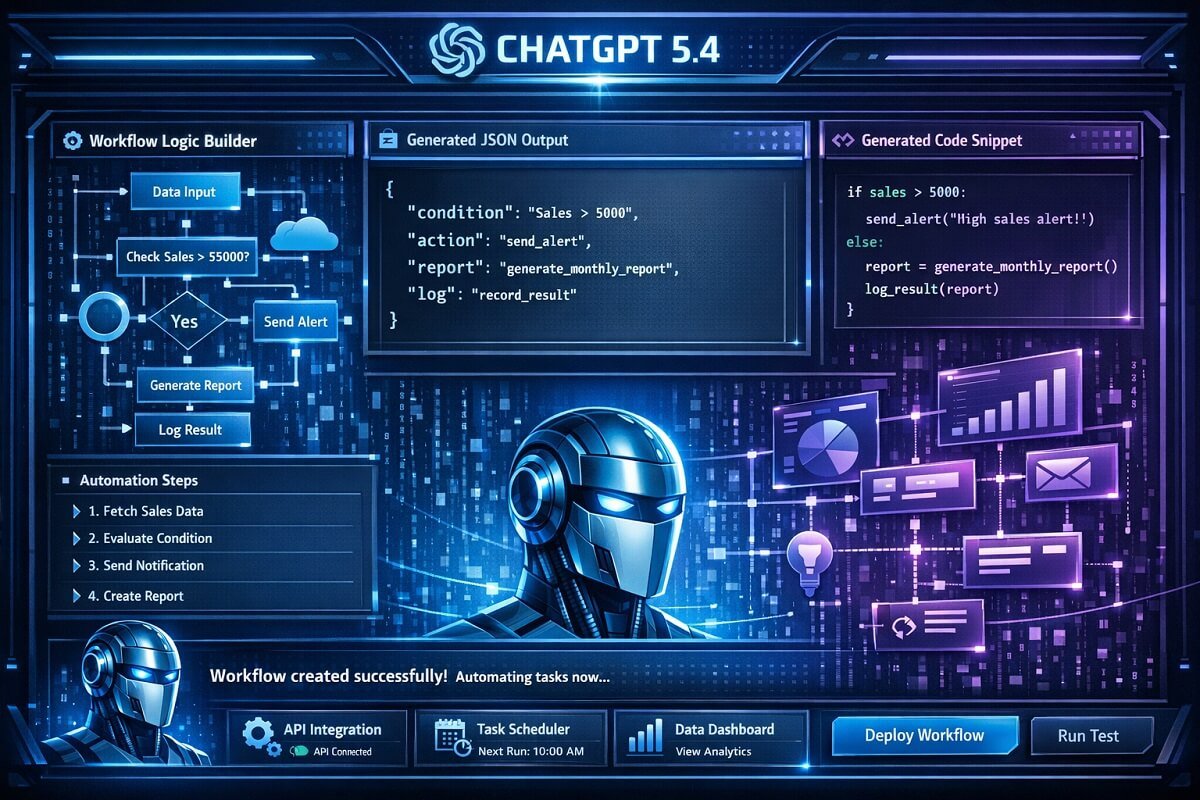
ChatGPT 5.4 is designed for high-level reasoning, coding, and workflow automation.
🔹 Strengths
- Excellent step-by-step reasoning
- Strong coding and scripting capabilities
- Better structured outputs (JSON, workflows)
- Handles long and complex prompts effectively
🔹 Weaknesses
- Can occasionally overcomplicate solutions
- May hallucinate if prompts are unclear
🔹 Best Use Cases
- Automation workflows (using tools like Zapier vs Make vs n8n depending on your workflow complexity)
- Backend logic generation
- API integrations
- SaaS product development
Overview of Claude 4.6
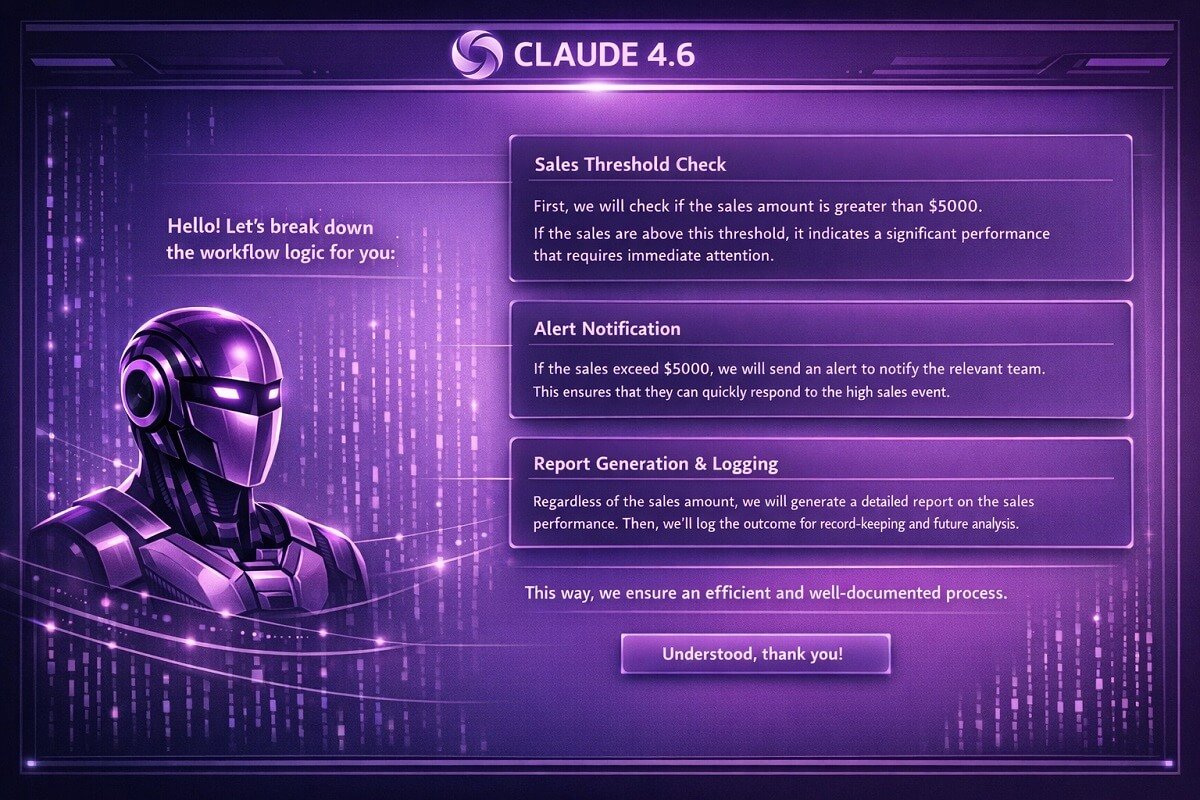
Claude 4.6 focuses on safe, reliable, and context-aware responses.
🔹 Strengths
- More consistent and cautious outputs
- Better at maintaining context over long conversations
- Clear and readable explanations
- Lower hallucination rate in many cases
🔹 Weaknesses
- Sometimes avoids complex logic
- Less aggressive in problem-solving
- Can be slower in generating structured workflows
🔹 Best Use Cases
- Business documentation
- Strategy planning
- Long-form reasoning tasks
- Compliance-heavy environments
ChatGPT 5.4 vs Claude 4.6: Head-to-Head Comparison
| Capability | ChatGPT | Claude |
|---|---|---|
| Best For | Coding, automation, structured workflows | Documentation, analysis, long-context reasoning |
| Response Style | Action-oriented and implementation-focused | Explanation-oriented and conversational |
| Structured Outputs | Excellent (JSON, tables, workflow logic) | Good, but typically less structured |
| Multi-Step Reasoning | Strong for execution and planning | Strong for analysis and explanation |
| Long Context | Very capable | Excellent for large documents |
| API & Integration Assistance | Excellent | Very Good |
| Business Documentation | Very Good | Excellent |
| Learning Curve | Easy | Easy |
Key Takeaway:
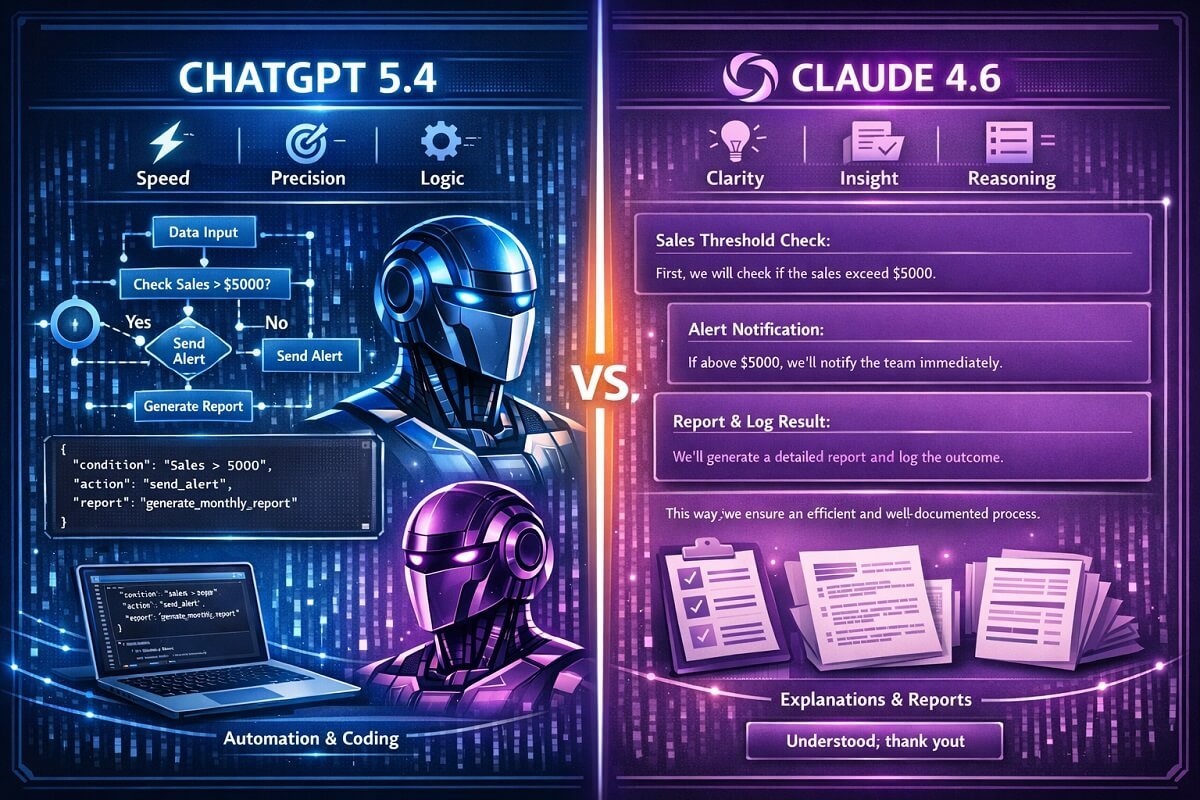
Both ChatGPT and Claude are highly capable AI assistants, but they win in different circumstances. ChatGPT is generally the better choice for building and executing automation workflows, writing production-ready code, and generating structured outputs.
Claude is good for long-form reasoning, document analysis, and producing clear, well-explained responses. Choosing the right model depends on your specific business needs rather than a single overall winner.
Real-World Business Logic Comparison Scenarios
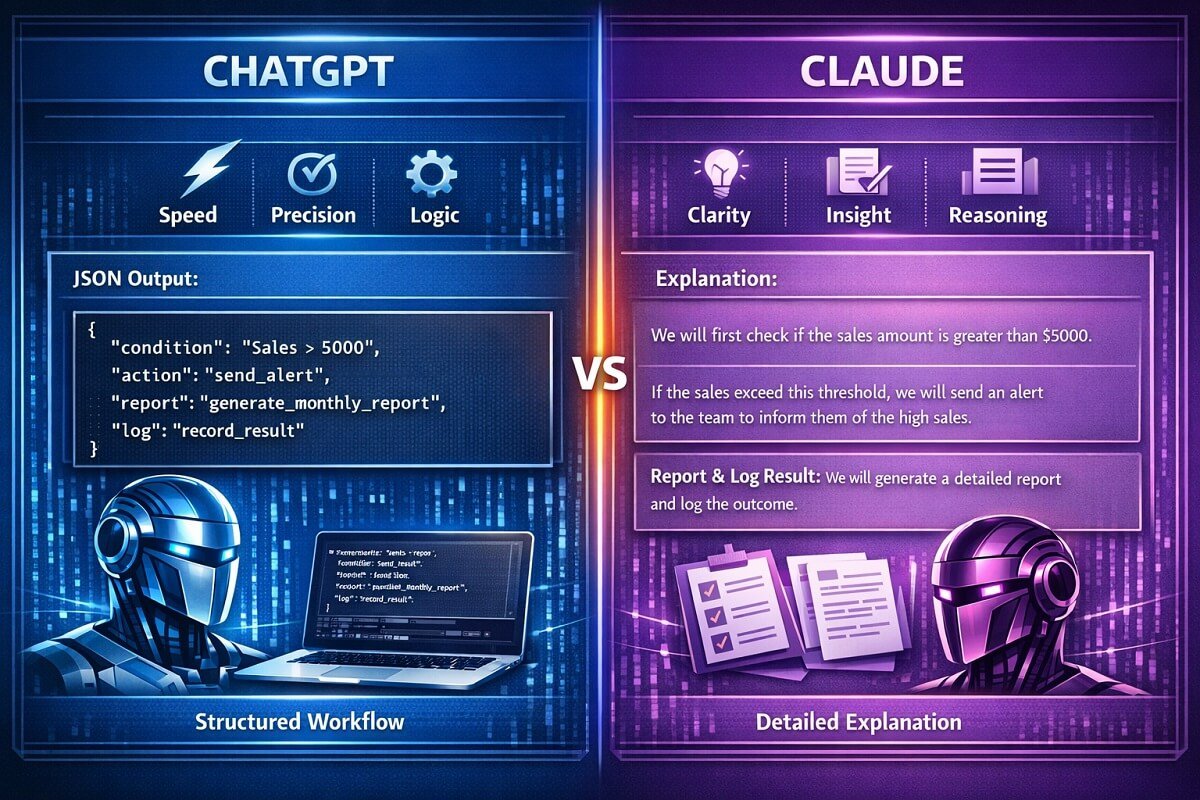
To better understand how ChatGPT and Claude perform in practical business environments, let’s examine several representative scenarios that reflect common automation, development, and enterprise tasks. Rather than focusing on theoretical capabilities, these examples highlight how each model typically approaches structured reasoning, workflow design, API integrations, and document analysis.
The examples below are intended to illustrate the types of outputs businesses can expect when using each AI model for complex, real-world work.
Scenario 1: Multi-Step Workflow Generation
Example Prompt
Build an HR onboarding workflow that includes manager approval, HR approval, Slack notifications, CRM updates, and conditional tasks for remote employees.
ChatGPT
Typically produces:
- A complete workflow structure
- Clearly defined conditional branches
- Automation-ready JSON or pseudocode
- Suggested API connections
- Error handling recommendations
Claude
Typically produces:
- A well-organized workflow explanation
- Clear reasoning behind each approval step
- Business process recommendations
- Readable documentation suitable for stakeholders
Our Predictions: ChatGPT generally emphasizes implementation and structured workflow generation, while Claude focuses on explaining the workflow and documenting its logic.
Scenario 2: API Integration Logic
Example Prompt
Connect Stripe, HubSpot, and Slack so that every successful payment creates a CRM contact and sends a notification to the sales team. If you’re deciding which CRM to automate, our GoHighLevel vs HubSpot comparison explains the strengths of each platform for AI-powered workflows.
ChatGPT
Typically provides:
- API request sequence
- JSON payload examples
- Authentication suggestions
- Webhook implementation ideas
- Retry logic recommendations
Claude
Typically provides:
- Integration overview
- Step-by-step explanation
- API flow description
- Data mapping guidance
- Potential implementation considerations
Our Predictions: ChatGPT often generates implementation-ready integration logic, while Claude focuses on helping users understand how the systems interact.
Scenario 3: SQL & Database Logic
Example Prompt
Write a SQL query that segments customers who spent more than $500 in the last six months but have not purchased in the last 30 days.
ChatGPT
Typically provides:
- Optimized SQL
- JOIN operations
- Date filtering
- Query improvements
- Performance suggestions
Claude
Typically provides:
- Correct SQL syntax
- Detailed explanation of the query
- Suggestions for improving readability
- Notes about database assumptions
Our Predictions: Both models can generate SQL, but ChatGPT often emphasizes optimization and production-ready implementation, whereas Claude spends more effort explaining the query.
Scenario 4: Error Recovery & Workflow Resilience
Example Prompt
A Stripe API request fails with HTTP 429 (Too Many Requests). Design a recovery strategy for an automated workflow.
ChatGPT
Typically suggests:
- Exponential backoff
- Retry limits
- Queue processing
- Logging
- Alert notifications
- Fallback workflows
Claude
Typically discusses:
- Root causes
- Error handling strategy
- Retry considerations
- Monitoring recommendations
- Operational best practices
Our Predictions: ChatGPT generally focuses on implementing recovery mechanisms, while Claude provides more discussion around reliability and operational planning.
“Beyond retry logic and rate limiting, production systems also need proper authentication, encryption, audit logging, and access controls. Following established AI workflow security best practices helps ensure automated workflows remain secure and compliant as they scale.”
Scenario 5: Long Business Documentation
Example Prompt
Review a 100-page business requirements document and identify missing workflow rules, approval processes, and potential implementation risks.
ChatGPT
Typically helps by:
- Extracting workflow logic
- Identifying implementation tasks
- Creating structured summaries
- Generating action lists
Claude
Typically helps by:
- Producing comprehensive summaries
- Maintaining context across long documents
- Highlighting inconsistencies
- Explaining complex requirements in plain language
Our Predictions: Both models are capable of analyzing lengthy business documents. Claude is often recognized for maintaining context across long inputs, while ChatGPT is particularly effective at converting requirements into actionable workflows and implementation plans.
“If your workflow includes creating documentation or marketing content after analyzing business requirements, see our detailed comparison of Notion AI vs Jasper to determine which platform better fits your content workflow. Also, explore: Fireflies vs Otter AI, which platform captures meetings more effectively for downstream AI workflows.”
Final Comparison Summary: Overall Findings
| Business Task | ChatGPT | Claude |
| Workflow Generation | Excellent | Very Good |
| API Integration Planning | Excellent | Very Good |
| SQL & Database Logic | Excellent | Very Good |
| Error Recovery Design | Excellent | Very Good |
| Long Document Analysis | Very Good | Excellent |
Overall Observation
There is no universal winner for every business task. ChatGPT generally performs well when the objective is to generate structured workflows, code, automation logic, and implementation-ready outputs. Claude is excellent for document analysis, detailed explanations, and maintaining context throughout longer, more complex discussions.
Real-World Use Cases
1. Workflow Automation
- ChatGPT generates full automation flows quickly—especially when building advanced systems using tools like n8n AI automation workflows, where structured logic and multi-step execution are critical.
- Claude explains workflows better but may not build them fully. If your automation includes calendar management and task prioritization, our comparison of Reclaim AI vs Motion can help you choose the right scheduling assistant.
👉 Winner: ChatGPT
2. SaaS Business Logic
Example:
- User roles
- Permissions
- Conditional dashboards
This type of structured logic is especially important in regulated industries like legal tech—where tools highlighted in AI workflow systems for law firms must handle permissions, compliance, and multi-step decision rules with high accuracy.
👉 ChatGPT handles nested logic better
👉 Claude provides safer explanations
3. AI for Business Decision Trees
- Claude is better at explaining logic clearly
- ChatGPT is better at building executable logic
👉 Depends on your goal:
- Execution → ChatGPT
- Understanding → Claude
Frequently Asked Questions
Can ChatGPT Replace Claude?
While ChatGPT can handle many of the same tasks as Claude, the two models have different strengths. ChatGPT is generally preferred for coding, workflow automation, structured outputs, and business logic generation. Claude often performs better when reviewing lengthy documents, explaining complex topics, and maintaining context throughout long conversations. Many businesses use both models together rather than replacing one with the other.
Which AI Costs Less?
The better value depends on your usage patterns and subscription plan. Both OpenAI and Anthropic offer multiple pricing tiers for individuals, teams, and API users. Instead of comparing price alone, consider the type of work you’ll perform. If most of your workload involves automation, coding, or structured outputs, ChatGPT may deliver more value. If your work centers on documentation, analysis, or long-form reasoning, Claude may be the better investment.
Which AI Is Better for Startups?
For most startups, ChatGPT is often the better all-around choice because it can assist with software development, marketing content, workflow automation, customer support drafts, API integration, and business planning from a single platform. Claude is particularly valuable for reviewing business plans, drafting documentation, and analyzing lengthy reports. Startup teams frequently benefit from using ChatGPT for execution and Claude for review and refinement.
Which AI Supports MCP?
Both ChatGPT and Claude have introduced support for the Model Context Protocol (MCP), enabling AI models to connect with external tools, business applications, and data sources through standardized integrations. The specific implementation, available connectors, and supported features continue to evolve, so organizations should review the latest documentation from each provider before selecting a platform.
Which AI Generates Better API Documentation?
Both models can generate API documentation, but they often approach the task differently. ChatGPT typically produces implementation-focused documentation with request examples, response formats, and code snippets. Claude generally provides more descriptive explanations that help developers understand how APIs work and when to use different endpoints. The better choice depends on whether you prioritize implementation or explanation.
Which AI Is Better for Enterprise Teams?
Enterprise organizations often require a combination of automation, documentation, security, and collaboration. ChatGPT is well suited for development teams building internal tools, AI workflows, and business automations. Claude is frequently chosen for document-heavy environments where reviewing policies, contracts, technical specifications, and compliance materials is a priority. Many enterprises adopt both models to support different departments.
Which AI Is Better for Customer Support Automation?
ChatGPT is generally stronger for building customer support automations because it can generate structured conversation flows, integrate with CRM platforms, and produce workflow-ready outputs for help desk systems. Claude is particularly useful for writing empathetic responses, improving support documentation, and creating knowledge base articles. Combining both models can improve both automation efficiency and response quality.
Which AI Is Better for Legal Document Review?
Both AI models can assist with reviewing contracts, policies, and legal documents, but they should not replace qualified legal professionals. Claude is often recognized for analyzing lengthy documents and explaining complex language clearly, while ChatGPT is useful for extracting structured information, identifying workflow requirements, and organizing legal content into actionable tasks. Businesses should always verify AI-generated legal information before making decisions.
🚀 Final Thoughts: ChatGPT vs Claude for Complex Business Logic
After comparing both models across workflow automation, API integrations, SQL generation, error recovery, long-document analysis, and business reasoning, one conclusion is: there isn’t a single winner for every scenario.
ChatGPT consistently performs well when the goal is to build and execute complex business logic. It generates structured workflows, produces automation-ready JSON, writes production-focused code, and handles multi-step processes with minimal prompting. For developers, automation specialists, and SaaS teams, it’s often the stronger choice for implementation.
Claude, on the other hand, excels at analyzing and refining complex information. It provides clear explanations, maintains context across lengthy documents, identifies potential edge cases, and helps validate business logic before deployment. This makes it particularly valuable for documentation, compliance, planning, and technical reviews.
🏆 Final Recommendation
Choose ChatGPT if your priority is:
Workflow automation
API integrations
Coding and scripting
SQL and database logic
Structured JSON output
Building AI-powered business systems
Choose Claude if your priority is:
Long-form documentation
Business analysis
Requirements review
Policy and legal document analysis
Context-heavy reasoning
Clear technical explanations
🎯 The Best Strategy for Most Businesses
Many organizations don’t choose one model exclusively—they use both where each provides the greatest value. A practical workflow looks like this:
Use ChatGPT to generate workflows, automation logic, code, and implementation plans.
Use Claude to review the output, identify edge cases, improve documentation, and validate the final solution before deployment.
This approach combines ChatGPT’s execution capabilities with Claude’s analytical strengths, helping teams produce more reliable, maintainable, and production-ready business systems.
Bottom line: If your goal is to automate complex business logic, build AI-powered workflows, or develop scalable SaaS applications, ChatGPT is generally the stronger implementation tool. If your focus is reviewing complex documentation, validating business rules, or improving clarity, Claude remains an excellent companion. For many teams, using both together delivers the most consistent results.