Sales Workflow Templates: 10 Proven Templates to Close More Deals

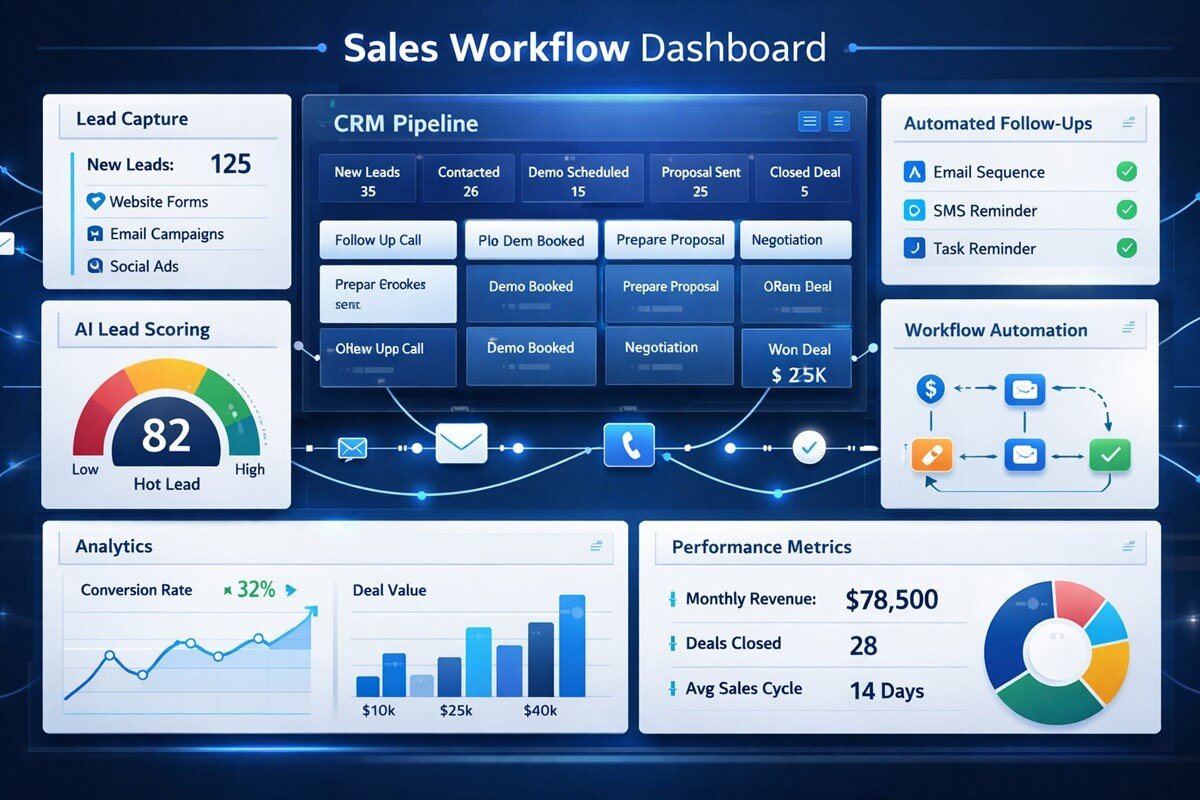
Every sales team wants more conversions, faster deal cycles, and predictable revenue. Yet many organizations struggle because their sales process relies on individual effort rather than a repeatable system.
When leads enter the pipeline without clear qualification criteria, follow-up schedules, or automation rules, opportunities get lost. Reps spend more time managing data than selling, and forecasting becomes unreliable.
A well-designed sales workflow template solves these challenges by creating a standardized process that guides leads from first contact to closed deal. Research and industry best practices consistently show that structured sales stages, automation, and CRM-driven workflows improve consistency, visibility, and conversion performance.
In this guide, you’ll learn 10 proven sales workflow templates that modern businesses use to increase conversion rates and improve pipeline efficiency.
Table of Contents
What Is a Sales Workflow Template?
A sales workflow template is a predefined sequence of actions, tasks, approvals, and automation rules that move a prospect through your sales pipeline.
Instead of relying on individual sales reps to decide what happens next, the workflow establishes clear steps, responsibilities, and triggers.
Typical workflows include:
- Lead capture
- Qualification
- Discovery
- Follow-up sequences
- Proposal delivery
- Negotiation
- Closing
- Customer onboarding
The most effective sales workflows define entry and exit criteria for each stage, so every team member follows the same process.
Why Most Sales Pipelines Leak Revenue
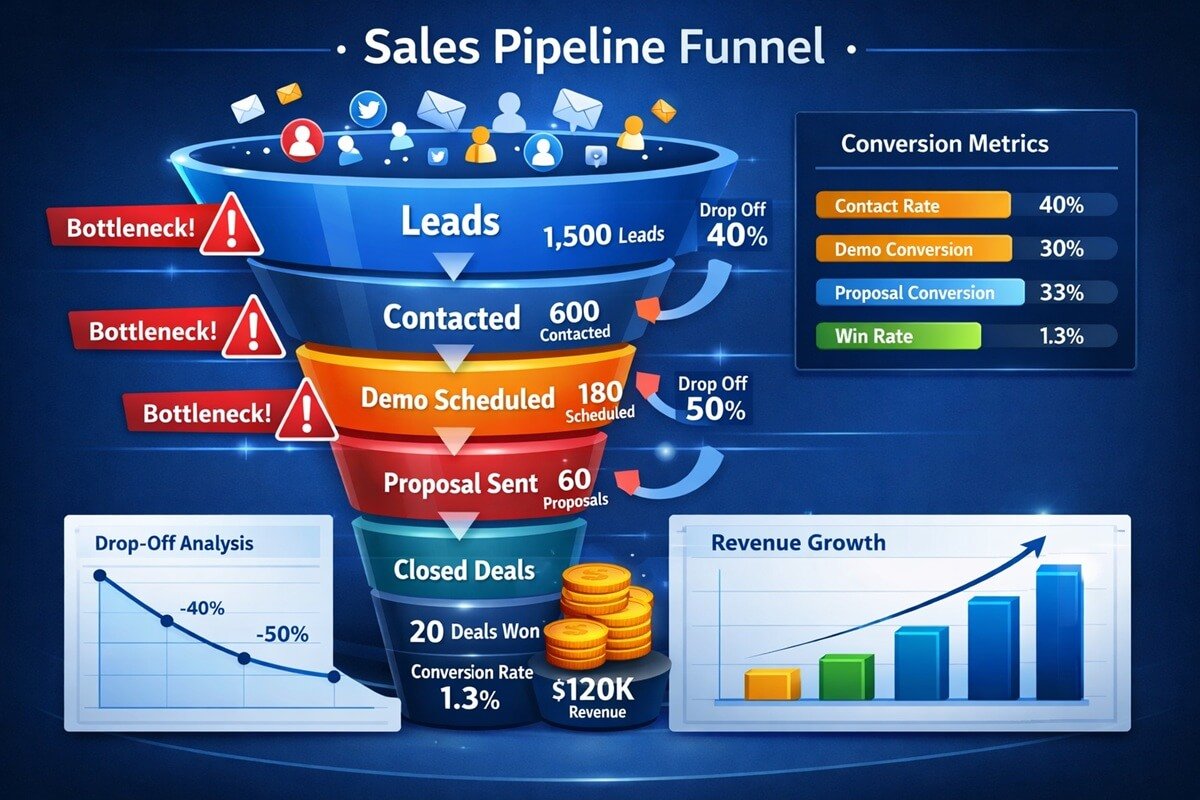
Many sales teams face the same issues:
- Leads are never contacted.
- Follow-ups happen too late.
- Data becomes outdated.
- Reps manually update CRM records.
- Opportunities stagnate without visibility.
Sales operations professionals frequently identify workflow inconsistency and poor automation as primary causes of pipeline inefficiency. Automated stage progression, follow-up reminders, and lead enrichment can significantly reduce these bottlenecks.
The solution isn’t adding more software.
It’s building better workflows.
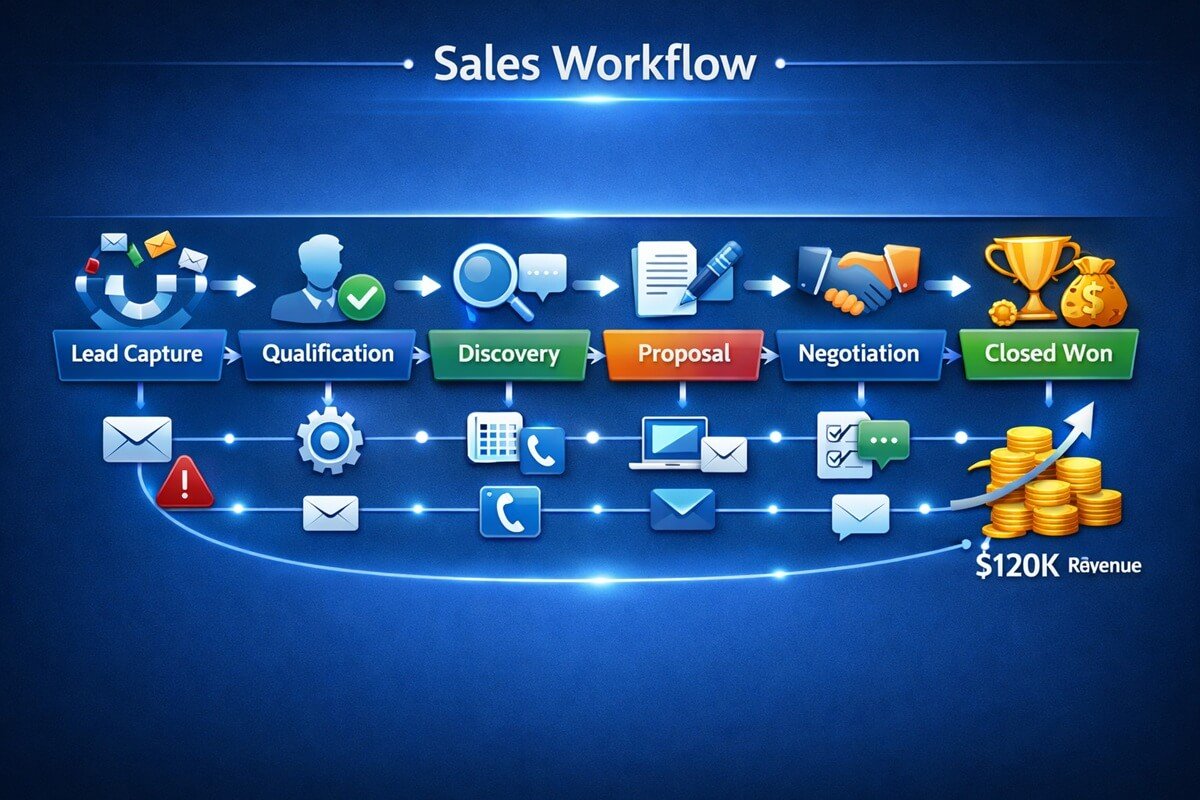
Template #1: Lead Capture and Qualification Workflow
Purpose
Filter out poor-fit leads before they consume sales resources.
Workflow
- Lead enters CRM
- Auto-enrich contact information
- Score lead based on predefined criteria
- Assign lead owner
- Schedule qualification call
- Move qualified leads to discovery stage
Businesses implementing automated qualification systems often use AI-powered lead scoring and workflow automation to prioritize high-intent prospects.
Automation Opportunities
- Auto-assignment based on territory
- Lead scoring
- Duplicate detection
- Data enrichment
KPI Targets
- Response time
- Lead qualification rate
- Cost per qualified lead
Template #2: Inbound Lead Response Workflow
Purpose
Convert marketing-generated leads before competitors engage them. A structured inbound pipeline ensures leads move from marketing engagement to sales qualification without delays.
Workflow
- Form submission
- Instant confirmation email
- CRM record creation
- SDR notification
- First outreach within 15 minutes
- Qualification call
- Pipeline placement
Why It Works
Inbound leads demonstrate active intent. Fast response times often increase conversion probability.
Recommended Automations
- Instant routing
- Calendar booking
- Follow-up reminders
- Meeting scheduling
Template #3: Outbound Prospecting Workflow
Purpose
Create a repeatable cold outreach process.
Workflow
- Prospect identification
- Lead enrichment
- Personalized outreach
- Multi-channel follow-up
- Discovery booking
- Qualification
- Pipeline advancement
Suggested Sequence
Day 1: Email
Day 3: LinkedIn
Day 5: Call
Day 8: Follow-up email
Day 12: Final touchpoint
Template #4: Discovery Call Workflow
Purpose
Determine whether an opportunity deserves additional resources.
Workflow
- Schedule meeting
- Conduct discovery
- Identify pain points
- Confirm budget
- Identify stakeholders
- Determine timeline
- Update CRM
Qualification Framework
Use:
- BANT
- MEDDIC
- CHAMP
- SPICED
These sales qualification frameworks help teams consistently evaluate prospect fit, buying readiness, and deal potential. Organizations can review the BANT qualification framework and the MEDDIC sales methodology to better understand how structured qualification improves pipeline accuracy and forecasting.
Exit Criteria
The prospect demonstrates:
- Need
- Authority
- Budget
- Timing
Template #5: Demo and Presentation Workflow
Purpose
Show how your solution solves identified problems.
Workflow
- Demo preparation
- Stakeholder confirmation
- Customized presentation
- Objection handling
- Follow-up summary
- Proposal request
Best Practices
- Personalize demonstrations
- Focus on business outcomes
- Record action items
- Schedule next step before ending call
Template #6: Proposal-to-Close Workflow
Purpose
Reduce friction during the final stages.
Workflow
- Proposal creation
- Internal approval
- Proposal delivery
- Follow-up sequence
- Negotiation
- Contract execution
- Closed-won
Industry sales frameworks commonly identify proposal and negotiation stages as critical pipeline milestones that benefit from standardized exit criteria and automation.
Key Metrics
- Proposal acceptance rate
- Time to close
- Win rate
Template #7: Follow-Up Automation Workflow
Purpose
Prevent opportunities from going cold.
Workflow
Trigger: No activity for 7 days
Actions:
- Reminder email
- Sales rep notification
- Follow-up task creation
- Escalation after 14 days
- Re-engagement campaign
Why It Matters
Many deals are lost due to inconsistent follow-up rather than product issues. Sales professionals frequently identify follow-up discipline as one of the biggest drivers of pipeline performance.
Template #8: Pipeline Hygiene Workflow
Purpose
Keep CRM data accurate and actionable. Many teams reduce manual CRM maintenance by implementing no-code CRM systems with built-in workflow automation.
Workflow
- Weekly pipeline review
- Identify stale opportunities
- Validate next steps
- Update close dates
- Archive inactive deals
Automation Rules
- Flag inactive opportunities
- Require next-step fields
- Send stale-deal alerts
- Trigger manager review
A common recommendation among RevOps teams is automating pipeline maintenance rather than relying solely on manual CRM updates.
Template #9: Customer Handoff Workflow
Purpose
Ensure a smooth transition from sales to customer success.
Workflow
- Closed-won trigger
- Internal handoff meeting
- Customer kickoff scheduling
- Documentation transfer
- Onboarding launch
Benefits
- Faster onboarding
- Reduced churn risk
- Better customer experience
- Higher retention
Template #10: AI-Powered Sales Workflow

Purpose
Scale revenue without scaling manual effort.
Workflow
- Lead capture
- AI lead scoring
- Automated qualification
- Smart routing
- Follow-up generation
- Meeting scheduling
- Pipeline forecasting
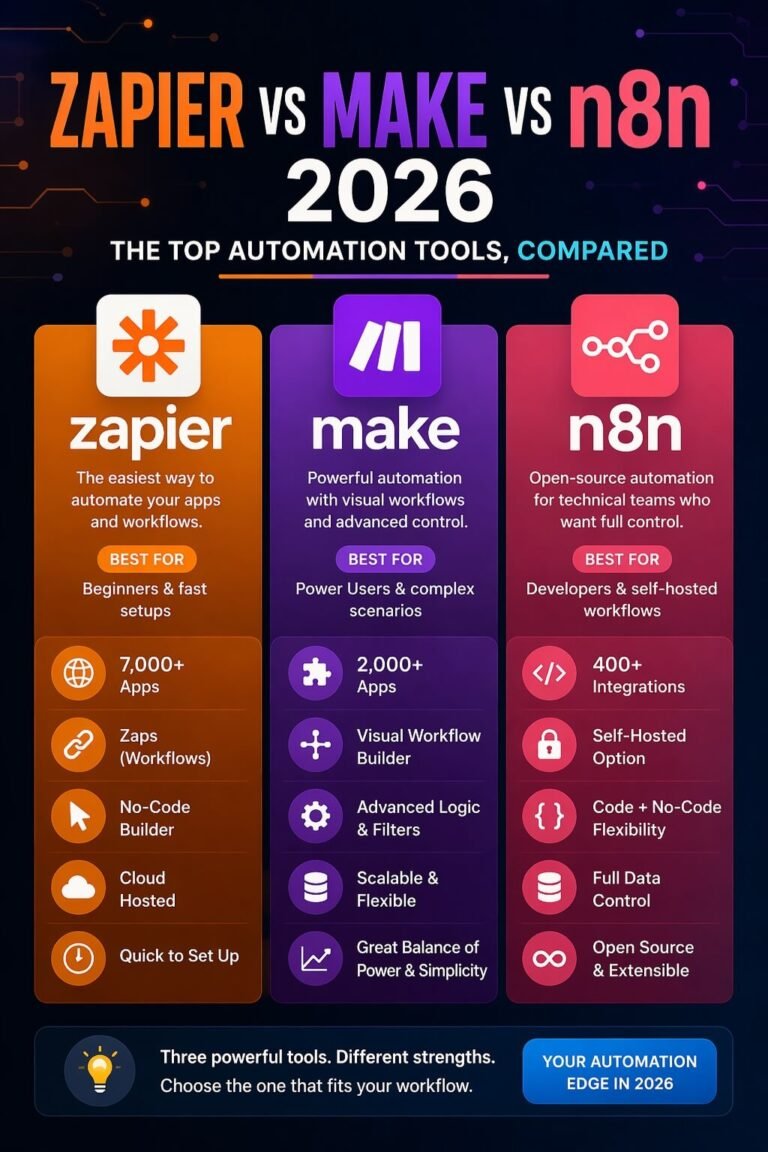
Modern CRM platforms increasingly incorporate AI capabilities such as lead scoring, workflow automation, predictive insights, and qualification assistance to improve efficiency and forecasting accuracy. Advanced organizations increasingly use workflow builders such as n8n to automate lead enrichment, CRM updates, and follow-up sequences.
Businesses looking to automate lead routing, qualification, and follow-up can also explore dedicated AI workflow automation platforms.
AI Opportunities
- Lead prioritization
- Email drafting
- Meeting summaries
- Forecasting
- Deal risk detection
These capabilities are increasingly being delivered through modern AI agents and workflow automation systems.
The Ideal Sales Pipeline Structure
Most B2B organizations benefit from a simple 5–7 stage pipeline.
Recommended Stages
- Lead Captured
- Qualified
- Discovery
- Proposal
- Negotiation
- Closed Won
- Closed Lost
Many sales experts recommend limiting pipeline complexity because simpler workflows are easier for teams to adopt and maintain consistently.
Essential Metrics to Track
A workflow is only effective if it’s measurable.
Monitor:
Conversion Metrics
- Lead-to-opportunity rate
- Opportunity-to-customer rate
- Win rate
Activity Metrics
- Calls completed
- Emails sent
- Meetings booked
Pipeline Metrics
- Pipeline velocity
- Average deal size
- Sales cycle length
- Forecast accuracy
Automation Metrics
- Task completion rate
- Follow-up compliance
- CRM data completeness
Common Sales Workflow Mistakes
Avoid these pitfalls:
Too Many Pipeline Stages
Complexity reduces adoption.
No Exit Criteria
Reps interpret stages differently.
Manual Data Entry
Increases errors and wasted time.
Weak Follow-Up Processes
Leads become inactive.
No Automation
Teams spend time on repetitive work.
Poor Reporting
Management loses visibility.
How WorkflowAISuite Helps Optimize Sales Workflows
WorkflowAISuite enables businesses to build, automate, and optimize sales processes without complicated development projects.
Teams can:
- Design workflow templates visually
- Automate lead routing
- Trigger follow-ups
- Standardize pipeline stages
- Monitor performance metrics
- Reduce manual CRM tasks
- Improve forecasting accuracy
The result is a more predictable, scalable revenue engine. Visual workflow mapping often helps teams identify bottlenecks before automation is deployed.
Free Sales Workflow Template Examples
Below are examples of practical sales workflows that can be adapted for different business models.
B2B Sales Workflow Template
| Stage | Action | Owner |
| Lead Capture | Collect inbound or outbound lead | Marketing/SDR |
| Qualification | Assess fit and buying intent | SDR |
| Discovery | Identify needs and challenges | Account Executive |
| Demo | Present solution | Account Executive |
| Proposal | Deliver pricing and terms | Sales Team |
| Negotiation | Resolve objections and finalize terms | Sales Team |
| Closed Won | Transfer to onboarding | Customer Success |
SaaS Sales Workflow Template
- Lead signs up for demo
- Automated lead scoring
- SDR qualification call
- Product demonstration
- Free trial activation
- Follow-up sequence
- Subscription purchase
- Customer onboarding
Small Business Sales Workflow Template
- Lead inquiry
- Initial consultation
- Needs assessment
- Quote generation
- Follow-up
- Sale completion
- Customer onboarding
Sales Workflow Template Checklist
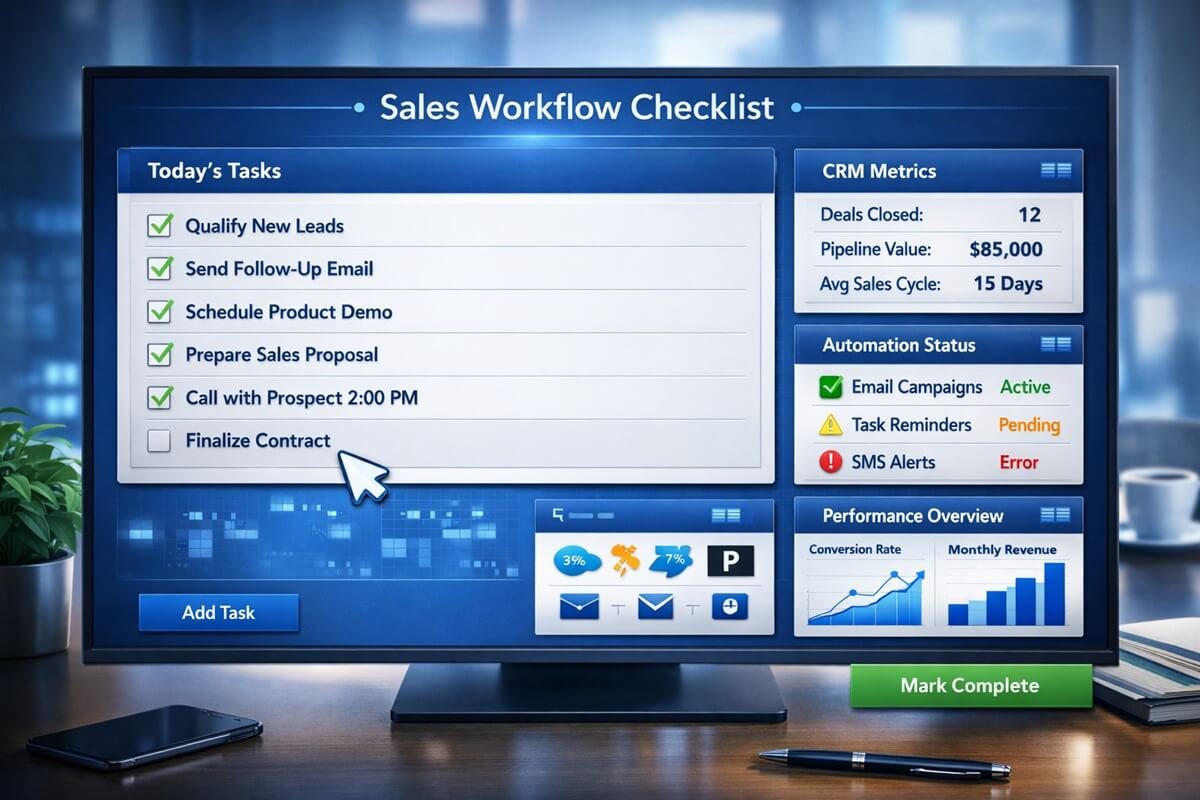
Use this checklist when creating or auditing your sales workflows.
Lead Management
- ✓ Leads automatically enter CRM
- ✓ Duplicate records are prevented
- ✓ Lead ownership is assigned automatically
- ✓ Lead scoring is enabled
Qualification
- ✓ Qualification criteria are documented
- ✓ Exit requirements exist for every stage
- ✓ SDR and sales teams follow the same standards
Follow-Up
- ✓ Automated reminders are configured
- ✓ Follow-up sequences are documented
- ✓ Escalation rules exist for inactive leads
Pipeline Management
- ✓ Every opportunity has a next step
- ✓ Close dates are updated regularly
- ✓ Stale deals are flagged automatically
- ✓ Pipeline reviews occur weekly
Reporting
- ✓ Conversion rates are tracked
- ✓ Pipeline velocity is measured
- ✓ Win rates are monitored
- ✓ Forecasting reports are available
Automation
- ✓ Manual data entry is minimized
- ✓ Meeting scheduling is automated
- ✓ Notifications are triggered automatically
- ✓ CRM updates occur in real time
The more boxes you can check, the healthier and more scalable your sales operation becomes.
How to Build a Sales Workflow in WorkflowAISuite
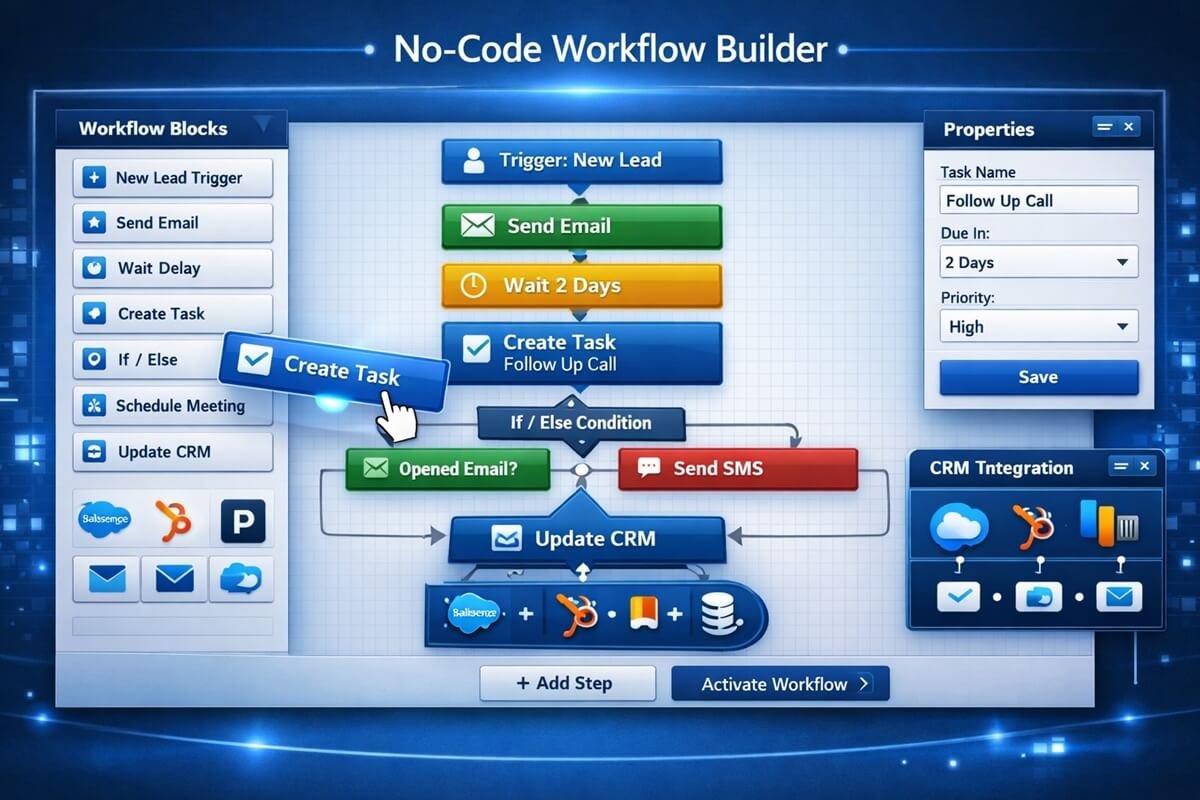
Creating an effective workflow doesn’t require complex coding or expensive consulting projects.
Step 1: Map Your Sales Process
Document every stage from lead capture to customer onboarding.
Questions to ask:
- Where do leads originate?
- How are they qualified?
- What actions move opportunities forward?
- Where do deals typically stall?
Step 2: Define Workflow Triggers
Triggers automatically launch actions when specific events occur.
Examples:
- Form submitted
- Meeting booked
- Proposal sent
- Deal moved to a new stage
- Customer signed contract
Step 3: Automate Repetitive Tasks
Automations can handle:
- Lead routing
- Task creation
- Follow-up reminders
- Email sequences
- CRM updates
- Internal notifications
This allows sales representatives to spend more time engaging prospects and less time performing administrative work.
Popular automation platforms vary significantly in flexibility and ease of implementation. Businesses seeking ready-to-deploy automation platforms can review leading AI workflow tools designed specifically for small teams.
Step 4: Establish Pipeline Rules
Every stage should have:
- Entry criteria
- Exit criteria
- Required fields
- Assigned responsibilities
Clear rules create consistency across the entire sales team.
Step 5: Monitor Performance
Track:
- Conversion rates
- Sales cycle length
- Pipeline velocity
- Win rates
- Forecast accuracy
Continuous optimization is what transforms a good workflow into a high-performing revenue engine.
Downloadable Sales Workflow Template Structure
Whether you’re using a CRM, spreadsheet, or workflow automation platform, the following structure provides a strong foundation.
| Field | Purpose |
| Lead Name | Prospect identification |
| Company | Organization name |
| Lead Source | Origin of lead |
| Pipeline Stage | Current status |
| Lead Score | Qualification rating |
| Next Action | Upcoming task |
| Assigned Owner | Responsible team member |
| Deal Value | Revenue opportunity |
| Expected Close Date | Forecasting |
| Last Activity Date | Pipeline hygiene |
| Notes | Additional context |
This framework can be imported into most CRM platforms or recreated in WorkflowAISuite to standardize sales execution across your organization.
Frequently Asked Questions
What is a sales workflow template?
A sales workflow template is a predefined sequence of actions, tasks, approvals, and automation rules that move a prospect through your sales pipeline. Similar to a sales process, it provides a structured framework for managing opportunities from first contact to closed deal.
What is the difference between a sales process and a sales workflow?
A sales process defines the overall journey from lead to customer. A sales workflow details the specific tasks, triggers, and actions that occur within each stage of that process.
How do sales workflow templates improve conversion rates?
They create consistency, improve follow-up discipline, reduce delays, and ensure that every opportunity receives the appropriate attention at the right time.
Which CRM systems support sales workflow automation?
Most modern CRM platforms support workflow automation, including HubSpot, Salesforce, Pipedrive, Zoho CRM, and Freshsales.
What are the essential stages of a sales pipeline?
Most businesses use six core stages:
- Lead Captured
- Qualified
- Discovery
- Proposal
- Negotiation
- Closed Won or Closed Lost
How can AI improve sales workflows?
AI can automate lead scoring, identify high-priority opportunities, generate follow-up messages, summarize meetings, forecast revenue, and detect deal risks earlier.
How often should sales workflows be reviewed?
Monthly reviews and quarterly optimization sessions are typically sufficient to identify bottlenecks and improve performance.
What metrics should be tracked in a sales workflow?
Key metrics include:
- Lead-to-opportunity conversion rate
- Win rate
- Pipeline velocity
- Average deal size
- Sales cycle length
- Response time
- Forecast accuracy
Final Thoughts
The highest-performing sales organizations don’t rely on individual heroics. They rely on systems. By implementing structured sales workflow templates, you create consistency, improve conversion rates, shorten sales cycles, and gain better visibility into pipeline health.
Start with one workflow, automate repetitive tasks, measure results, and continuously optimize. Companies that achieve the highest ROI generally build complete automation systems rather than isolated automations.
Over time, your sales process becomes a repeatable growth engine rather than a collection of disconnected activities. The companies that win consistently are rarely the ones with the largest sales teams—they’re the ones with the best workflows.