Reclaim.ai vs Motion: Which AI Calendar Is Best for Deep Work and Focused Scheduling?

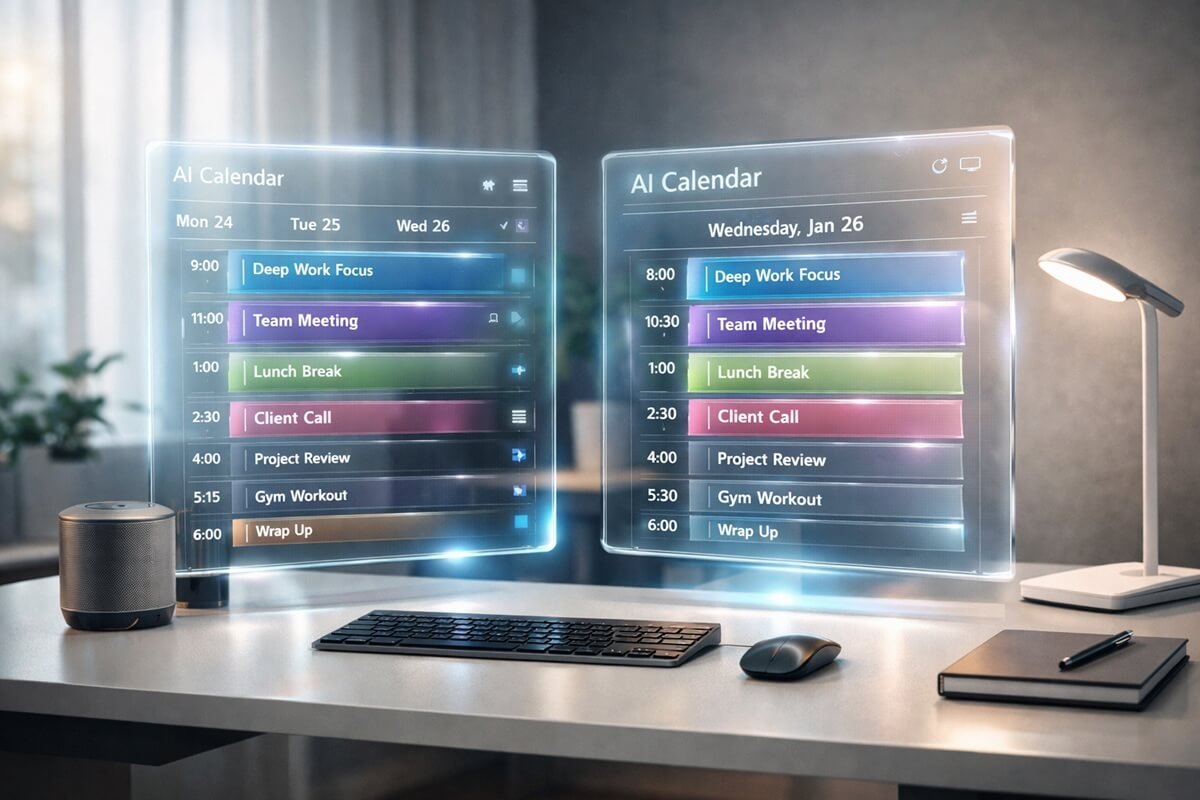
The rise of AI-powered productivity tools has completely changed how professionals manage time, schedule meetings, and protect focus hours. Traditional calendars like Google Calendar are no longer enough for people who want structured workflows and deep focus sessions.
Two of the most advanced AI calendar tools today are Reclaim.ai and Motion. Both promise to automate scheduling, optimize your time, and help you achieve better productivity through intelligent planning. But they take very different approaches.
If you’re an executive, entrepreneur, or knowledge worker trying to improve deep work, focus time, and task automation, choosing the right tool matters significantly.
In this article, we’ll compare Reclaim.ai vs Motion in detail, including features, automation, pricing, usability, and—most importantly—how each tool supports deep work and focused scheduling. After complete reading, you’ll know exactly which AI calendar is best for your workflow.
Table of Contents
What is Reclaim.ai?
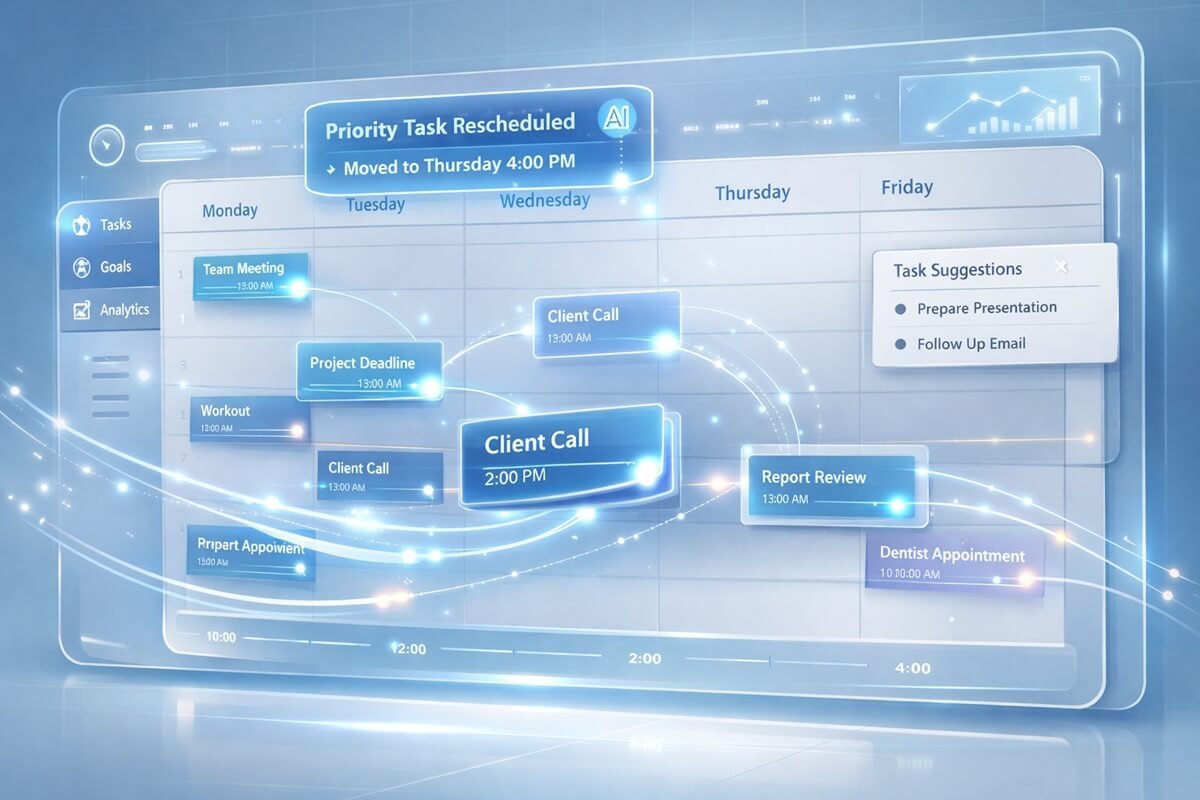
Reclaim.ai is an AI-powered scheduling assistant designed to optimize your calendar by automatically blocking time for tasks, habits, meetings, and personal priorities. Instead of manually managing your schedule, Reclaim intelligently finds available time slots and adjusts them dynamically when your calendar changes.
Key idea:
👉 Reclaim focuses on smart calendar optimization inside your existing workflow
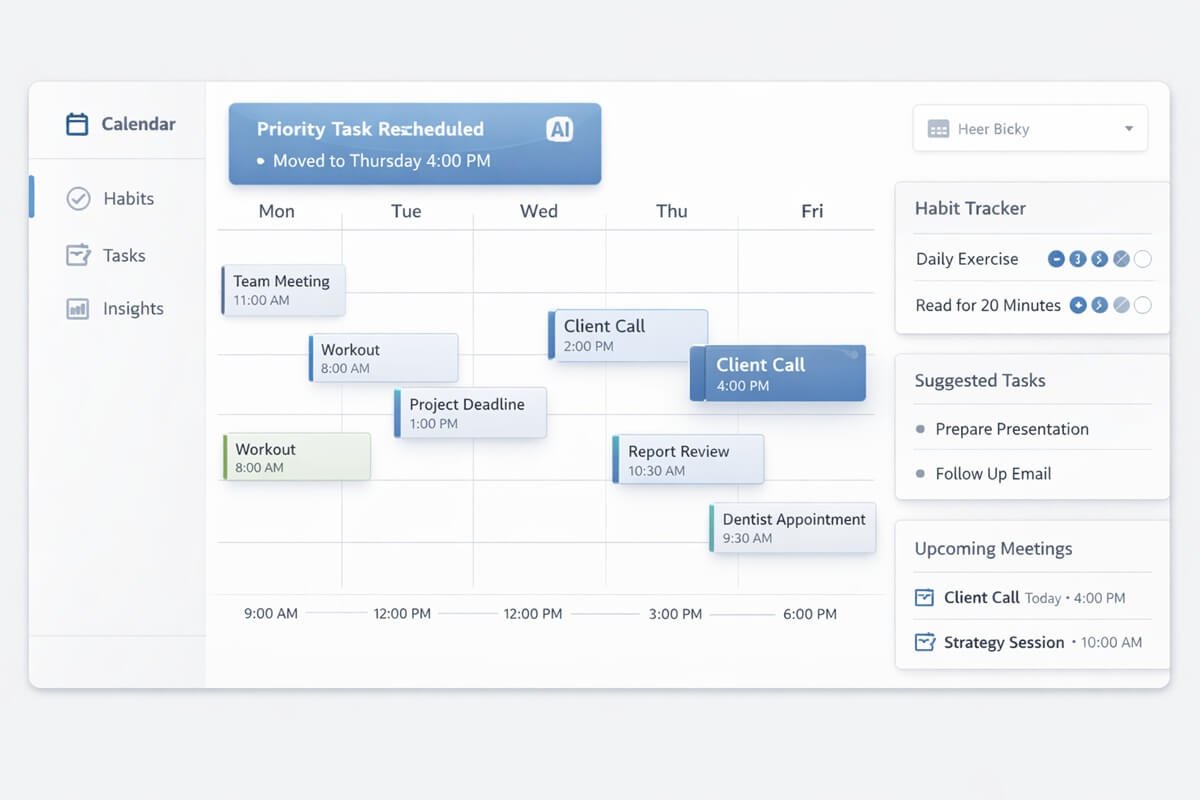
Core Features of Reclaim.ai
- Smart time blocking for tasks and habits
- Automatic rescheduling when meetings change
- Calendar syncing with Google Calendar
- Habit scheduling (gym, reading, learning, etc.)
- Meeting buffer protection
- Team scheduling features
Best for:
- Professionals with heavy meeting schedules
- Teams needing shared calendar optimization
- Users who want lightweight AI scheduling without replacing their workflow
Strengths of Reclaim.ai
- Easy to use and quick to set up
- Strong calendar integration
- Excellent for habit scheduling
- Non-intrusive automation
Weaknesses of Reclaim.ai
- Limited task management system
- Not ideal for full workflow planning
- Less powerful for deep task prioritization
AI calendars are becoming part of larger automation systems. If you want to understand how these tools fit into full automation stacks, see this AI Agent Workflow Guide.
What is Motion?
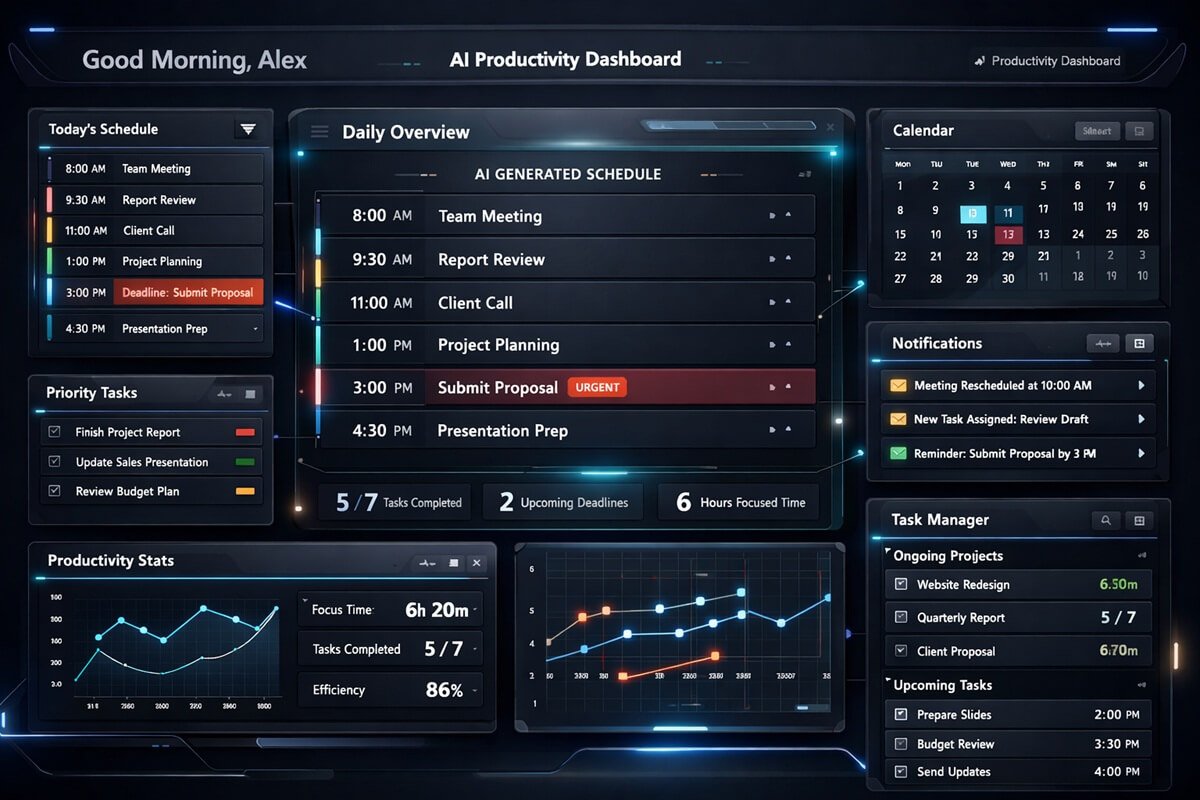
Motion is an AI productivity platform that combines calendar + task manager + AI scheduling engine into one system. Unlike Reclaim, Motion doesn’t just optimize your calendar—it actively builds your entire daily schedule based on tasks, priorities, deadlines, and available time.
Key idea:
👉 Motion focuses on fully automated daily planning and execution
Core Features of Motion
- AI-powered daily schedule generation
- Task prioritization engine
- Automatic rescheduling of incomplete tasks
- Built-in project and task manager
- Deep work time protection
- Smart deadline tracking
How Reclaim.ai Handles Calendar Scheduling
- Reclaim AI calendar scheduling
- Reclaim AI calendar features
- Reclaim AI calendar automation
- Reclaim AI scheduling features
Best for:
- Executives and founders
- Solo professionals managing multiple priorities
- Users who want fully automated daily planning
Strengths of Motion
- Extremely powerful automation
- Excellent for deep work scheduling
- Reduces decision fatigue
- Strong task + calendar integration
Weaknesses of Motion
- Slight learning curve
- Can feel rigid for some users
- More expensive than simpler tools
Motion is part of a broader shift toward full automation systems, similar to modern AI workflows used by businesses and teams where businesses are increasingly adopting automation without expanding their team. If you want to understand how companies achieve this, see how AI automation can be used without hiring extra staff.
Feature Comparison: Reclaim.ai vs Motion
Below is a detailed breakdown of the core features of both tools:
| Feature | Reclaim.ai | Motion |
| AI Scheduling | Strong | Very Strong |
| Task Management | Basic | Advanced |
| Deep Work Protection | Good | Excellent |
| Habit Scheduling | Excellent | Limited |
| Auto Rescheduling | Strong | Very Strong |
| Calendar Integration | Google Calendar | Google + Outlook |
| Project Management | No | Yes |
| Ease of Use | Very Easy | Moderate |
| Automation Level | Medium | High |
| Pricing Value | Affordable | Premium |
Deep Work Performance Comparison

Deep work is the ability to focus without distraction on high-value tasks. This is where Motion and Reclaim differ the most.
1. Focus Time Protection
Reclaim.ai allows you to block focus time and automatically adjust it when meetings change. However, it treats focus time as flexible. Motion takes a stricter approach by actively defending your focus time and rescheduling lower-priority tasks instead.
Reclaim AI can support deep work by finding available calendar time for focused tasks around existing meetings and commitments. When your schedule changes, its flexible approach can adjust the timing of those work blocks instead of requiring you to manually rebuild your calendar. This makes Reclaim useful for protecting dedicated work time when your day contains frequent scheduling changes.
For the best results, use realistic task durations and clear priorities. Reclaim works particularly well when you want your deep-work sessions to remain flexible while still giving important tasks a defined place on your calendar.
| Tool | Focus Protection Level |
| Reclaim.ai | Medium |
| Motion | High |
2. Task Execution System
Reclaim treats tasks as calendar blocks. Motion treats tasks as dynamic units of work, continuously reorganizing them based on deadlines and urgency. This makes Motion significantly more powerful for deep work execution.
3. Meeting Overload Handling
Reclaim reduces meeting chaos by automatically scheduling buffers.
Motion goes further by:
- Reprioritizing tasks instantly
- Rebuilding your day automatically when meetings change
Deep Work Verdict:
👉 Motion clearly wins for deep work optimization
👉 Reclaim is better for lightweight focus scheduling
Automation & AI Intelligence
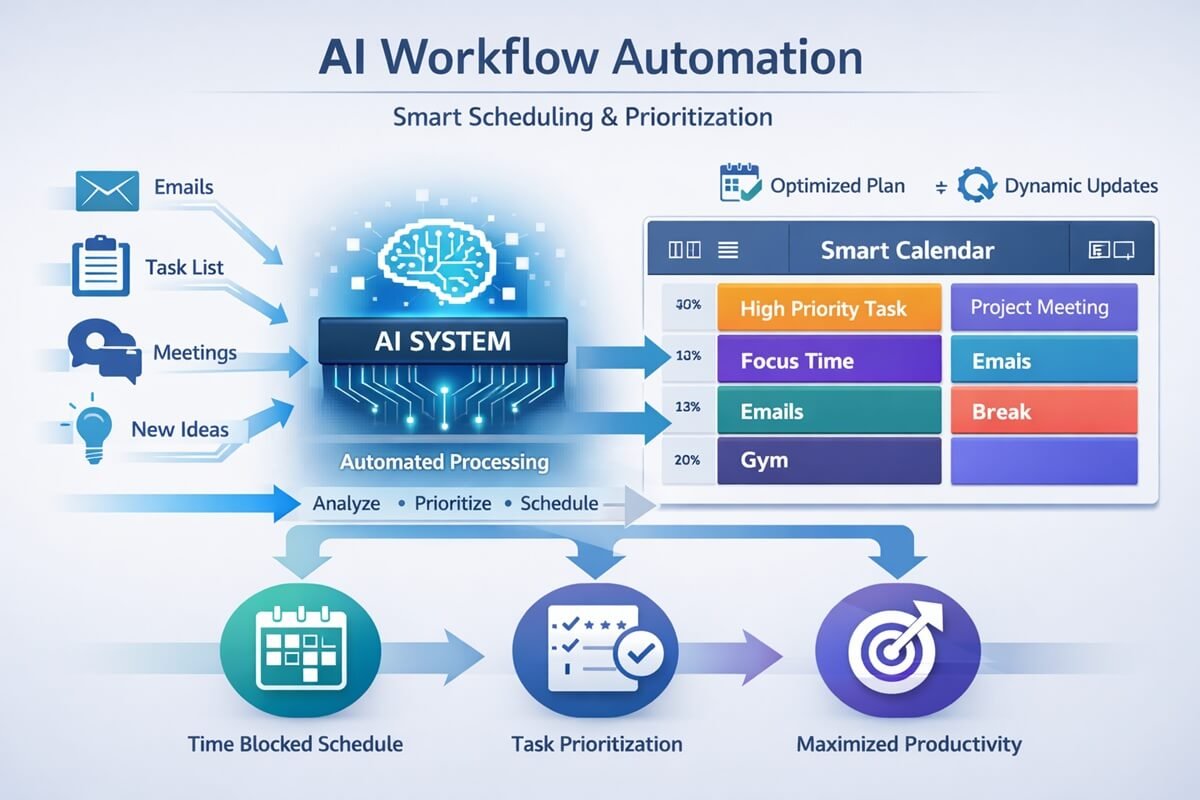
Automation is the core of both tools—but they approach it differently.
Reclaim.ai Automation Style
Reclaim is a calendar optimizer.
It:
- Finds time for tasks
- Moves events intelligently
- Protects habits and routines
But it does NOT fully control your workflow. If you want to go beyond calendar automation, our AI workflow templates can help you build repeatable workflows for tasks, communication, and business processes.
Motion Automation Style
Motion is a full AI scheduling engine.
It:
- Builds your entire day automatically
- Prioritizes tasks based on urgency
- Continuously rewrites your schedule
Tools like Motion and Reclaim are often compared with broader automation platforms found in AI workflow automation tools for small businesses.
Comparison:
| Automation Aspect | Reclaim | Motion |
| Scheduling | Semi-automated | Fully automated |
| Task Planning | Manual input needed | AI-driven |
| Rescheduling | Reactive | Proactive |
| Workflow control | Partial | Full |
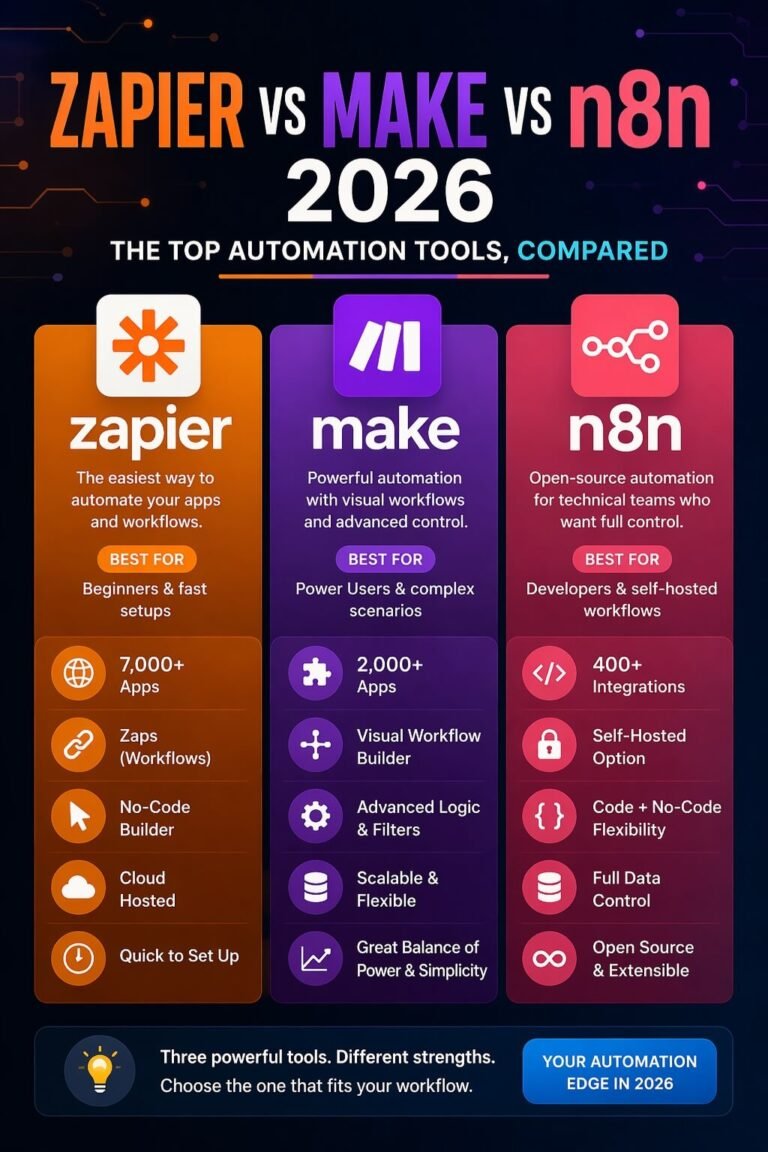
While AI calendars automate scheduling, broader automation ecosystems like Zapier, Make, and n8n handle cross-app workflows at scale.
Ease of Use
Reclaim.ai
Reclaim is simple and fast to set up. You can start using it in minutes.
- Minimal learning curve
- Clean interface
- Works alongside Google Calendar
👉 Ideal for users who want simplicity
Motion
Motion requires more onboarding.
- Needs task setup
- Requires workflow structuring
- More features to learn
👉 Ideal for users willing to invest time for automation power
The rise of AI productivity tools is not limited to calendars—writing and knowledge tools are evolving too. For example, AI content platforms like Notion AI and Jasper show how different tools approach automation in very different ways.
Pricing Comparison
While pricing can change, the general structure is:
Reclaim.ai Pricing
- Free plan available
- Affordable paid tiers
- Great value for individuals and small teams
Motion Pricing
- No long-term free usage (trial-based model)
- Premium pricing
- Higher cost but more features included
Value Verdict:
- Reclaim = budget-friendly productivity tool
- Motion = premium AI productivity system
Best Use Cases
Choose Reclaim.ai if you:
- Want simple AI calendar automation
- Focus heavily on meetings and scheduling
- Prefer lightweight tools
- Need habit tracking + calendar optimization
Choose Motion if you:
- Want full daily automation
- Are an executive or founder
- Need strong deep work protection
- Want task + calendar + AI planning in one system
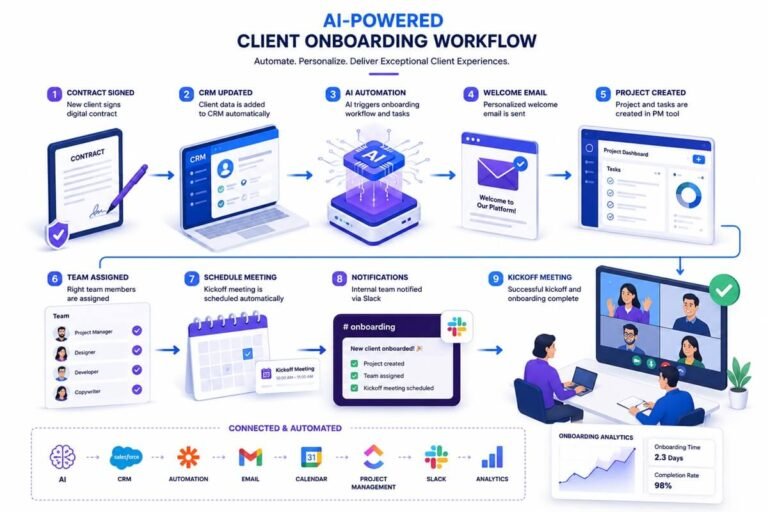
To better understand how tools like Motion and Reclaim automate scheduling, it helps to visualize systems using AI workflow diagrams.
Pros and Cons Summary
Reclaim.ai
Pros:
- Easy to use
- Strong calendar optimization
- Great habit scheduling
- Affordable
Cons:
- Limited task management
- Not fully automated
- Less powerful for deep work workflows
Motion
Pros:
- Fully automated scheduling
- Excellent deep work support
- Strong task management system
- Saves time and reduces planning effort
Cons:
- Higher cost
- Learning curve
- Can feel complex for beginners
Final Verdict: Which AI Calendar Wins?
Both tools are excellent—but they serve different types of users.
🏆 Winner for Deep Work: Motion
Motion is the best choice if your goal is:
- Deep focus sessions
- Automated daily planning
- High-performance productivity
- Executive-level scheduling control
🥈 Winner for Simplicity: Reclaim.ai
Reclaim is best if you want:
- Lightweight scheduling automation
- Better calendar organization
- Habit tracking without complexity
AI scheduling tools are widely used across industries, including sales, consulting, and even AI automation in real estate workflows.
Conclusion
The choice between Reclaim.ai vs Motion depends on how much control and automation you want over your schedule. If you want a simple AI assistant that enhances your calendar without changing your workflow, Reclaim.ai is a great option. But if you want a fully AI-driven productivity system that builds your day, protects your focus, and optimizes deep work automatically, Motion is the clear winner.
In 2026, productivity is no longer about managing time—it’s about automating decisions so you can focus on execution. And in that category, Motion leads the way.
AI scheduling tools like Motion and Reclaim are just one part of a larger productivity ecosystem. Many professionals also combine them with tools like a no-code CRM system to fully automate client management, follow-ups, and business workflows.
FAQs: Reclaim.ai vs Motion
Is Motion better than Reclaim.ai for deep work?
Yes, Motion is generally better for deep work because it automatically builds and restructures your entire day around priorities, deadlines, and focus blocks. Reclaim.ai supports focus time, but Motion actively protects and reorganizes your schedule for deeper productivity.
Which AI calendar is best for executives?
Motion is usually the better choice for executives because it combines task management, scheduling, and AI automation into one system. It reduces decision fatigue by automatically planning your day based on priorities.
Does Reclaim.ai work with Google Calendar?
Yes, Reclaim.ai integrates directly with Google Calendar. It works as an overlay that intelligently schedules tasks, habits, and meetings inside your existing calendar setup.
Can Motion replace a task manager like Todoist?
Yes, Motion can replace tools like Todoist for many users because it includes built-in task and project management along with AI scheduling. However, advanced task users may still prefer dedicated task apps.
Which tool is easier to use, Motion or Reclaim.ai?
Reclaim.ai is easier to use because it has a simpler interface and works more like an enhancement to your existing calendar. Motion has a steeper learning curve due to its full automation and task system.
Is Reclaim.ai free?
Reclaim.ai offers a free plan with basic features, including limited scheduling and habit tracking. Advanced automation features are available in paid plans.
What is the biggest difference between Motion and Reclaim.ai?
The biggest difference is automation level. Reclaim.ai optimizes your existing calendar, while Motion fully builds and manages your daily schedule using AI.
Which AI calendar is better for productivity in 2026?
Motion is generally better for productivity in 2026 because it provides full AI-driven scheduling, task prioritization, and deep work optimization. Reclaim.ai is better for lightweight calendar optimization.





One Comment